30
Programación
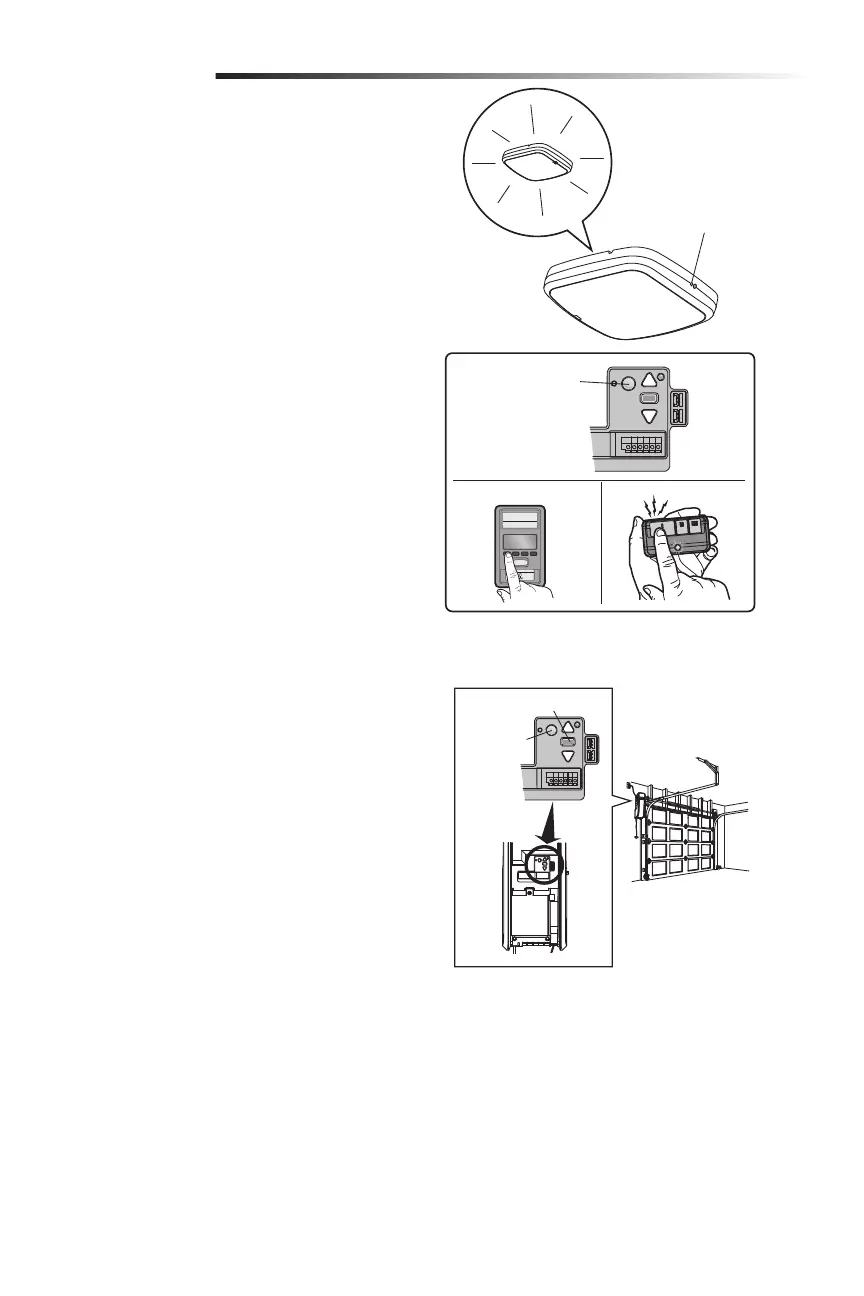
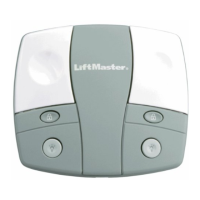
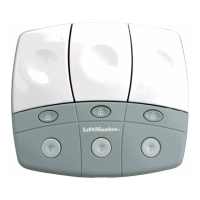
Programar la luz LED remota myQ
La luz remota de su abrepuertas de garaje ya ha sido programada
en la fábrica para que funcione con su abrepuertas. Será necesario
programar cualquier luz remota adicional o de reemplazo.
PROGRAMAR UN ABREPUERTAS A LA LUZ LED REMOTA
myQ
1. Presione el botón LEARN (APRENDER) en la luz hasta que el
LED verde se encienda.
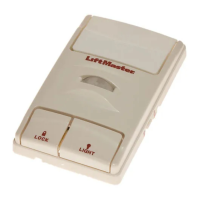
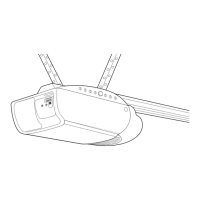
2. Pulse el botón LEARN (APRENDER) del abrepuertas. O BIEN,
En el Smart Control Panel
®
, vaya a Menu (Menú) > Program
(Programar)>myQAccessory (Accesorio myQ).
3. El código estará programado cuando la luz remota parpadee
una vez.
AÑADIR LA LUZ LED REMOTA myQ A LA CUENTA myQ
1. Presione el botón LEARN (APRENDER) en la luz hasta que el
LED verde se encienda.
2. Ingrese a la aplicación myQ y añada la luz LED remota myQ.
PARA BORRAR TODA LA PROGRAMACIÓN DE LA LUZ
LED REMOTA myQ
1. Mantenga presionado el botón LEARN (APRENDER) hasta
que se apague el LED (6-10 segundos). Se borró toda la
programación.
Botón negro de ajuste
Botón LEARN
(APRENDER)
Cómo borrar la memoria
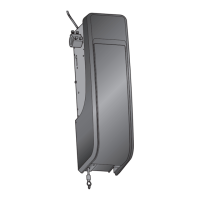
CÓMO BORRAR TODOS LOS CONTROLES REMOTOS Y
ENTRADAS SIN LLAVE
1. Mantenga presionado el botón LEARN (APRENDER) en el
abrepuertas de garaje hasta que se apague el LED Learn
(Aprender) (aproximadamente 6 segundos). Todos los
códigos del control remoto y de entrada sin llave ahora están
borrados. Vuelva a programar cualquier accesorio compatible
que desee utilizar.
CÓMO BORRAR TODOS LOS DISPOSITIVOS (incluidos
los accesorios compatibles con myQ)
1. Mantenga presionado el botón LEARN (APRENDER) en el
abrepuertas de garaje hasta que se apague el LED Learn
(Aprender) (aproximadamente 6 segundos).
2. Inmediatamente mantenga presionado el botón LEARN
(APRENDER) una vez más hasta que se apague el LED de
calibrar. Todos los códigos ahora están borrados. Vuelva a
programar cualquier accesorio compatible que desee utilizar.
CÓMO BORRAR LA RED WI-FI DEL ABREPUERTAS
DE GARAJE
1. Mantenga presionado el botón negro de ajuste en
el abrepuertas de garaje hasta que oiga 3 pitidos
(aproximadamente 6 segundos).
CÓMO BORRAR UNA CUENTA myQ
Vaya a myLiftMaster.com/Customer-Support para borrar su cuenta
myQ.
Panel de control inteligente
Botón LEARN
(APRENDER)
Botón LEARN
(APRENDER)
del abrepuertas
O






 To Next Page