6
:: Introduction
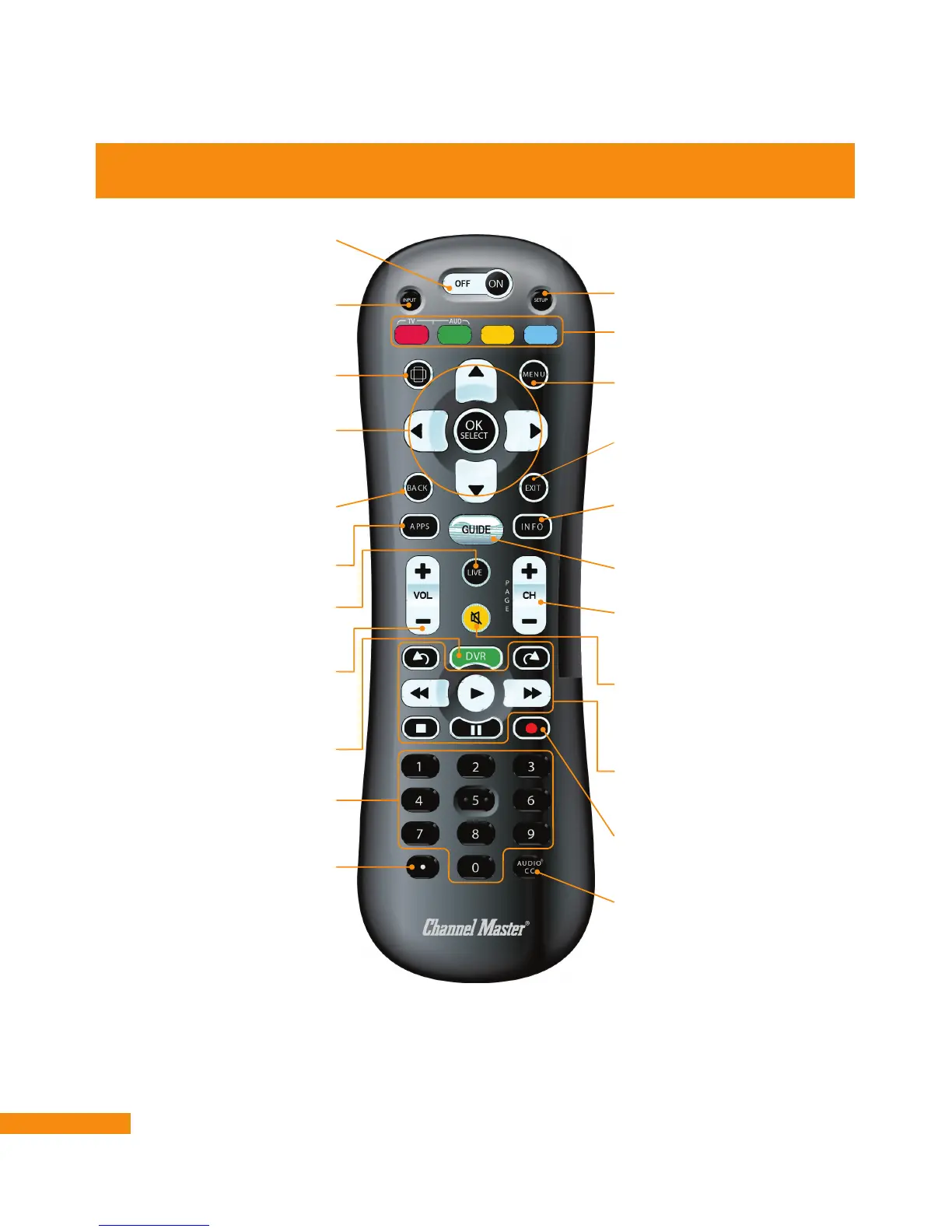
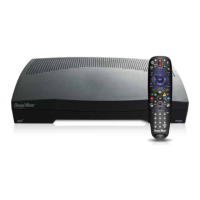
Remote Control
OFF/ON
Turns the DVR+, TV, or an audio
device on or off
DVR
Displays recorded events
Playback Control
Skip Forward/Skip Back/Rewind/Play/
Fast Forward/Stop/Pause
Zoom
Reformats the screen ratio
BACK
Return to previous guide page,
menu, or channel
APPS
Access Apps screen
LIVE
Exit from the guide/any
menu and view live TV
INPUT
Selects the TV input (see Programming
the Remote Control on page 10)
Colored Buttons
Use varies depending on feature
SETUP
Programs a TV or audio device
MENU
View main menu for advanced options
and settings
Navigation
Choose options in menus, DVR
recordings, guide, settings and
info bar
EXIT
Close menu/guide and return
to viewing
INFO
Displays channel and
program information
GUIDE
View program guide
Channel/Page
View previous/next
channel or navigate guide
or text pages
Volume
Increase/decrease TV volume (see
Programming the Remote Control on
page 10)
Mute
Silence audio output from the TV
(see Programming the Remote Control
on page 10)
Record
Record current program
or guide selection
AUDIO CC
Displays audio options, including
closed captions
Numeric Keypad
Choose channel directly by number
Period
Displays sub-channels


 To Next Page