20
:: Using the DVR+
Changing Channels
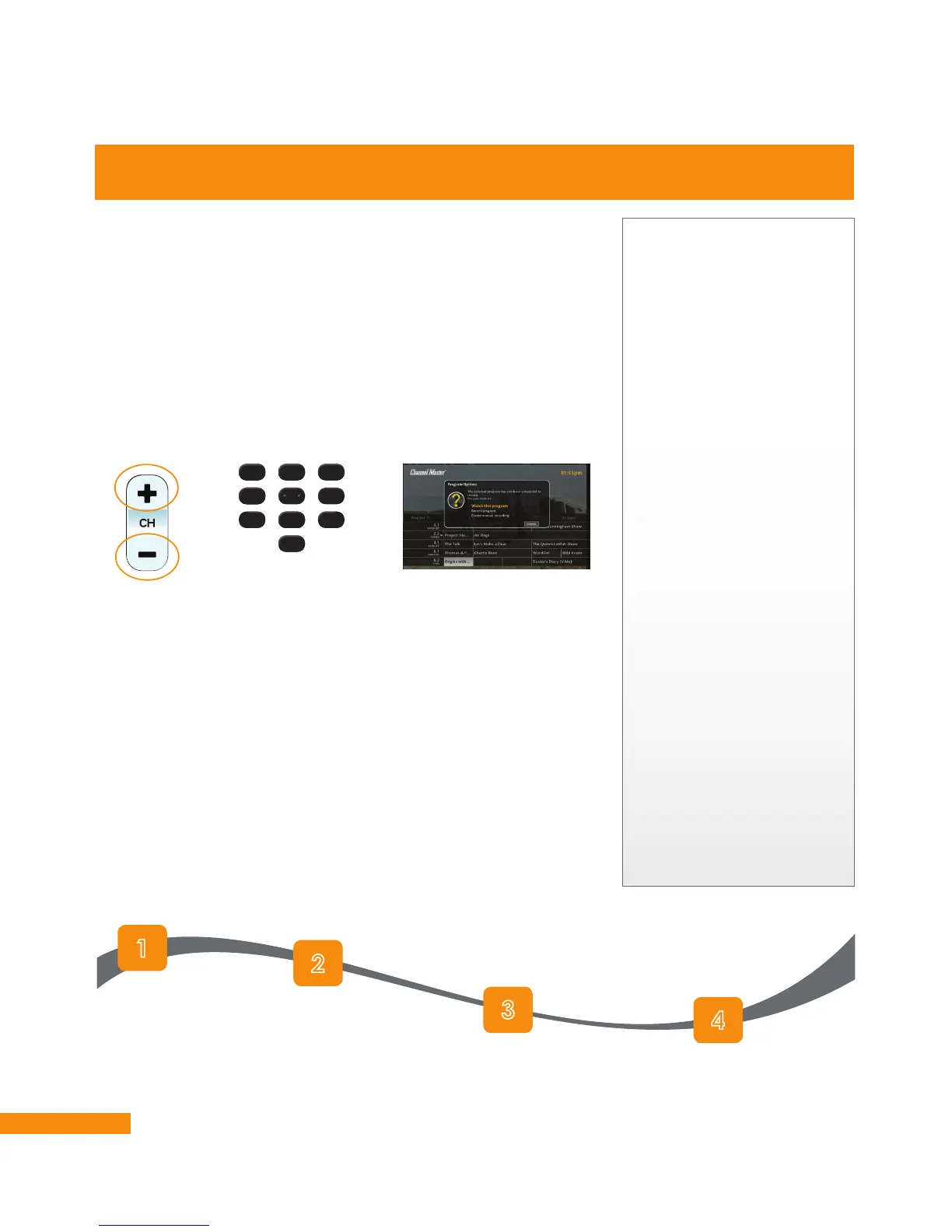
When viewing live TV, you can change channels on your DVR+ in
the following ways:
• Press CH+ or CH– on the remote control.
• Enter the channel number using the numeric keypad on
the remote.
• Press GUIDE on the remote to view the list of all currently
available channels. Then highlight a current program on a
different channel, press OK/SELECT on the remote, and select
Watch this Program.
Controlling the Volume of Your TV
• Press VOL+ or VOL– on the remote to raise or lower the
volume of your TV.
• Press MUTE on the remote to turn off your TV’s sound; press
MUTE again or VOL+ or VOL– to restore the sound.
Note: You must program your new DVR+ remote to control the
volume and mute functions of your TV. See page 10 for more
information.
Controlling Digital Audio
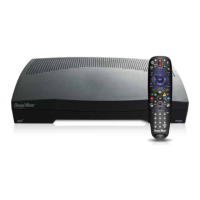
Your new DVR+ receiver offers several digital audio features to
enhance your enjoyment of many programs and events. Most of
these options can be found under Settings » TV & Audio Setup »
Digital Audio Setup:
Using the DVR+ Receiver
If channels are missing:
If there are subscription-
free over-the-air (OTA)
channels in your local area
that you do not see listed
in the program guide, try
the following:
• Press MENU
on the remote.
• On the left, navigate
and select SETTINGS.
• Scroll the list and select
Technical Information.
• Scroll the list and select
Signals and Network.
• Verify that your signal
strength and signal
quality are both at least
a value of 30.
• If the values are below
30, readjust your OTA
antenna.
If one channel is missing,
perform a Manual Scan
from the Tuning sub-
menu. If several channels
are missing, perform a
Full Re-Scan.
3
6
9
1
4
7
2
5
8
0
Press MENU
on the remote.
On the left, navigate to
SETTINGS and
press OK/SELECT.
Scroll the list of settings
and highlight TV & Audio
Setup, then press
OK/SELECT.
Scroll the list of items and
highlight Digital Audio Setup,
then press OK/SELECT.


 To Next Page