2
:: Introduction
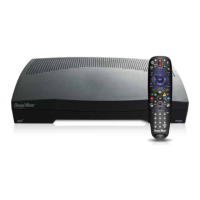
Thank you for purchasing your new Channel Master DVR+
high-definition (HD) digital video recorder (DVR) and receiver.
The DVR+ is the complete entertainment solution—a state-of-
the-art HD DVR combining subscription-free, over-the-air (OTA)
digital television reception with access to Internet-enabled TV
apps such as YouTube, Pandora, VUDU, and Channel Master TV.
Internet Features
Note that to access DVR+ Internet-enabled features, you must
have access to a high-speed broadband Internet service.
A download speed of 2 Mbps or more is highly recommended
in order to enjoy streaming services such as YouTube, Pandora,
VUDU, Sling TV, and Channel Master TV.
Using This Guide
This guide is intended to help you use your new Channel Master
DVR+ receiver. It describes the controls and connections required
to set up your device and operate your device using the following
conventions:
Bold Text
Body text in bold indicates a button to press on the remote
control.
Italic Text
Body text in italics indicates an option or sequence of options
(separated by the » character) to select from the DVR+ user
interface on your TV. Use the navigational arrow buttons on the
remote to highlight your selection.
Tasks
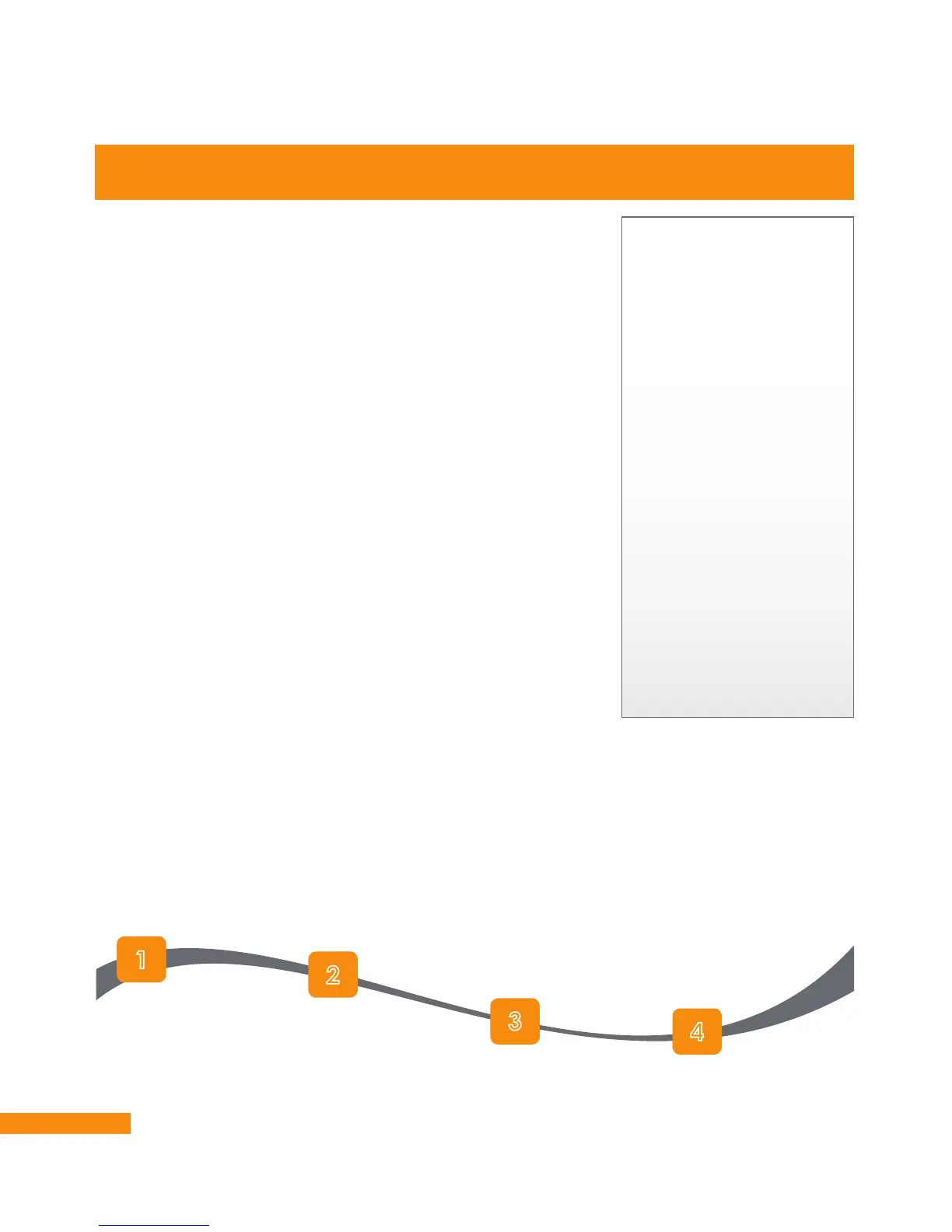
Numbered tasks quickly illustrate how to use some of the many
features of the DVR+. The flow of these tasks are illustrated using
a ribbon, as shown below:
About Your New DVR+ Receiver
The VUDU Service
Access to rent or buy on-
demand VUDU movies
using your DVR+ receiver
requires an account with
the VUDU service. You
can browse for available
movies and then sign up
directly from within the
online app on the DVR+.
Or you may use a web
browser to visit vudu.com
and select the Sign Up
button to get started.
If you already have a
VUDU account, you can
sign in to it from your
DVR+. Or if you have an
account with
Walmart.com, you can
use that username and
password to get started.
Start task with
step 1.
Continue with step 2.
Follow with step 3.
Finish with step 4.
Task completed.


 To Next Page