11
Getting Started ::
Easy Scan Programming Method 2
If your brand of TV or audio device is not listed in the table on the
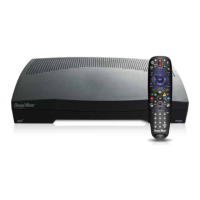
previous page, follow this procedure to program your remote.
You can program only one device at a time.
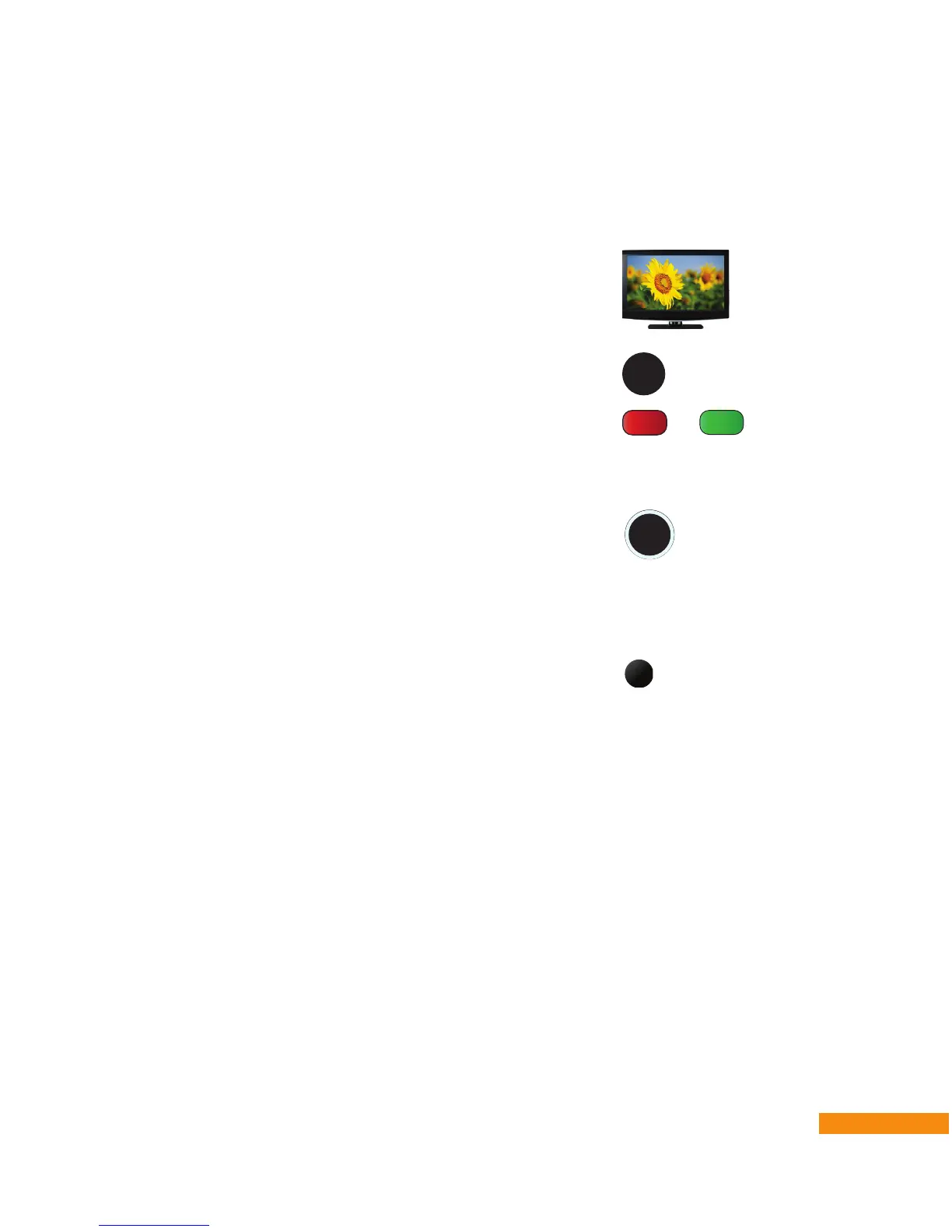
1 Turn on your TV or audio device.
2 Press and hold the SETUP button until the OFF/ON button
fl ashes twice, then release the button.
3 To program the remote to control your TV, press the
Red (TV) button. Or, to program the remote to control your
audio device, press the Green (AUD) button. The OFF/ON
button turns red.
4 Point the remote at the TV or audio device you want to
program. Hold down the OK/SELECT button until your TV
turns off, then immediately release the button.
Once the code is transmitted (it may take up to 2 minutes),
the OFF/ON button fl ashes twice to indicate that the code has
been programmed successfully for your TV or audio device.
5 Point the remote toward the device and press the ON button
to power on your device and confi rm that the remote now
controls your device.
SELECT
OK
ON
or
SETUP


 To Next Page