Page 13
Page 12
Before leaving the installation site, complete this checklist. Then tear out this page and give it
to the person responsible for activating the station.
Check each box below to confi rm that the task has been completed.
The two security screws inside the holster plugs on the head assembly are
tightened and the rubber plugs are in place (see page 10).
Cable clamp halves are screwed together with no gaps (see page 9). All
charging cables operate smoothly through full extension and retraction.
The station has adequate communications signal(s) (see page 9).
The Service Menu shows no station codes for either port (see page 8).
When starting a charging session using your ChargePoint card, the station
displays no error codes or warning lights (see page 8), and both holsters
unlock and lock.
Station information for both the old head assembly and new head assembly has
been recorded (opposite page).
TroubleshootingComplete the Post-Installation Checklist
Description of Station Codes
If you see a station code (see page 8 for details on how to display station codes), you
must resolve or report the error before leaving the installation site.
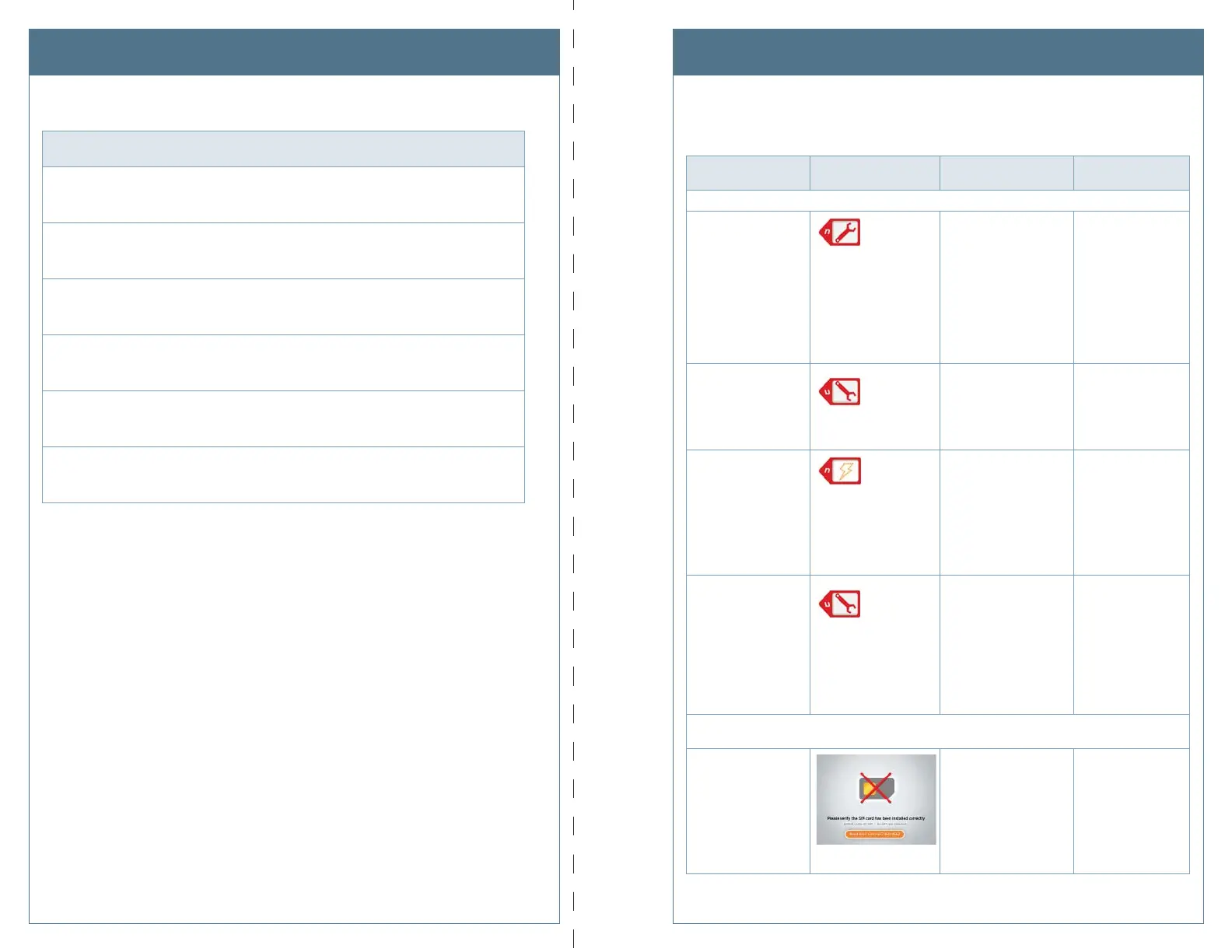
Code Symptom Possible cause(s)
Recommended
Action(s)
In most cases, a driver can resolve the following station codes that begin with the digit “1”:
101-
Over Current Detection
n = the number of the applicable port
During charging, the
vehicle attempted to
draw more power than
allowed. The station
stops delivering power to
the vehicle.
Can indicate faulty
wiring in the vehicle.
End the session by
inserting the station’s
plug back into its
holster, then restart
the session.
If the error persists,
call ChargePoint
Customer Support at
1-877-850-4562.
102-
Ventilation Requested
n = the number of the applicable port
Vehicle requires
ventilated charging which
is not supported by the
station. The station stops
delivering power to the
vehicle.
Driver will be unable
to use the station
to charge their type
of vehicle. Call the
vehicle manufacturer.
103-
Soft Ground Fault
n = the number of the applicable port
During charging, the
station detected a ground
fault. The station stops
delivering power to the
vehicle, but continues to
retry every 30 seconds.
End the session by
inserting the station’s
plug back into its
holster, then restart
the session.
If the error persists,
call ChargePoint
Customer Support at
1-877-850-4562.
104-
Immediate Ground
Fault
n = the number of the applicable port
On initial plug-in, the
station detected a
ground fault. The station
stops delivering power to
the vehicle.
End the charging
session by inserting
the station’s plug
back into its holster,
then restart the
session.
If the error persists,
call ChargePoint
Customer Support at
1-877-850-4562.
In most cases, an electrician can resolve the following station codes that begin with the
digit “2”:
201-SIM
SIM Not Detected
The SIM is either not
installed or is incorrectly
installed and the station
can not communicate
with the ChargePoint
network.
Disconnect power
and install (or re-
install) the SIM card
as described on
page 5.
If the error persists,
call ChargePoint
Customer Support at
1-877-850-4562.
After completing both sides, cut or tear along dotted line and give it to the person responsible for activating the station.












 To Next Page