Return/Refund
Perform a refund to return money to a cardholder’s account from a sale completed in a
closed batch (e.g., previous day).
What the customer will see on the display:
Customer is prompted to Tap/Insert/Swipe
1. Customer confirms the refund amount.
2. Approval is displayed and receipt prints.
3. Press Print Receipt to print the customer copy.
For contactless (tab) transactions, the customer holds their
card over the terminal until the reader flashes and/or
beeps.
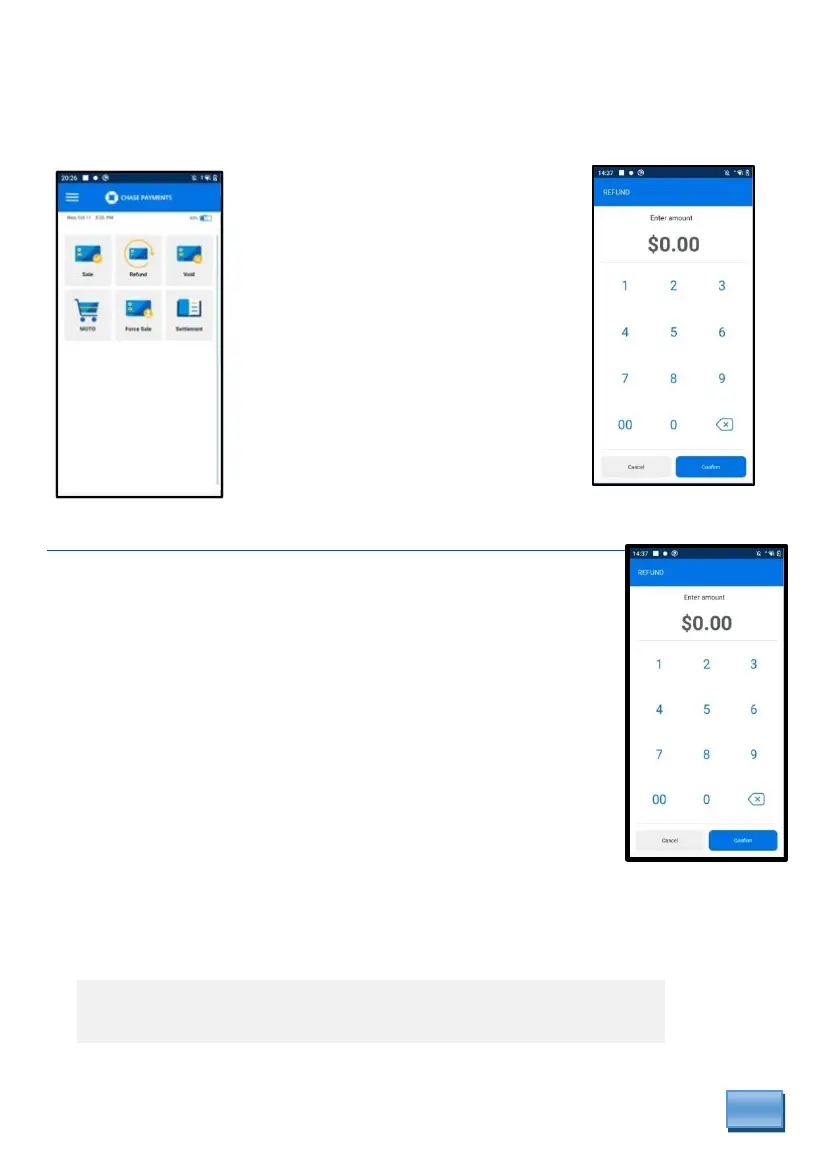
From the idle screen
select Refund.
Optional prompts if enabled
may display. Ex: Clerk #,
Invoice #, Tax #.
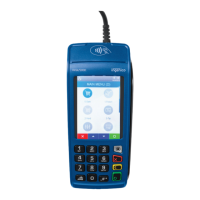
Then key in amount
and press Confirm.
* Follow prompts until refund is completed.



 To Next Page