Void
Perform a void to reverse a credit or debit sale, force, or return transaction
and prevent any funds from transferring from the cardholder’s account.
Only available for transactions in the current batch (e.g., same day).
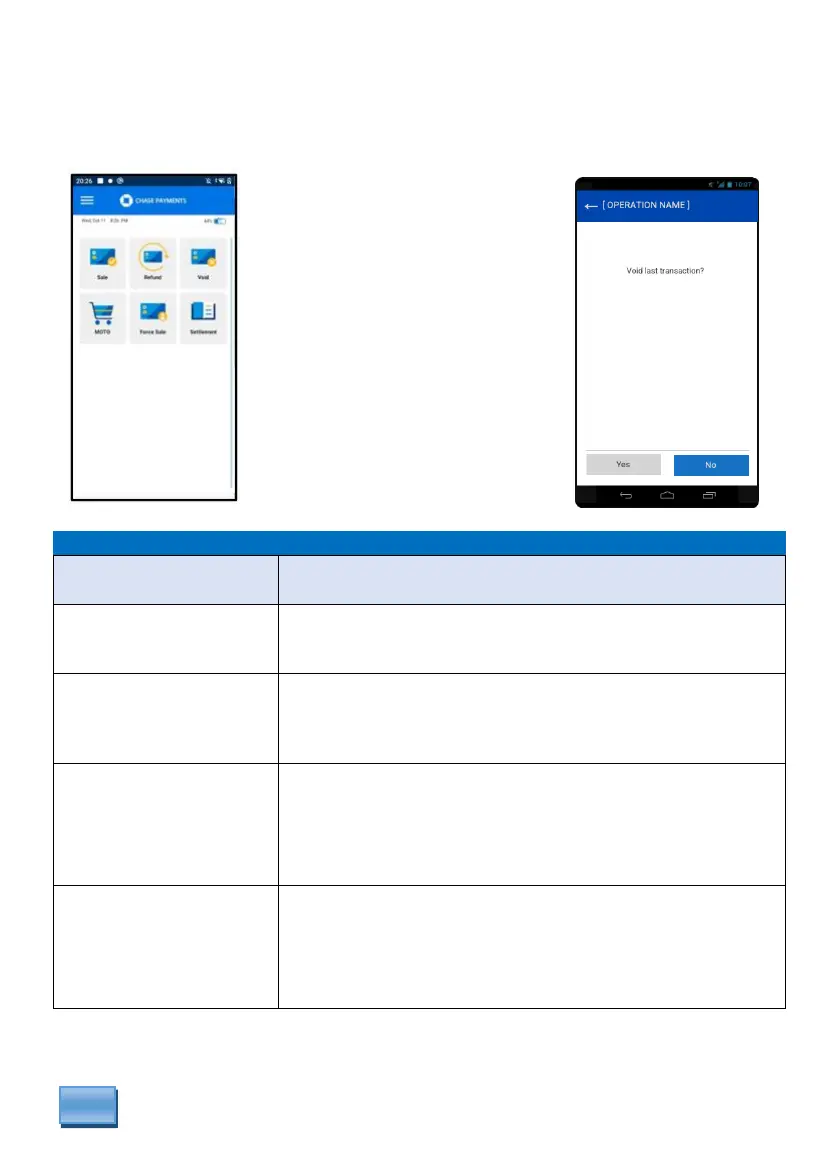
Void the last transaction?
Select “Yes” to Void the last transaction performed.
Select “No” to Void other transaction in the batch.
Enter last four digits of
the card?
If “No” is selected, “Enter the last four digits” of the
cardholder’s number located on the receipt and press
[Confirm].
Select Transaction
VISA
XXXXXXXX7871
$8.00
If more than one card ends with the same last 4-digits, then
select the applicable transaction to void.
Then press [Confirm] to void transaction.
Are you sure?
Visa
401288******1181
$10.00
If “Yes”, the terminal will connect to the host voiding the
transaction.
If “No”, cancels the transaction completely.
From the idle screen
select VOID.
Select “Yes” to void the last
transaction.
Select “No” to void any other
transaction within the batch.



 To Next Page