Intelect® Advanced Therapy System
46
OPERATION
GENERAL ELECTROTHERAPY WAVEFORM SET UP (continued)
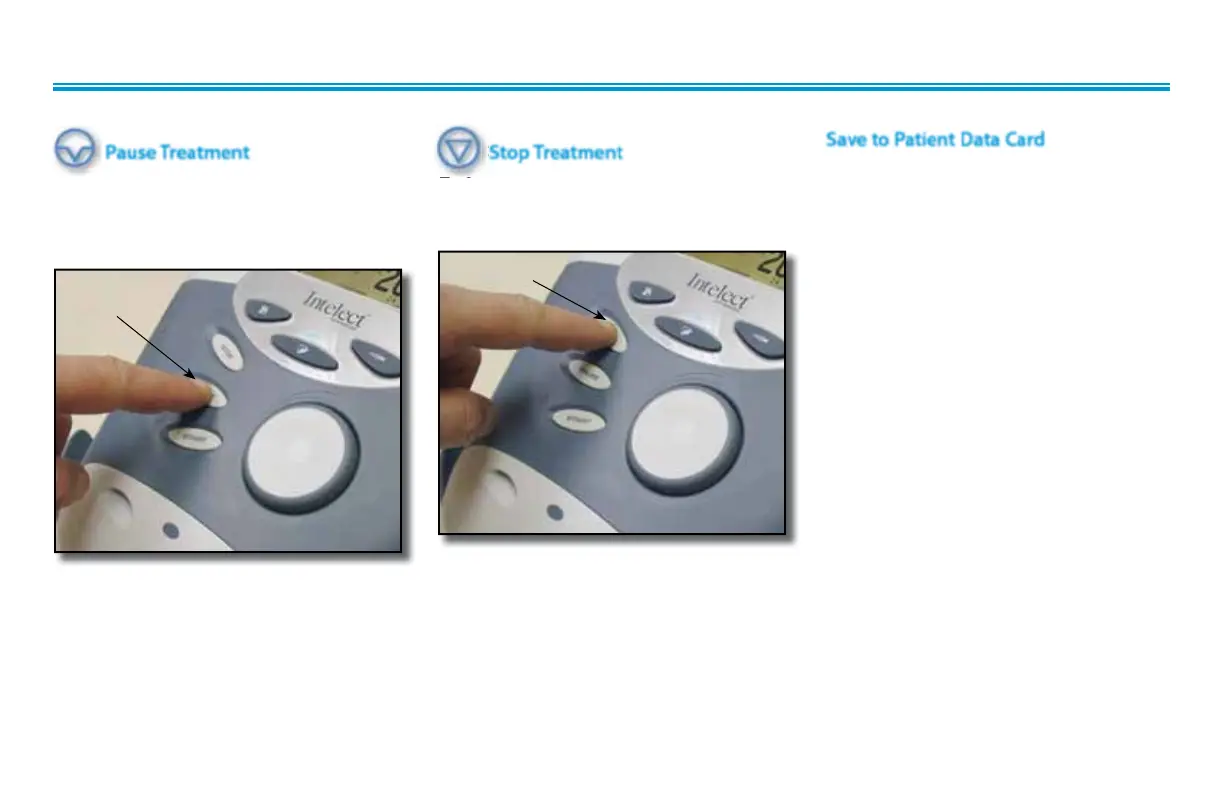
Pause Treatment
Press the Pause button to pause therapy
session and maintain remaining time. To
resume treatment, press the Pause button
again.
Stop Treatment
To Stop treatment, press the Stop button
once. Treatment will stop and the Home
screen will display.
Stop TreatmentStop Treatment
To Stop treatment, press the Stop button
Save to Patient Data Card
After session is complete, press the Save
to Patient Card button. Refer to pages 63
through 72 for Patient Data Card Setup
and use.
PAUSE
BUTTON
STOP BUTTON











 To Next Page