Intelect® Advanced Therapy System
74
OPERATION
CLINICAL RESOURCES LIBRARY- CLINICAL PROTOCOLS™ (continued)
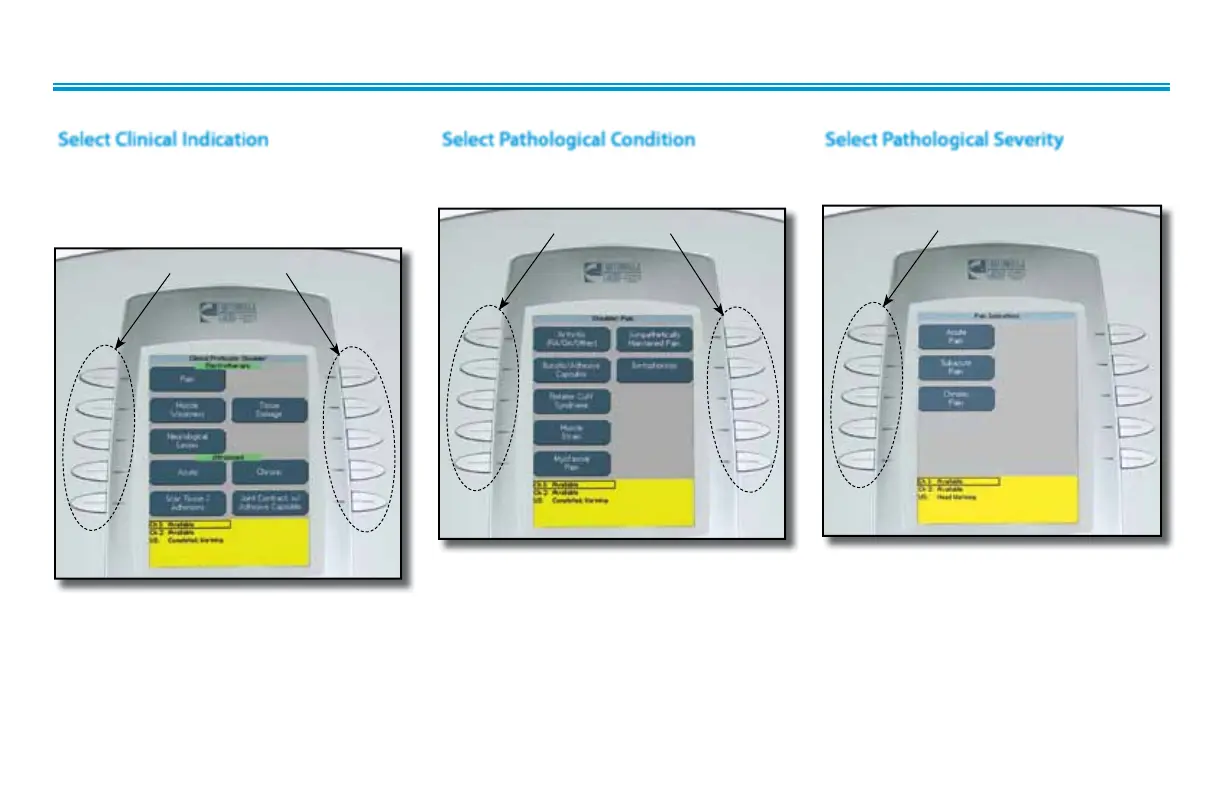
Press the button beside the desired
Pathological Condition.
Press the button beside the Clinical
Indication desired in either the
Electrotherapy or Ultrasound screen
section.
Select Clinical Indication
CLINICAL INDICATION BUTTONS
Select Pathological Condition
PATHOLOGICAL CONDITION BUTTONS
Select Pathological Severity
Press the button beside the desired
Pathological Condition.
PATHOLOGICAL SEVERITY BUTTONS
NOTE:
Not all Pathological Conditions have
corresponding Pathological Severity
windows. Some go directly to the
associated modality Treatment Review
screen.











 To Next Page