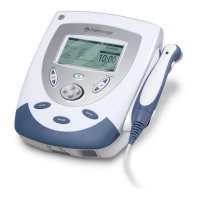
Intelect® Advanced Therapy System
69
OPERATION
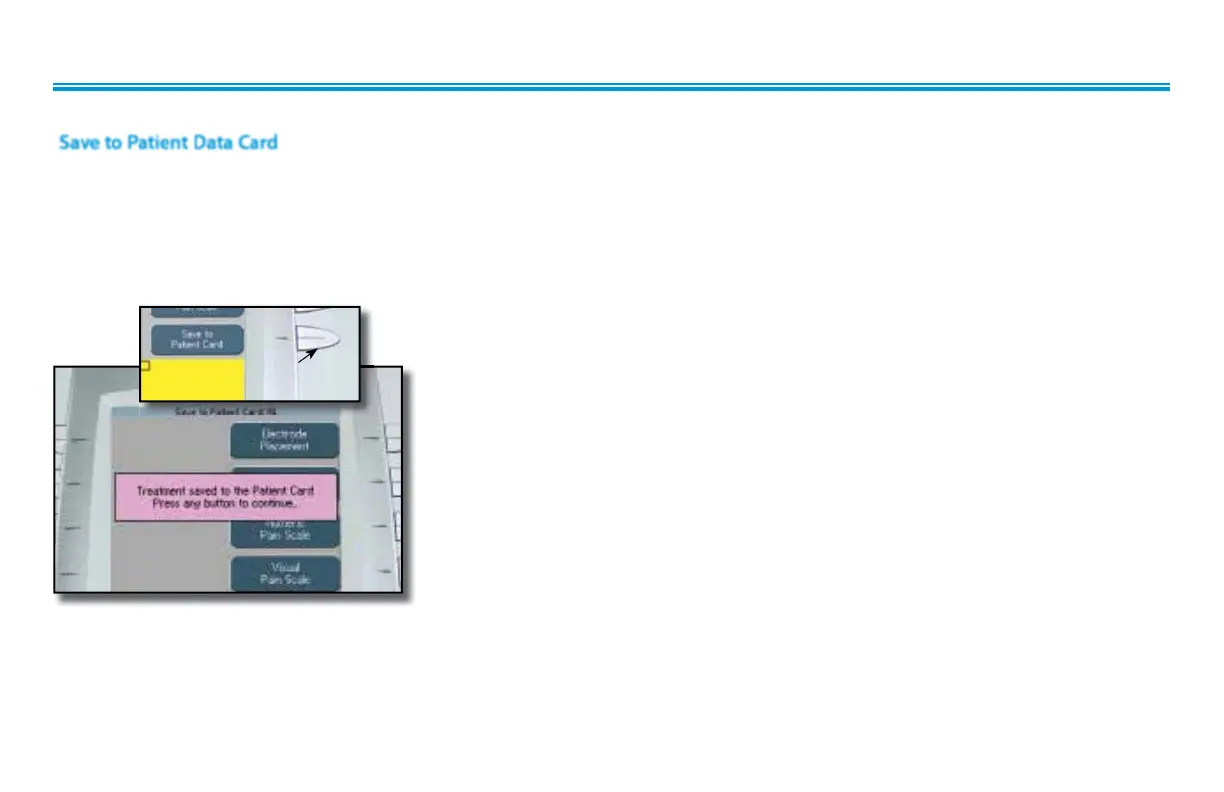
After all desired session data has been
entered in the Patient Data Card screens,
press the Save to Patient Card button. A
message will appear stating the data has
been saved to the Patient Data Card.
Press any button.
PATIENT DATA CARD- SET UP OF NEW CARD (continued)
Save to Patient Data Card
SAVE TO PATIENT
CARD BUTTON
After pressing any button, the Completed
Treatment Review screen will display. Press
the Home button.
Remove the Patient Data Card for filing with
patient records.
The Patient Data Card can also be used with
the optional Patient Data Management
System.




 To Next Page