RSR-000886-000 (1) Page 23 of 40
The software has a 6 second delay (with 6 audible beeps) to warn the user of the transition
from Standby to Ready mode. During the transition, the Standby button changes to Ready
and flashes. After 6 beeps, the laser is in Ready mode.
The purpose of Ready mode is to wait for the user to press the finger switch to start laser
emission. In Ready mode, the laser will emit when the finger switch is activated. The laser
system will return to Standby mode from Ready mode if emission is not enabled within 100
seconds.
Warning: NEVER leave this device unattended in Ready mode.
In Ready mode:
• The Ready button is active and the aiming beam emits from the hand piece.
• The selected time, power, and pulse settings are still adjustable; however, the skin
color is not adjustable.
• To start laser emission, press the finger switch. To stop emission, remove finger
from the finger switch. The laser emission can be enabled again by pressing the
finger switch until the remaining time is over.
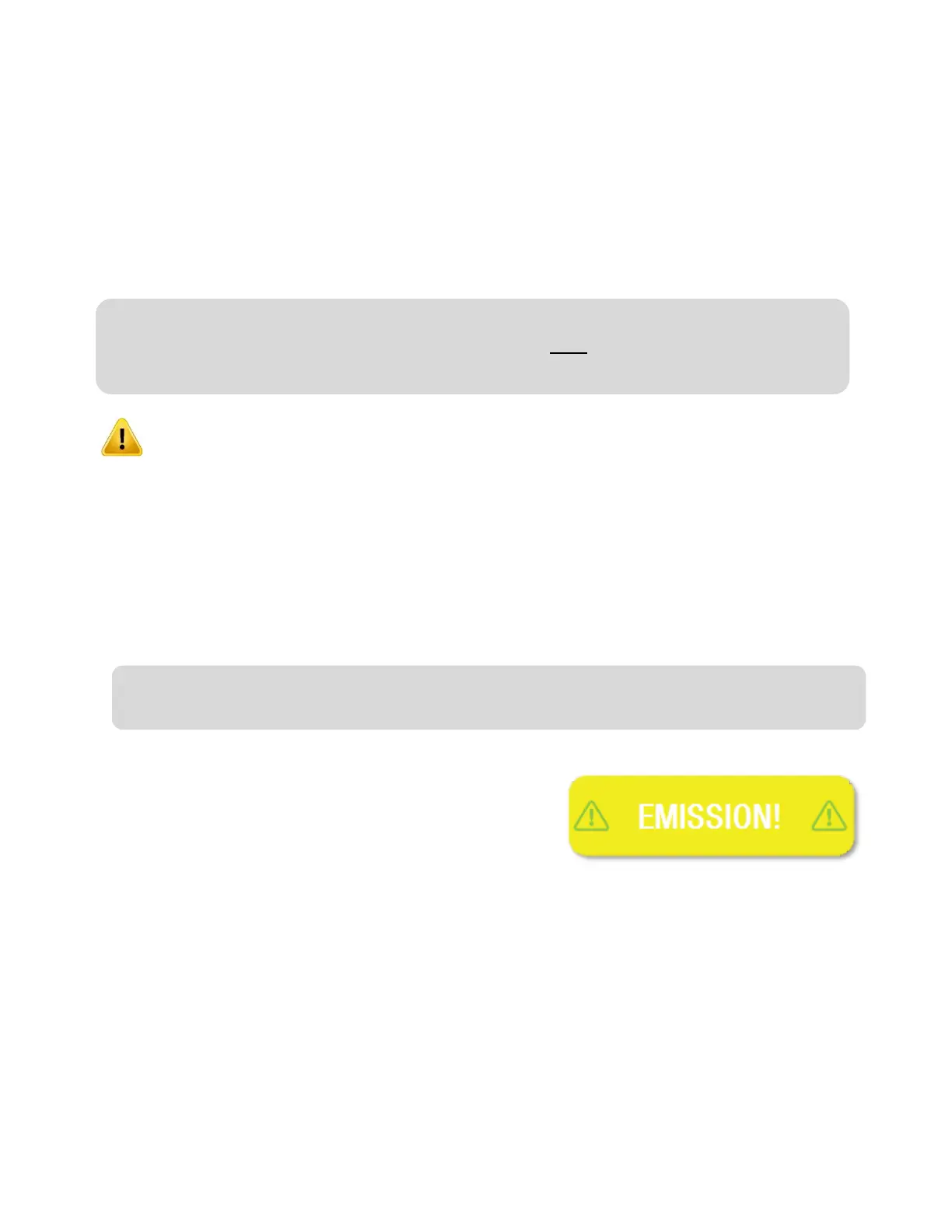
During emission, the word “EMISSION!” will replace
the Ready button on the screen and the software does
not allow the user to change any settings. In addition,
the laser system will produce beeps, or a steady
audible tone according to the audio settings chosen in
Setup, and the aiming beam will continue to emit. Furthermore, the LED emission indicator
on the front bezel will illuminate for the duration of the treatment.
Note: Pressing the finger switch during the 6 second delay will result in an Operation
Error. The user will need to depress the finger switch prior to pressing exit, at which time
the system will return to Standby.
Note: If the unit has the finger switch override ON, each time the finger switch is pressed,
it will act as an on/off switch.











 To Next Page