RSR-000886-000 (1) Page 6 of 40
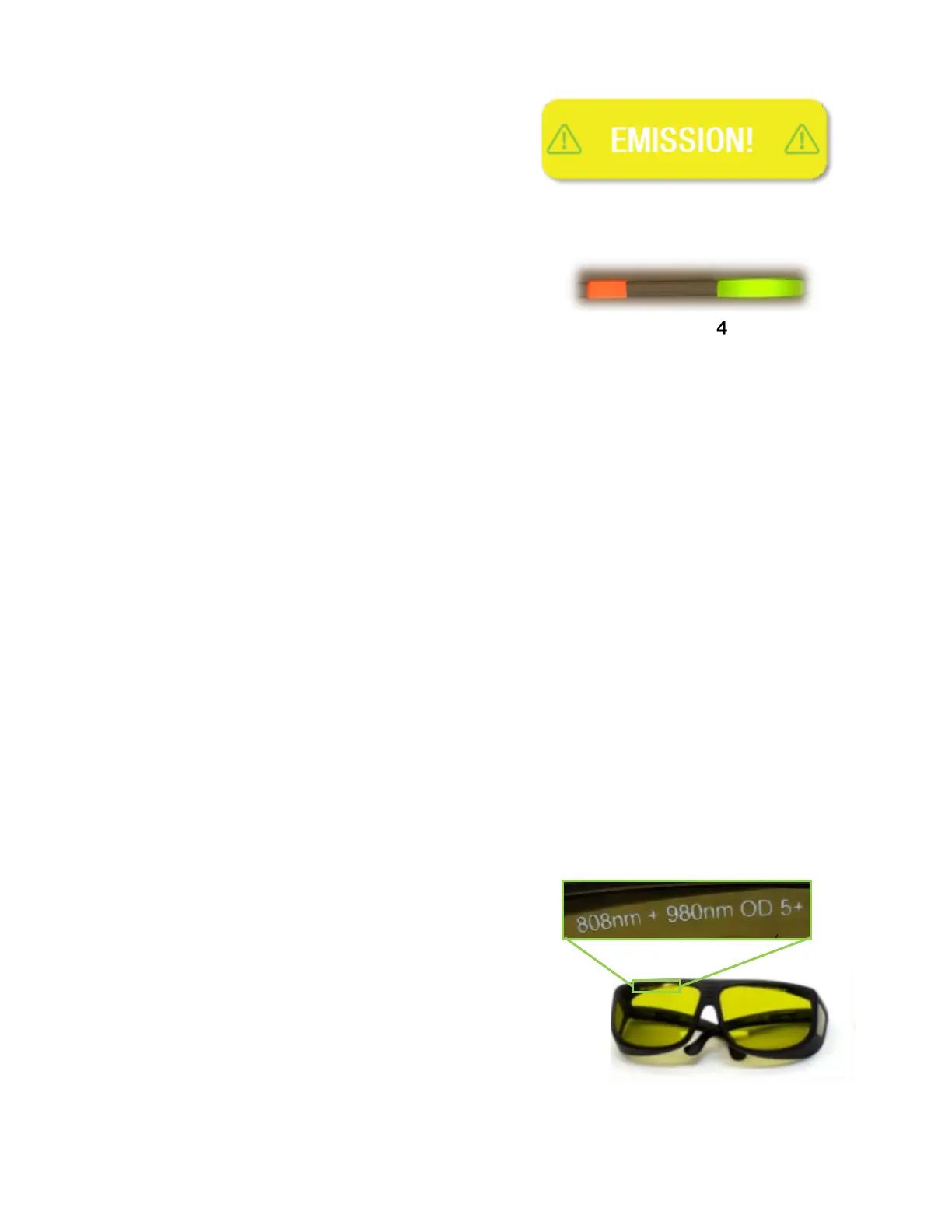
When the laser system is emitting, an EMISSION!
indicator (Figure 3) will appear on the touch screen
and flash. See Section 4.3.6 for a full description of
the transitions of this indicator based on the laser
mode (i.e. Standby, Ready, or Emission).
The amber LED (Figure 4) next to the power button on
the front bezel illuminates to indicate the state of the
laser. When off, the laser is considered to be in a safe
state - Standby. While transitioning from Standby to
Ready mode, the LED blinks. When in Ready mode,
it is constantly illuminated. While emitting, it blinks.
In addition, there is a red aiming beam that emits from the hand piece while in Ready and
Emission modes that provides a visible indication of laser state and the treatment location.
This aiming beam flashes during the transition from Standby to Ready mode.
Lastly, there is an audible indication during Emission that is a steady tone, or continuous
beep, depending on the system settings. The audible alert sounds six times during the six
second transition from Standby to Ready mode.
1.5.5. Unattended Protection 100 Seconds
If the laser system is left in Ready mode without enabling laser emission, the system will
automatically return to Standby mode.
1.5.6. Internal Laser Energy Monitor
To prevent over-exposure hazards due to excessive laser power, the laser system
continuously monitors the output current of the diodes to ensure they are within the factory
calibration settings. If it is detected that the electrical current levels exceed the upper or
lower limits that would result in power levels outside of the ±20% thresholds, the laser will
stop emission and return to Standby mode. To clear the error message and reset the laser
system, the operator must press the EXIT button on the touch screen.
1.6. Laser Eye Protection
ANYONE in the Laser Treatment Controlled Area
(LTCA) during laser treatment MUST wear the laser
safety eyewear that is provided with the Laser System.
The eyewear has an optical density (OD) rating >5.0 for
808 nm AND 980 nm wavelengths, as identified on the
lenses (Figure 5). Additional protective eyewear can be
purchased from the company webstore.










 To Next Page