Product Description
CHCNAV ALPHAAIR-450 USER MANUAL | 2021-10 P a g e | 12
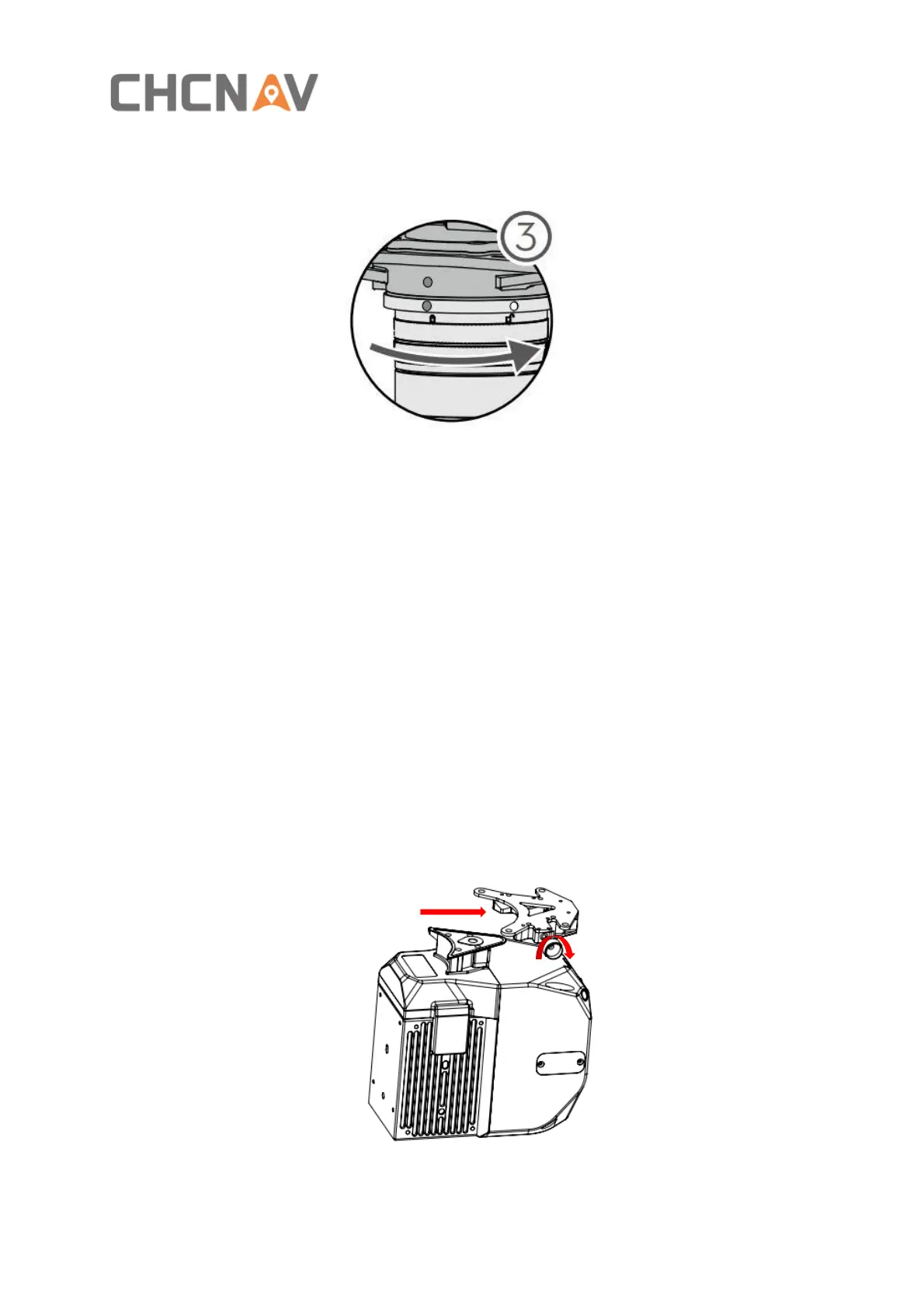
▪ Rotate the AA450 Skyport interface to the locked position (red dots align red dots) to be
fixed.
▪ Insert the rod antenna into the M300 antenna mount and tighten it. Connect the other
end of the GNSS feeder to the GNSS interface of the AA450.
3.7.2 Airborne disassemble steps
▪ Take out the GNSS feeder from the AA450 GNSS interface, rotate the GNSS antenna
counterclockwise and take it out from the antenna fixing bracket.
▪ Hold the bottom of the AA450 with your left hand, press the Skyport unlock button with
your right hand, and remove the device by turning the quick-release connector clockwise.
3.8 Airborne Platform (BB4)
3.8.1 Airborne install steps
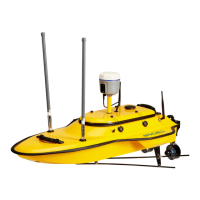
▪ Push the slider of scanner into the quick-release clamp which on the bottom of the
airborne load plate in the direction of the arrow until hear a fix sound.
▪ Tighten the side screw bolts to make it stable and finally finished the installation.


 To Next Page