Data preprocessing in Copre
CHCNAV ALPHAAIR-450 USER MANUAL | 2021-10 P a g e | 35
7.3.2 POS Processing
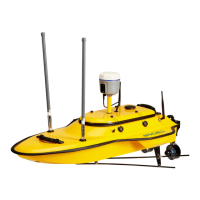
▪ Right-click the project file, and the TAB appears. Then, left-click Pos solve, as shown in
figures 17 and 18.
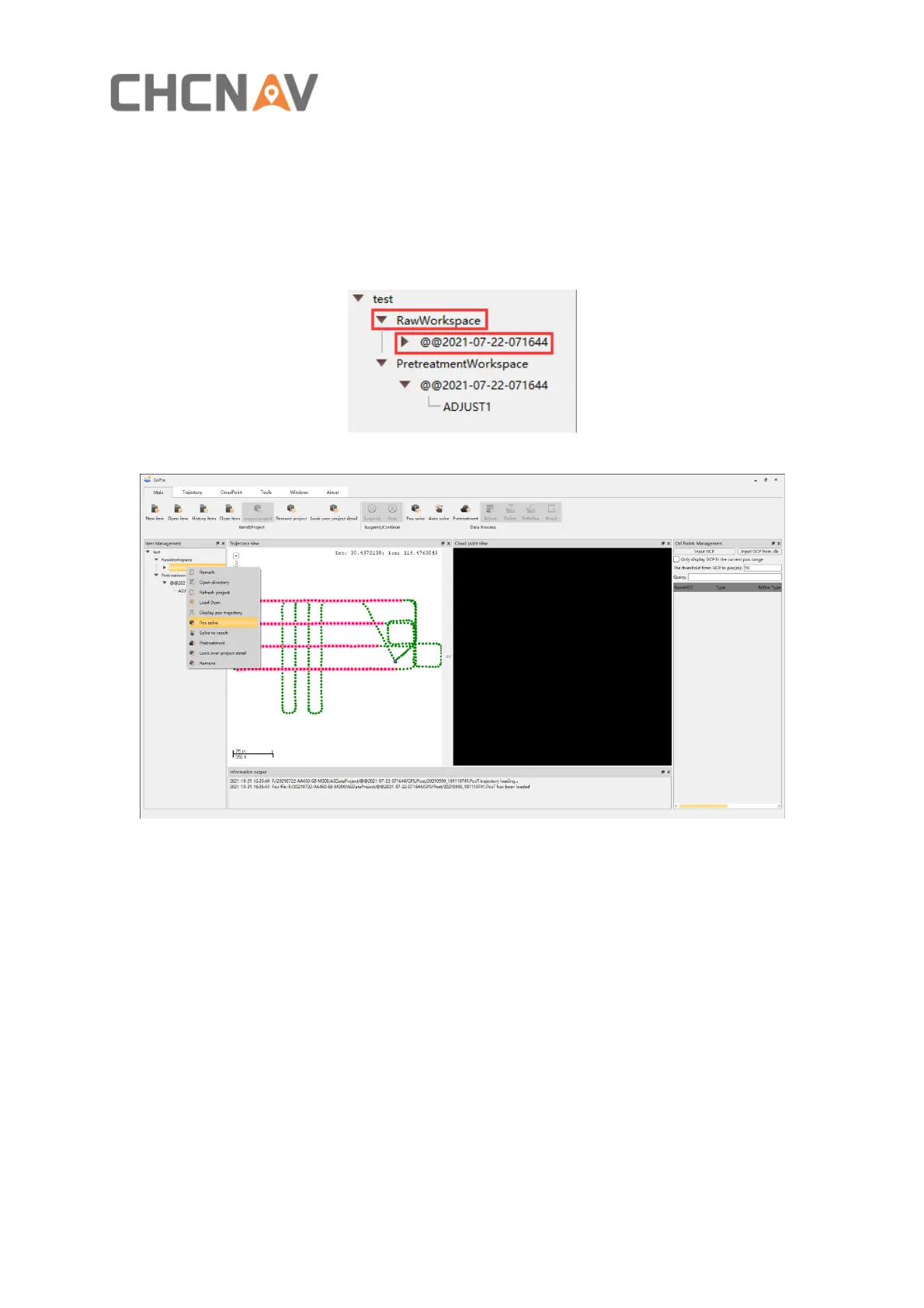
▪ Right-click the RawWorkspace, if there are multiple projects, multiple projects will be
processed; Right-click the project name will process the current project only.
Figure 17
Figure 18


 To Next Page