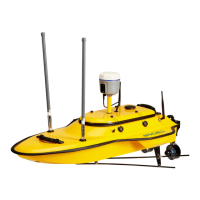
Data Acquisition
CHCNAV ALPHAAIR-450 USER MANUAL | 2021-10 P a g e | 19
5.2.3 Data Acquisition
▪ LiDAR Power On: Long press the device’s “ON/OFF key”,the indicator lights up and the
buzzer sounds , the indicator light flashes which means the lidar is powered on
successfully. Keep the device stationary and try not to touch the device.
▪ Device initialization: About one minute after lidar is powered on, the indicator light is
normal on which means device initialization successfully completed!
▪ After confirming that all device states are OK, click "New Project" to start POS data
collection.
▪ After starting the project, the device need to be still for 10 seconds, then click "Start" to
start the laser and camera data collection.
▪ After the project is completed, click "Stop" and the laser and camera will stop working.
▪ The device need to be still for 10 seconds , then click "Close project" to end the project.
▪ LiDAR Power Off : Long press ON/OFF Key to turn off.
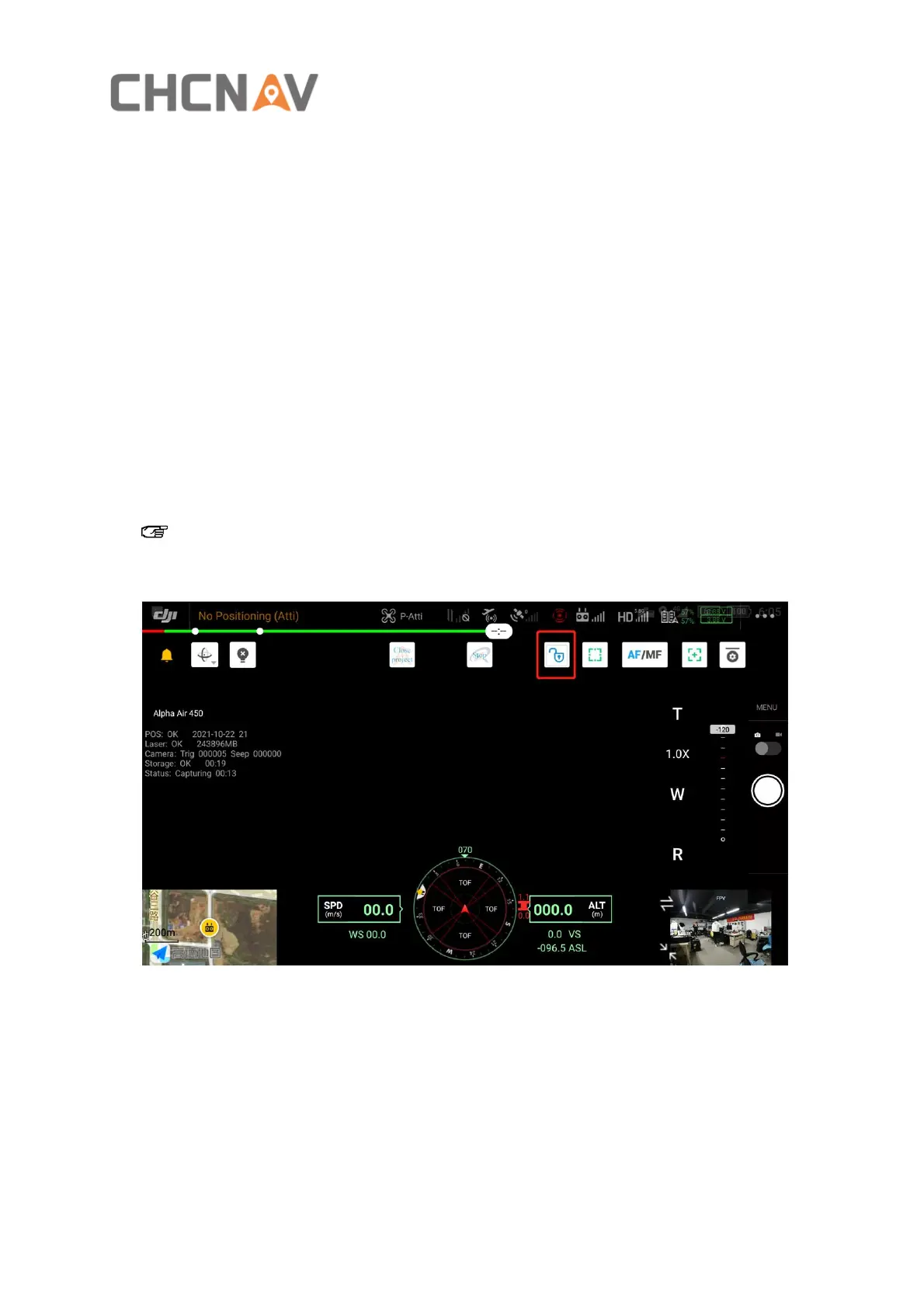
Note: To click "Start"/"Stop"/"Close project"/, you need to click the unlock icon on the
screen and complete the operation within 3 seconds.


 To Next Page