Configuring Through a Web Browser
CHCNAV i73+ GNSS USER GUIDE | 2022-3 P a g e | 47
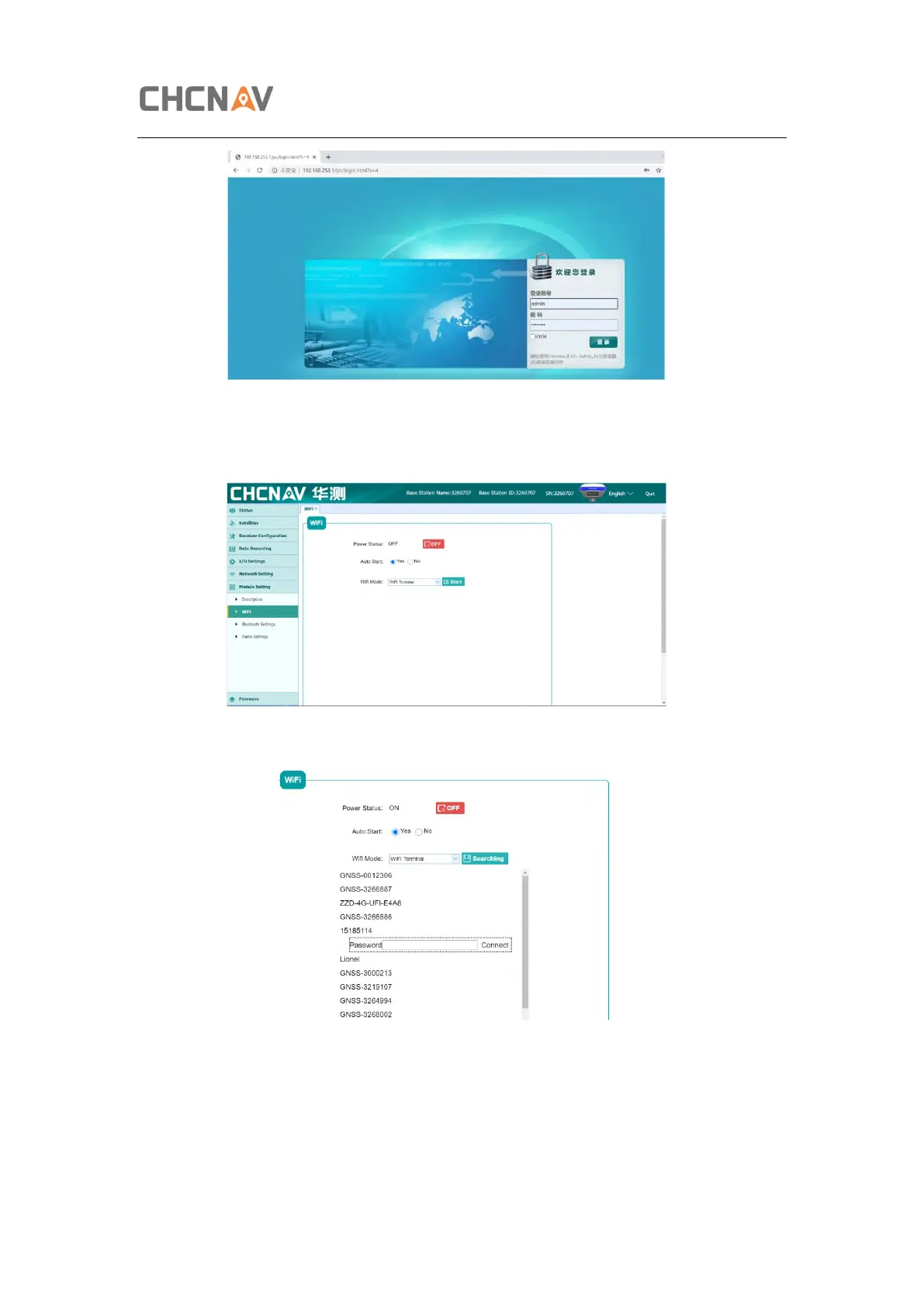
5. Config i73+ to connect Wifi and work as APIS base.
a) Go to Module Setting -> WiFi, change WiFi mode to WiFi Terminal.
b) Click Start to searching the wifi and connect.
c) Go to Receiver Configuration -> Reference Station Settings. Set i73+ as auto
base, and get the base station.



 To Next Page