Configuring Through a Web Browser
CHCNAV i90 GNSS USER GUIDE | 2019-9 P a g e | 63
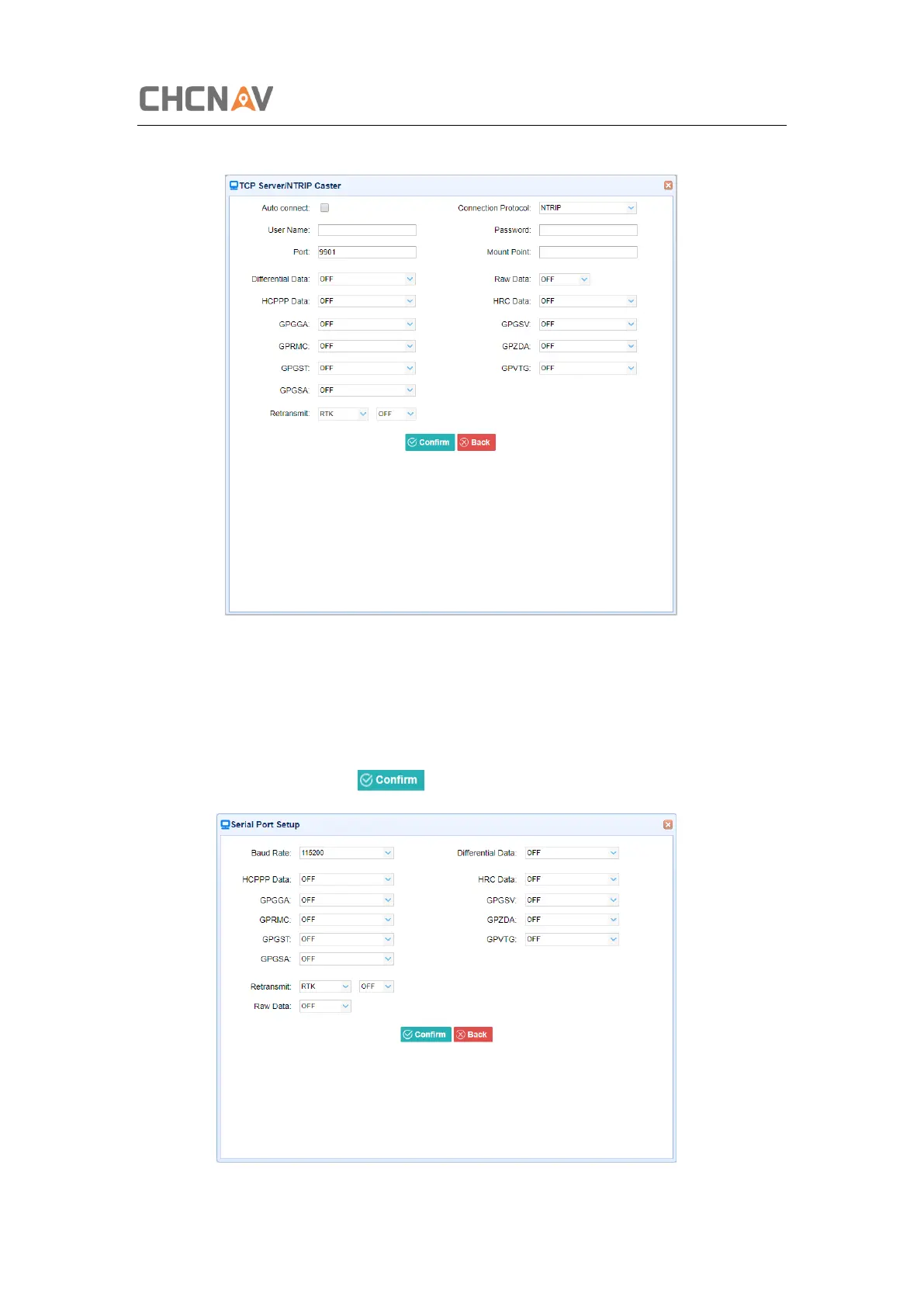
➢ Connection Protocol: NTRIP
4. Serial Port
Tap the Settings button on the right of Serial Port → the Serial Port Setup screen will appear
→ select Baud Rate used to transmit data → configure the messages that you want to output
through the serial port → click to save the settings and start to transmit.



 To Next Page