Configuring Through a Web Browser
CHCNAV i90 GNSS USER GUIDE | 2019-9 P a g e | 73
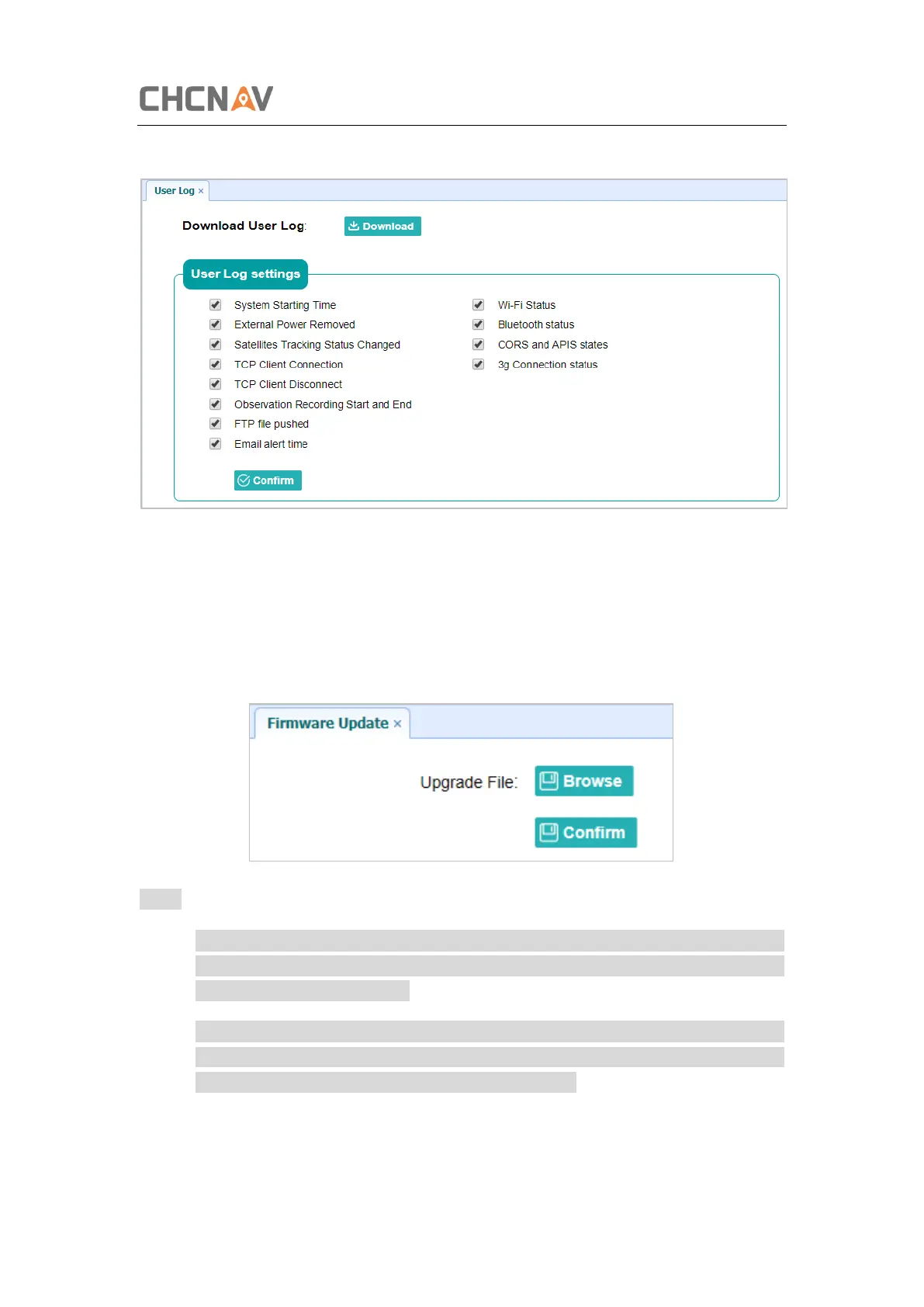
log.
5.8.6 Firmware Update Submenu
Use this submenu to load new firmware to the receiver across the network. Tap the Browse
button to locate the upgrade file → tap Confirm button to confirm the selected upgrading file
and start upgrading.
Notes
• It may take about 3 or 4 minutes to complete the firmware upgrading. Do not touch
the power button or unplug the power until the upgrading process finishes, or damage
will be caused to the receiver.
• The receiver will restart after the firmware upgrading is done, so users need to
reconnect the receiver with your computer via Wi-Fi, and then log-in the receiver
through a web browser to continue the configuration.



 To Next Page