Configuring Through a Web Browser
CHCNAV i90 GNSS USER GUIDE | 2019-9 P a g e | 68
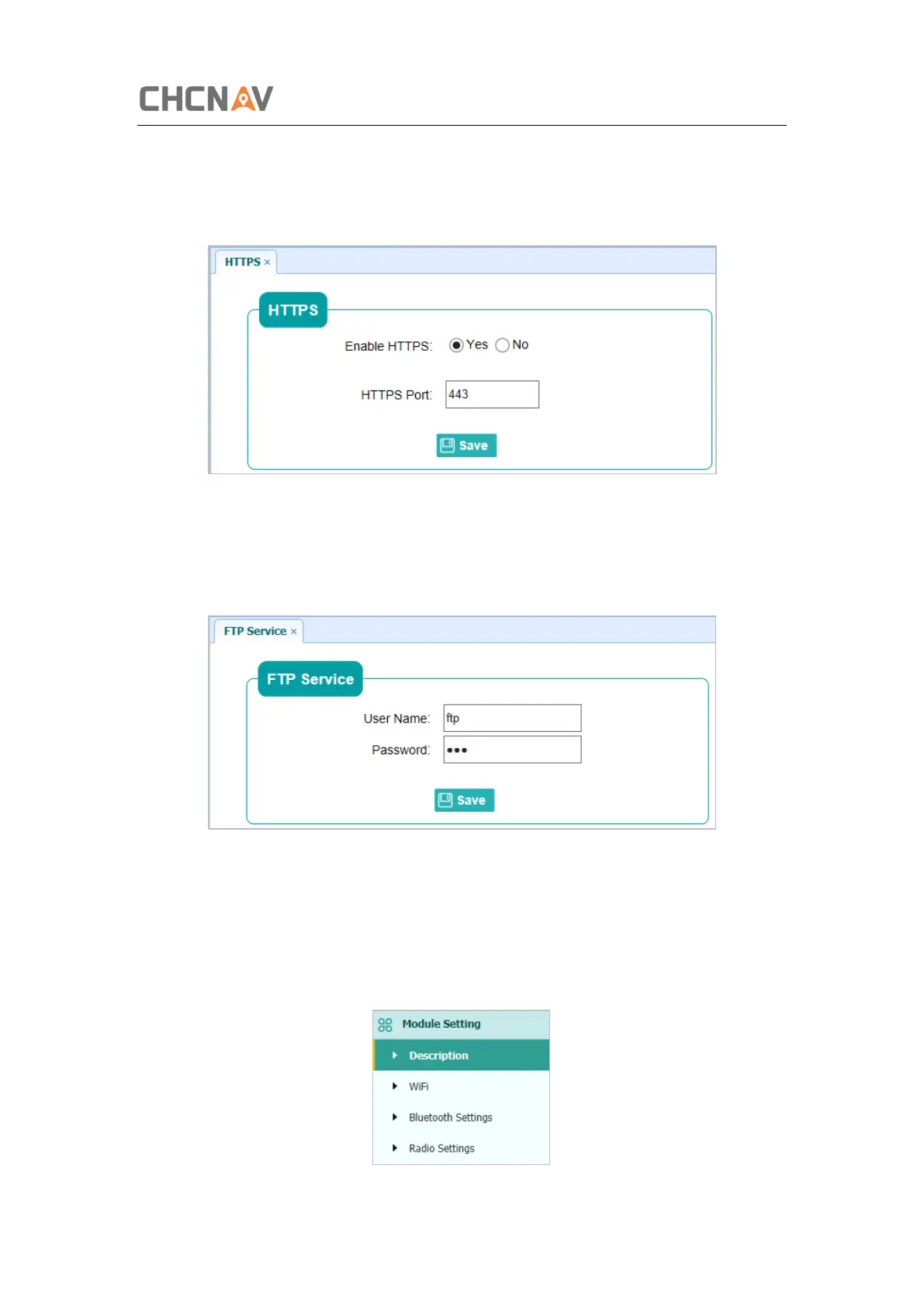
5.6.5 HTTPS Submenu
Use this submenu to configure HTTPS port.
5.6.6 FTP Service Submenu
Use this submenu to configure the user name and password of internal FTP site.
5.7 Module Setting Menu
Use this menu to check module information, configure WiFi, bluetooth, radio related settings,
and turn on/off static voice of buzzer:



 To Next Page