Configuring Through a Web Browser
CHCNAV i90 GNSS USER GUIDE | 2019-9 P a g e | 74
5.8.7 GNSS Board Upgrade Submenu
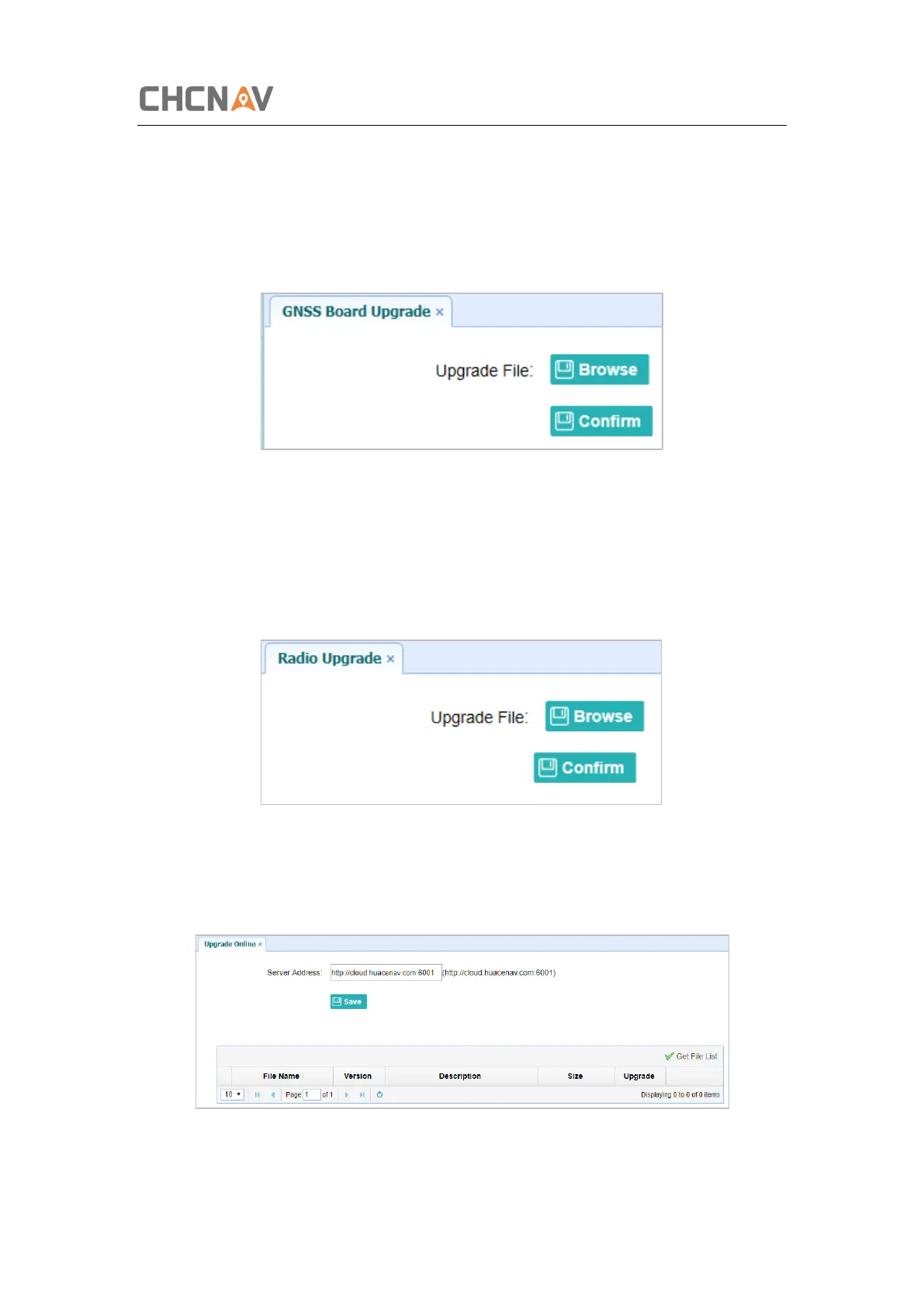
Use this submenu to upgrade GNSS Board. Use this submenu to load new board to the receiver
across the network. Tap the Browse button to locate the upgrade file → tap Confirm button
to confirm the selected upgrading file and start upgrading.
5.8.8 Radio Upgrade Submenu
Use this submenu to browse upgrade file and upgrade radio. Use this submenu to load new
radio to the receiver across the network. Tap the Browse button to locate the upgrade file →
tap Confirm button to confirm the selected upgrading file and start upgrading.
5.8.9 Upgrade Online Submenu
Use this submenu to input Server Address and upgrade online.



 To Next Page