17
User programs
The 'save' option allows a user program to be entered to save information for future use. 20 memory slots are available;
each one contains the following parameters: tool, arm, welding intensity, welding time and pressure.
A program can be linked to a clamp and gun.
The button
will save the settings in the manual mode (intensity, time and pressure). The 20 memory slots are indicated
by their identifier (when in use) or by the symbol « --- ».
To enter an identifier, use the 4 buttons +,-, up and down arrow keys. When entering an existing user, the machine will
erase the previous parameters.
The « recall » button
allows access to previously saved settings.
Pressing will erase the selected program from the saved program list.
The « mode » button exits the program selection mode, the machine will then enter manual mode with the parameters and
the tool saved in the program.
To deactivate a program simply change the parameter value in one of the 3 modes manual, normal or multi metal sheet, or
change the tool (clamp or gun) by using the
.
The view button
will retrieve a previously saved report and display it on the screen.
SD memory card (ref CEL050914)
This card is a link between the MI200T and a PC to enable the user to:
- Retrieve and print reports for a record of work, and documentation for insurance companies if required.
- Upgrade welding parameters or add new languages.
- Edit the parameters is in the SD memory card.
- Access the user manual stored on the SD memory card.
The memory space can store information on more than 65 000
spots.
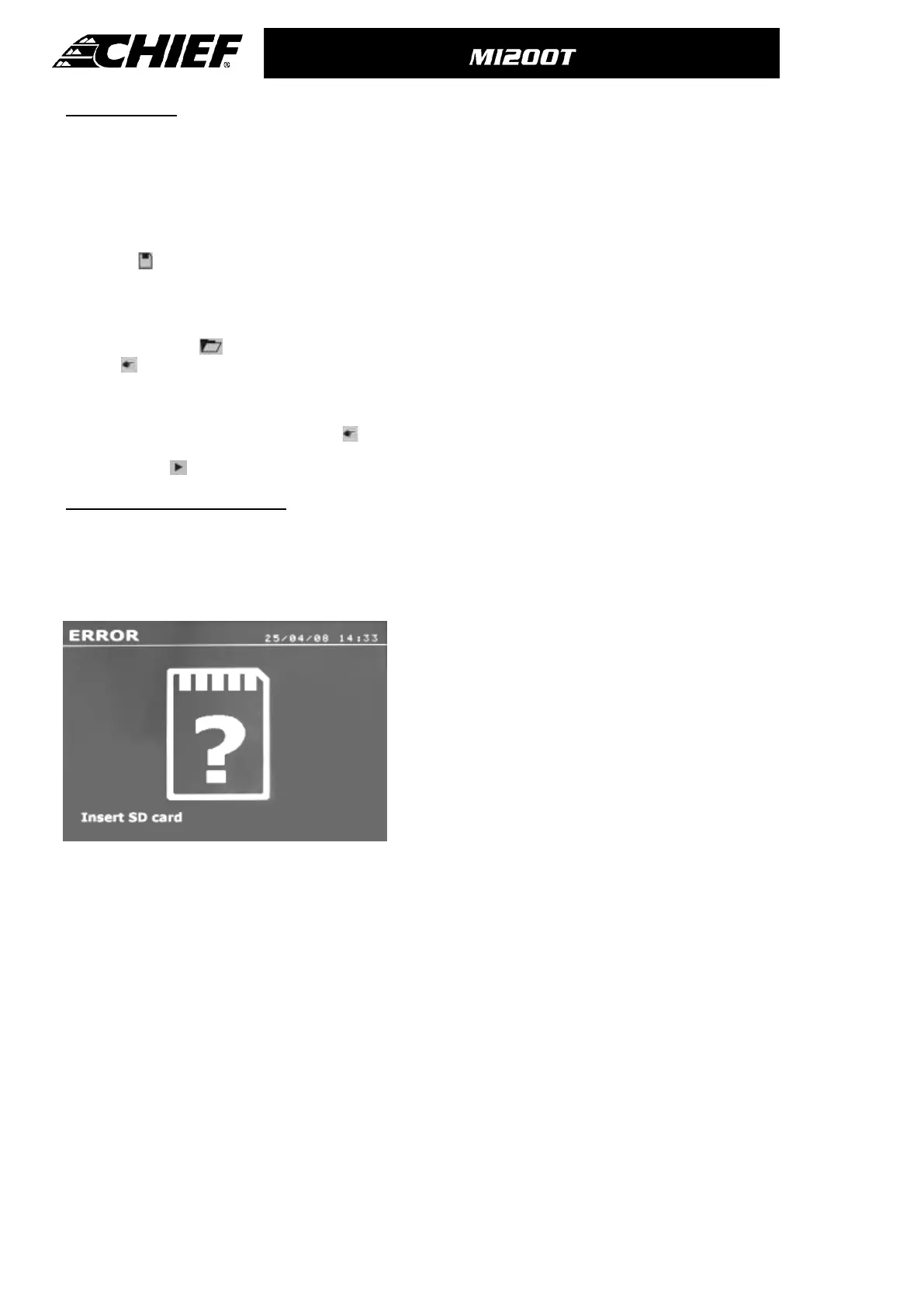
The unit can only work without memory card in manual mode.
In other modes, if the memory card is not inserted in the card
drive, the following message will appear: The machine must be
shut-down and restarted after inserting an SD card”.
Important: The machine must be switched off before an SD card
is inserted or removed from the reader - failure to do so may result
in the loss of data from the card.



 To Next Page