DESIGN | MANUFACTURE | SUPPORT
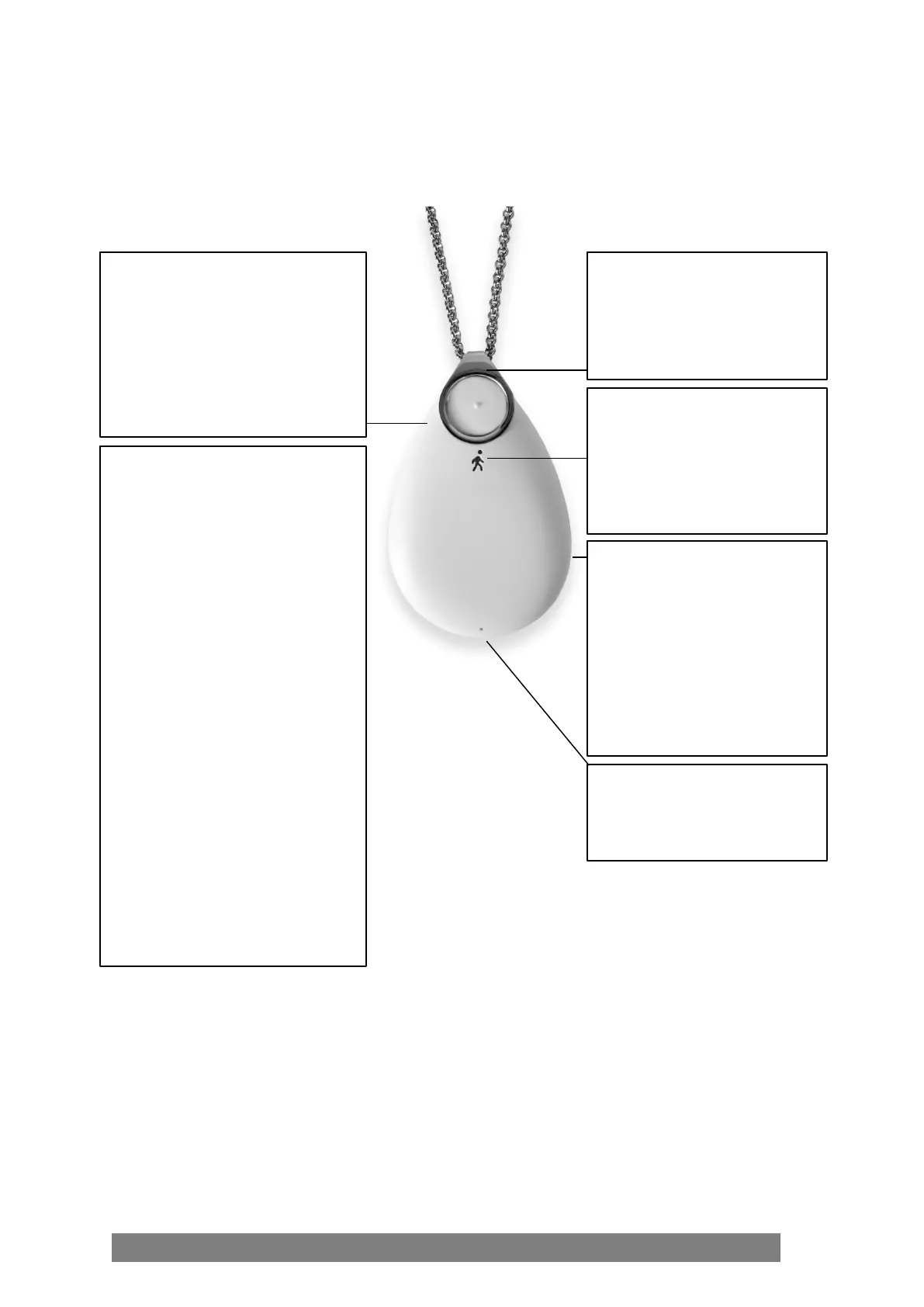
1.1 Key Functions
Microphone
The user is able to speak to the
monitoring operator.
Light Ring
Colours will illuminate around
GO to indicate status when the
buttons are pressed, or it is
placed on the charger. Also
illuminates during automated
low battery notifications.
Clip
This enables GO to be worn as
a pendant or attached to a key
This allows the monitoring
operator to speak to the user,
and for voice messages to
Dual Button Press – To send an
alert for help, press and hold both
buttons at the same time. A loud
pre-alarm will sound and voice
messages will announce the steps
being taken to send the alert.
1. System Check – press and hold
one button on either side of GO to
start a system check. Lights will
indicate status and voice messages
will announce battery level,
cellular connection, and check if
the current GPS location can be
obtained and sent.
2. Cancel – to cancel an activation
or System Check at any time, press
and hold one button on either side
of GO until it announces,
“Cancelled.”
3. Flight Mode – press and hold
one button on either side of GO
for ten seconds to enable flight
mode.



 To Next Page