Digital Color Doppler Palm Ultrasound System
27
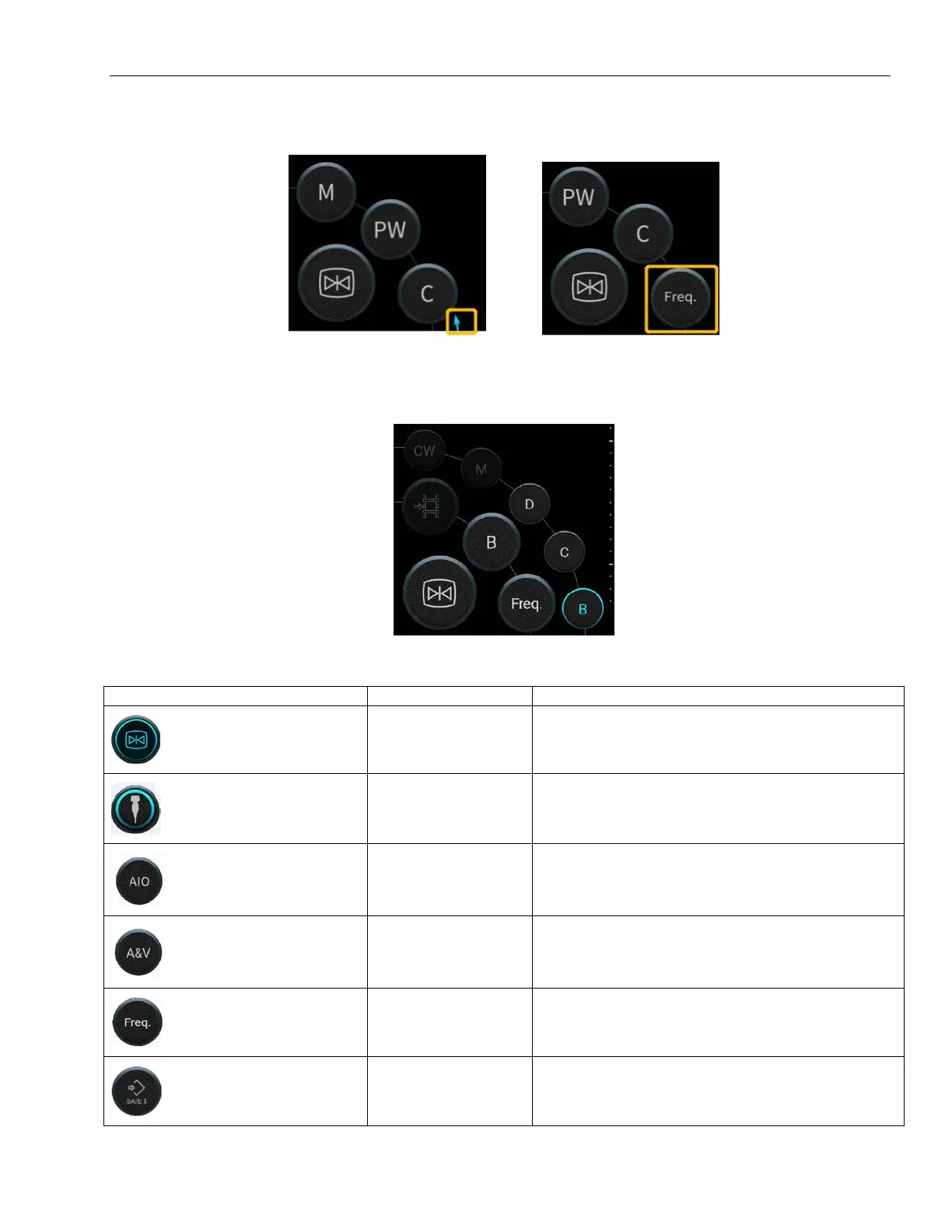
4.4 Switching Function
Slide the top left along the buttons to show Freq.
4.5 Switching Mode
Available imaging modes are B, CFM, PW, B/M Mode.
4.6 Function Key Introduction
Touch this icon to freeze the current image
Press this button to select preset.
Press this button to optimize current image.
tracking
Press this key to help user identify artery and
vein in current image automatically.
Press this button in phantom preset to adjust the
Freq.
Press this key to save image



 To Next Page