Digital Color Doppler Palm Ultrasound System
45
8.4.3 Button Configuration
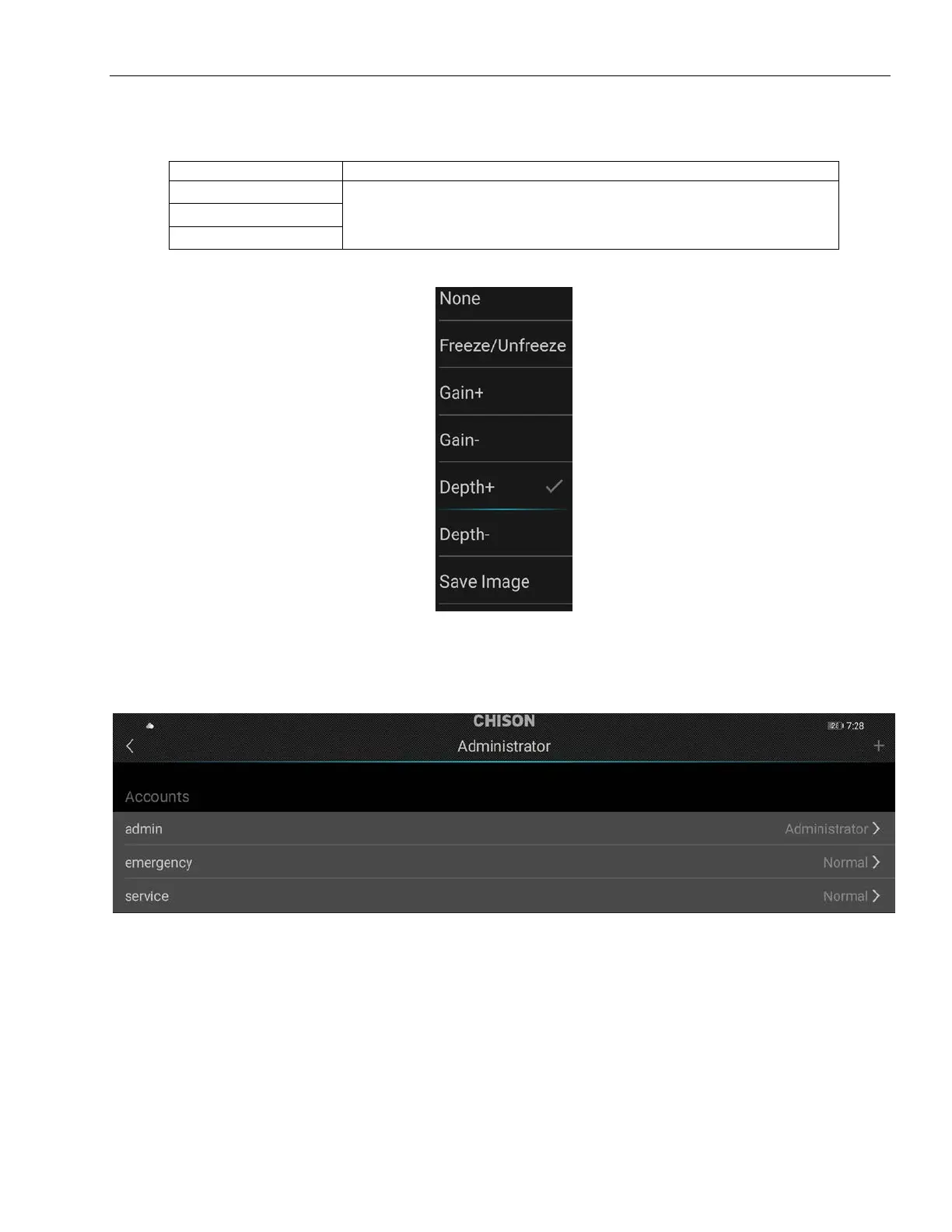
Select the button configuration to set the key function.
None/Freeze, Unfreeze/Gain+/ Gain-/Depth+/Depth-/Save Image
8.4.4 Administrator
Click the Administrator to manage accounts.
8.4.5 Firmware Update
Select firmware update to upgrade system software version.



 To Next Page