Digital Color Doppler Palm Ultrasound System
29
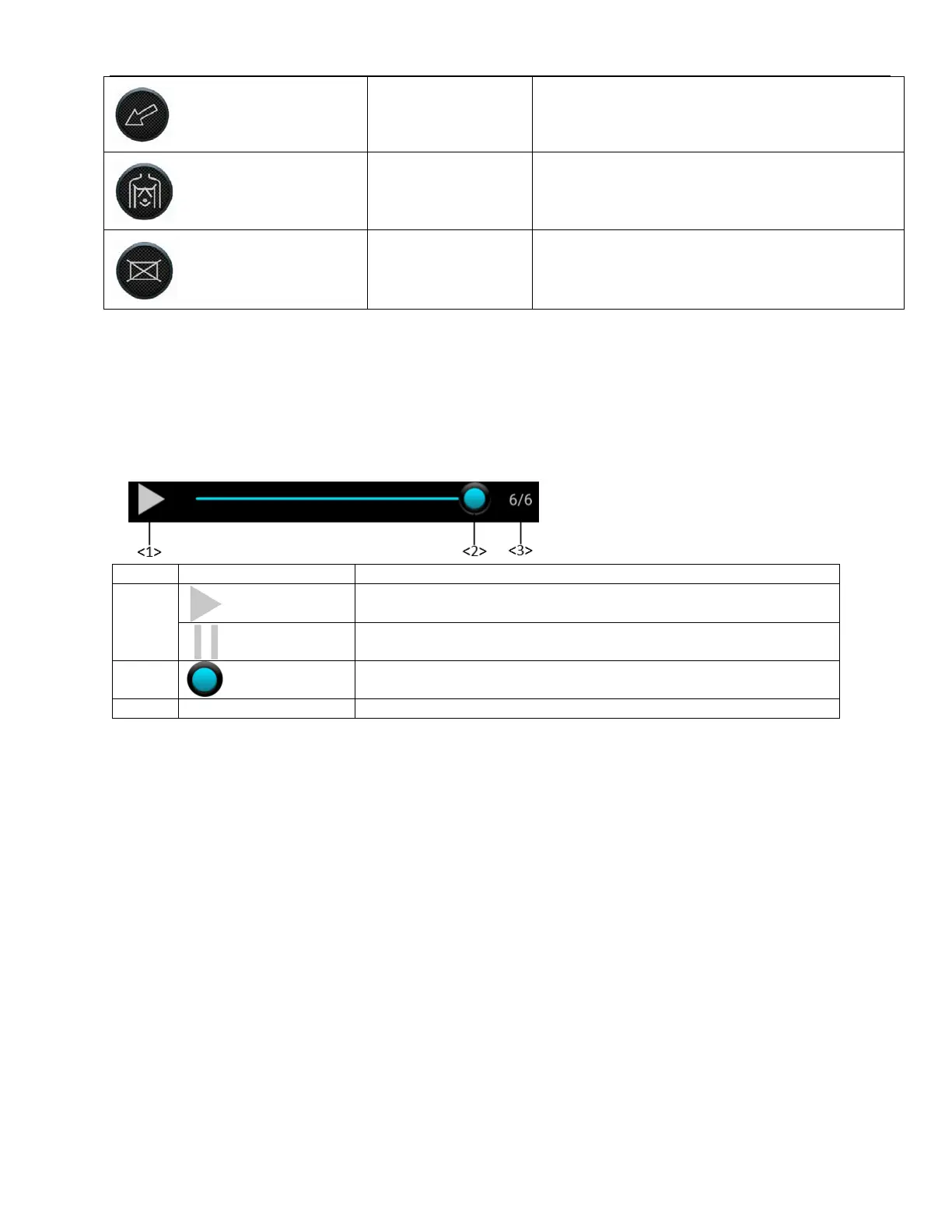
Press this button to add arrow in current exam
interface.
Press this button to add body mark in current
exam interface.
Press this button to clear all the content that user
have added in current exam interface.
4.7 Image Parameter Area
Display information about Patient ID, Frequency, time, current exam and etc.
4.8 Cine Control
Press and slide on the processing bar to view frames.
The number corresponds to the current frame and total frame.



 To Next Page