Digital Color Doppler Palm Ultrasound System
41
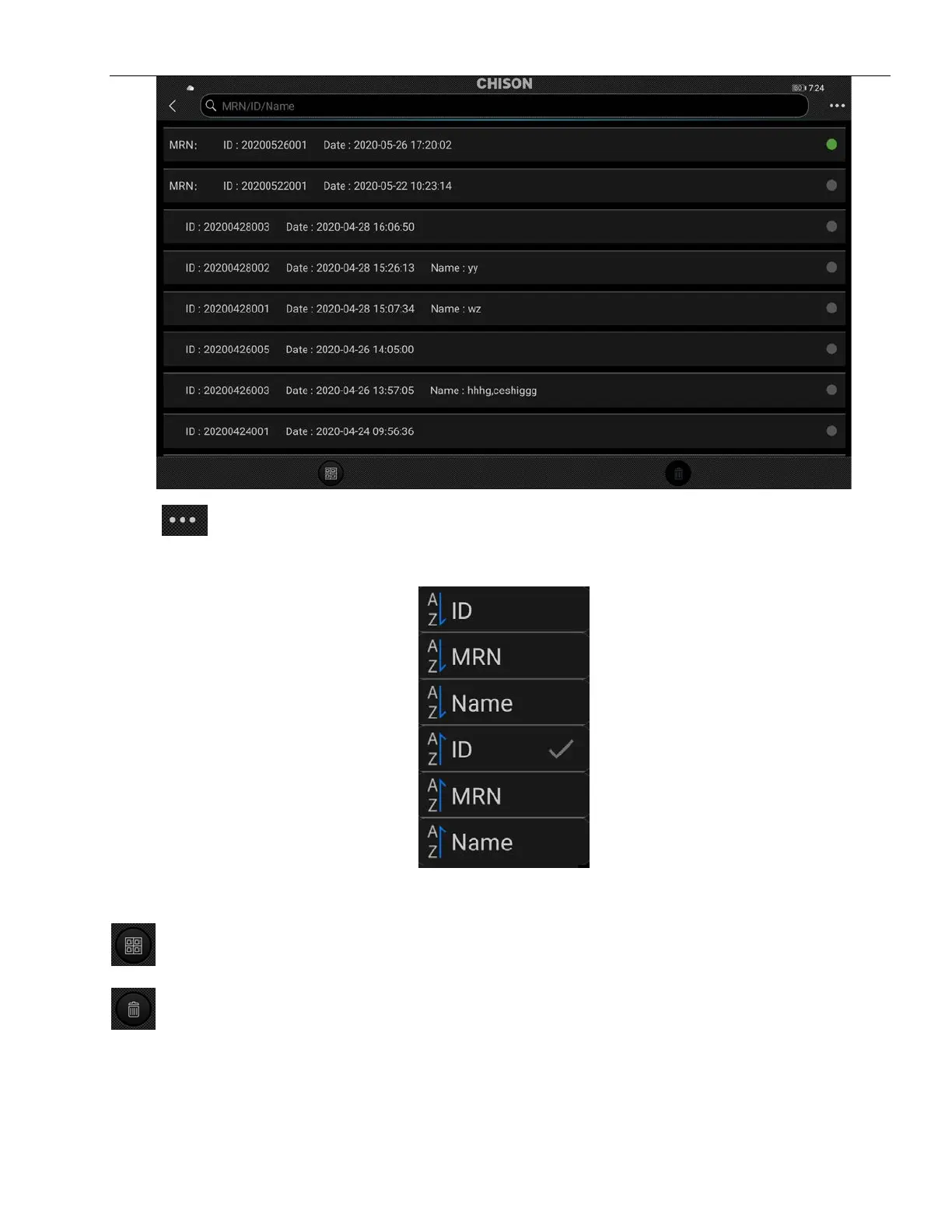
Press
on the top right corner of the screen, user can manage archive according to ID, MRN and
Name.
Select archive: Press archive and hold it, the current archive is selected.
: Select all archives.
: Press it to delete selected archive.
Press selected archive to enter EasyView.



 To Next Page