Step 3:It is highly recommended you change the default username and password when you login
successfully first time.
Note: Don’t forget click Apply button to save your changing when you complete your
configuration setting each time, the BF-480 will restart automatically in 10 seconds with
your new setting.
3. BF-480 Configuration Setup
This chapter will show you how to configure BF-480 to function in your network and gain access
to your device through Intranet or Internet.
3.1 Network setting
The BF-480 support three IP connection types: Static IP, DHCP and PPPoE. These types are
listed in the drop-down menu for the IP Configuration setting. Each setup screen and available
features will differ depending on what kind of IP connection types you select. Default is Static IP
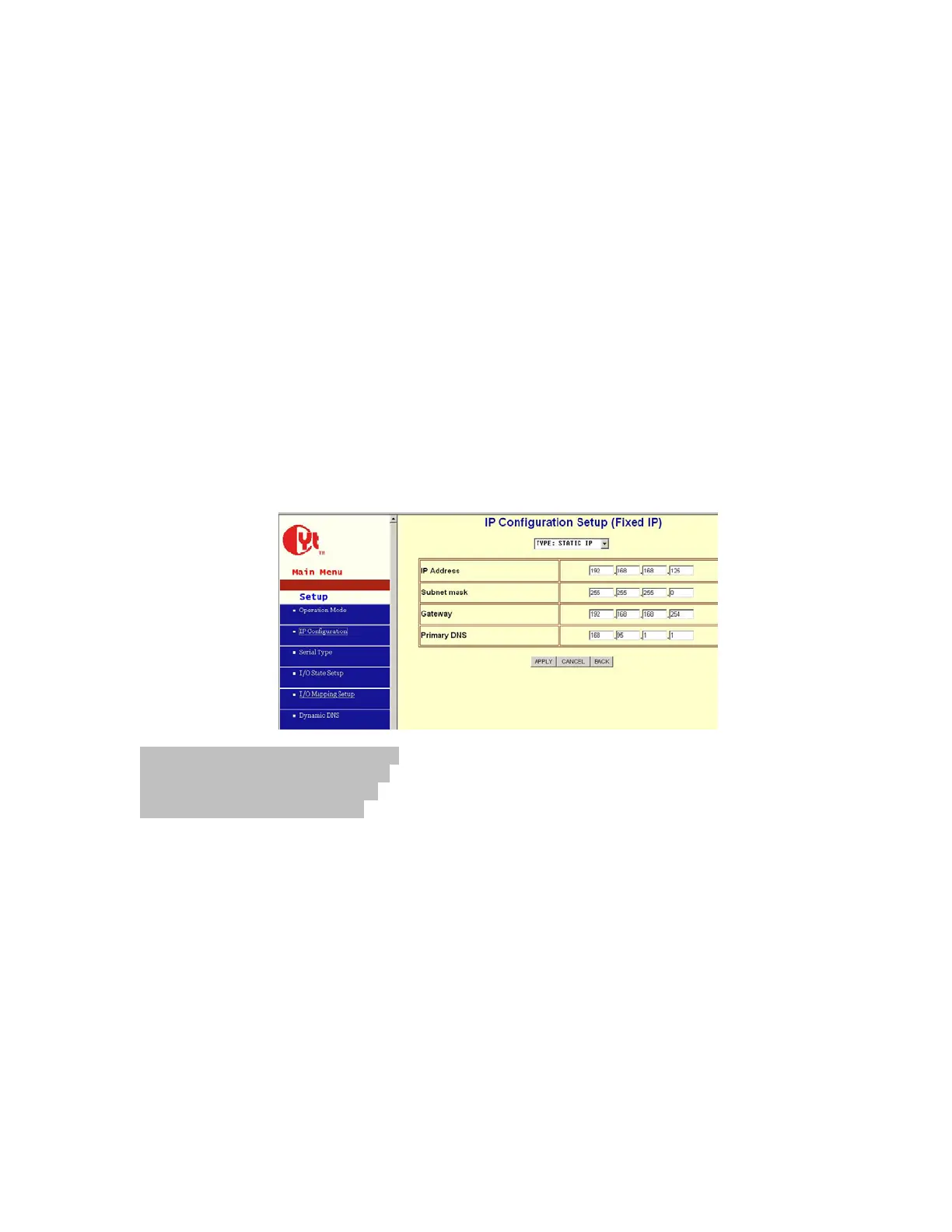
Static (or Fixed) IP
IP Address: default 192.168.168.125
Subnet mask: default 255.255.255.0
Gateway: default 192.168.168.254
Primary DNS: default 168.95.1.1
If you are connecting through a static or fixed IP from your network environment, perform these
steps:
Step 1: Enter IP address
Step 2: Enter Subnet mask
Step 3: Enter Gateway IP address
Step 4: Enter Primary DNS IP address
Step 5: click Apply button



 To Next Page