Product Name:
the product model name of this BF-480.
Firmware Version: the installed version of the firmware.
System up Time: the time of system from start up to current.
Management IP Address: the current setting of management IP.
Ethernet Status: the BF-480’s IP Configuration, MAC address, IP address, subnet mask, default
gateway IP address, primary DNS IP address and current connection status.
Serial Status: the BF-480’s setting in serial type
Statistic: the transmission and receive bytes and packets count in Ethernet and Serial port
separately.
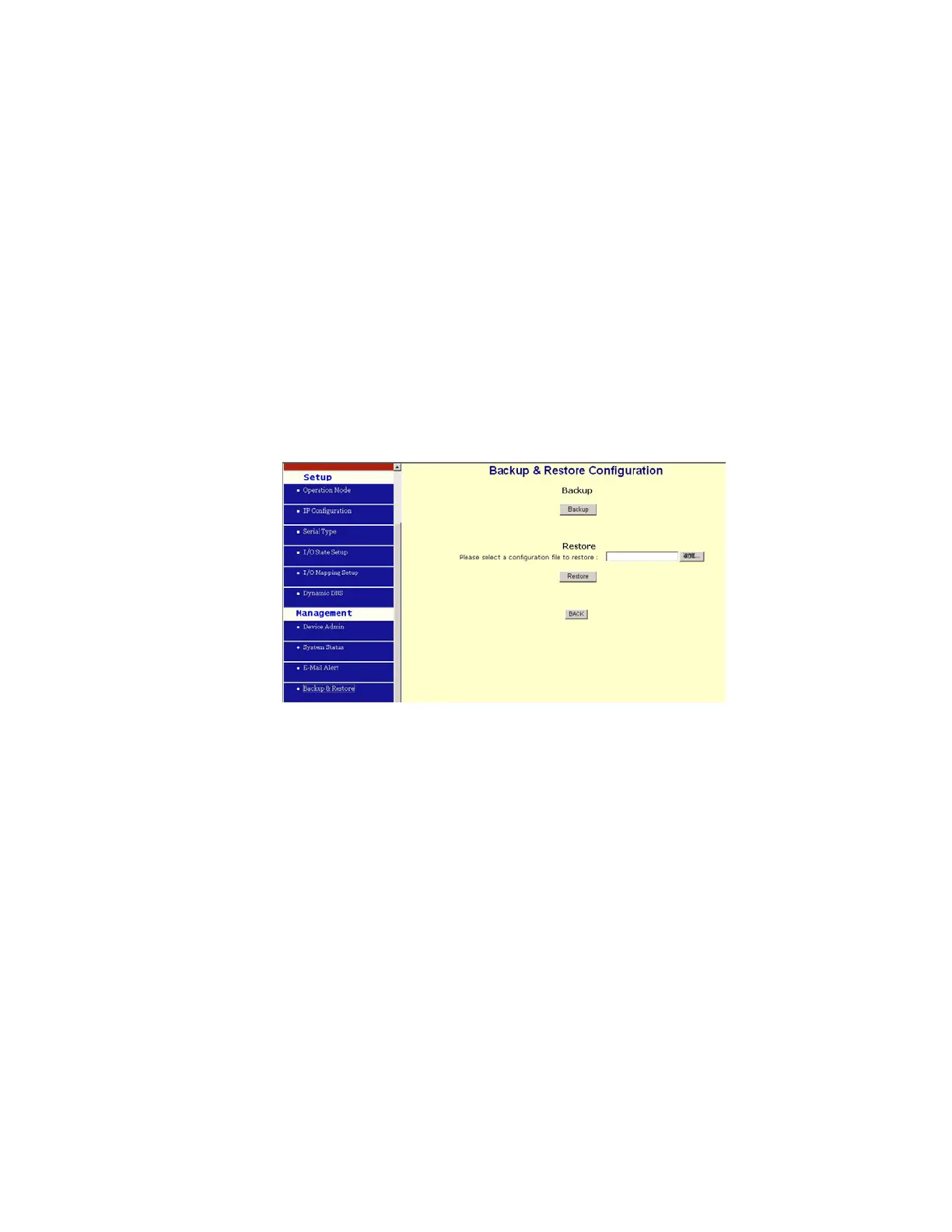
4.4 Backup and Restore
This function allows you to save BF-480’s configuration as backup, or retrieve the configuration
file you saved before to turn the setting back.
z Backup: Click “Backup” button save the current configuration as a backup file in your hard
disk.
z Restore: Enter path of the configuration file you saved on the PC. You can click “Browse” to
view the folders and select the file. Click “Restore” to retrieve it.
Note: the sub-name of file you retrieve must be “.cfg”
4.5 Upgrade Firmware
This function allows you to upgrade the latest version firmware to keep your BF-480 up-to-date.
Before you upgrade the firmware, you have to get the latest firmware and save it on the PC you
use to configure the BF-480
.



 To Next Page