Wound Component EST Scanner 19035/19035-M/19035-S
Quick Start Guide
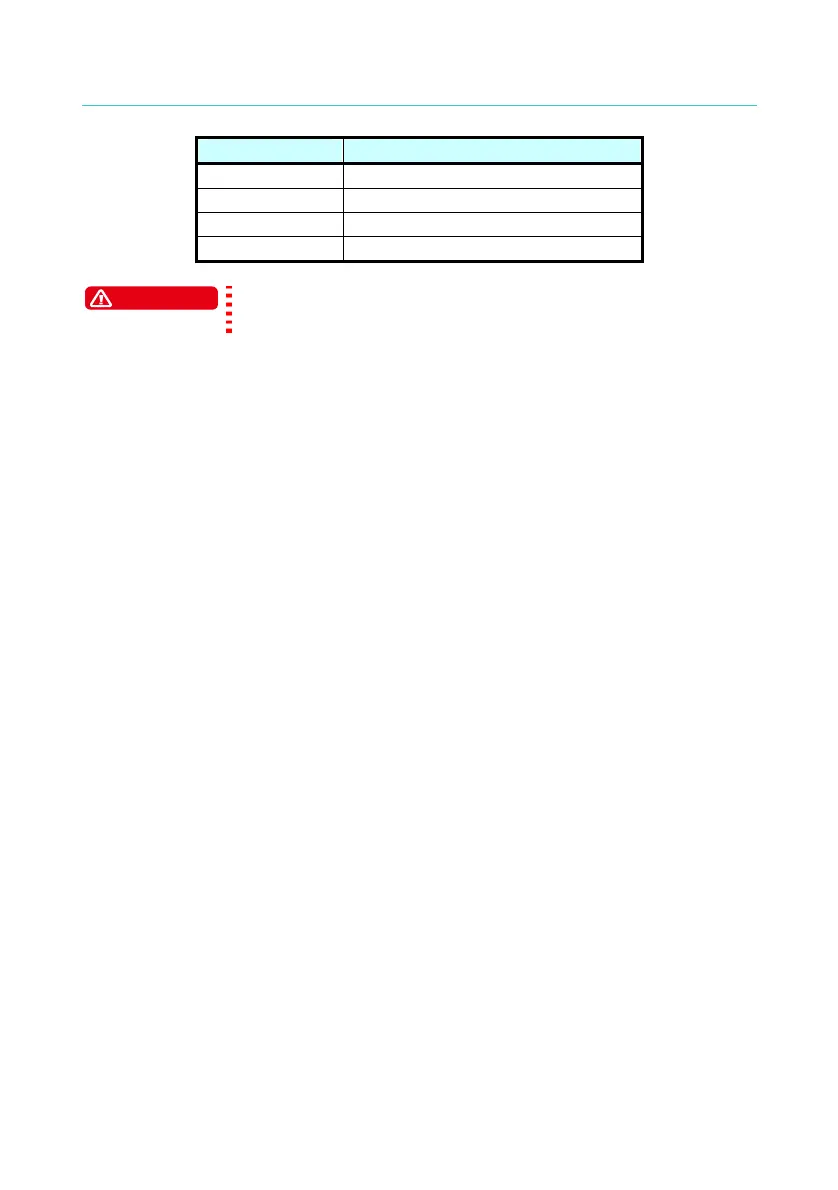
Label Fuse
100V 5A Slow/250V
120V 5A Slow/250V
220V 2.5A Slow/250V
240V 2.5A Slow/250V
WARNING
Be sure to use the fuse with correct specification or it
may cause hazard.
18. This Scanner is normally operated under AC power
If the selected voltage range for local power supply is unstable, it may
cause the device to work inaccurately or abnormally. Thus, please
use appropriate equipment such as a power supply regulator to
convert it to a suitable power source.
19. Notice for Power Cabling
If the DUT draws a great deal of current, the current (about 10amp)
may flow in for more than 10ms before judging for the defect item and
cutting off the output current. The same situation may occur before
test, thus it is necessary to watch out the power cord capacity and the
connecting cables used for other instruments or devices.
20. Storage
The storage temperature for the Scanner is from -10°C to 60°C, ≤
80% RH. If it is not in use for a long time, please pack it with its
original package for storage. For proper test and safety measures,
do not place the Scanner under direct sunlight, high temperature,
trembling, humid or dusty area.
21. Warming up
The Scanner is activated when power is on; however, in order to meet
the specifications for accuracy please warm it up for 15 minutes or
above.
22. Warning label during test
“DANGER – HIGH VOLTAGE TEST IN PROGRESS,
UNAUTHORIZED PERSON KEEP AWAY”
10



 To Next Page