ix
Protection Plates
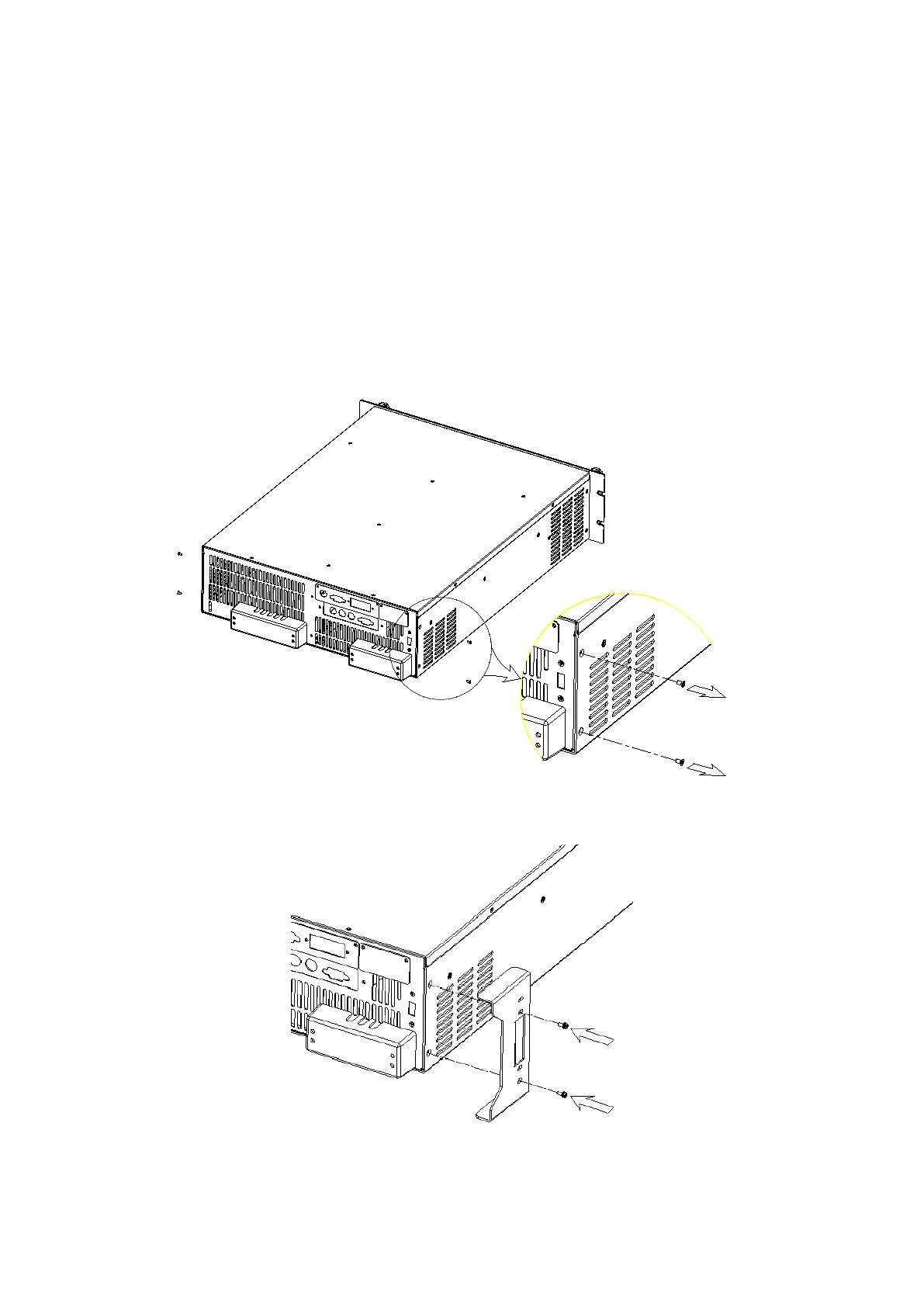
In order to protect the terminals of the Chroma 61500/61600 AC power source from damage
during shift or transportation, users can choose to install the enclosed rear panel protection
plates (2 pieces) as an option.
Installation Instruction:
1. Remove the 4 screws from both sides of the rear panel (Figure 1).
2. Mount the protection plates with the screws included in the bag (Figure 2).
Figure 1
Figure 2



 To Next Page