Programmable AC Source 61601/61602/61603/61604 User’s Manual
3-14
1. Move the cursor to Gateway line.
Gateway =0_ .0 .0 .0
2. Press 5,0,ENTER, 1,0,0 ENTER,
1,5,0,ENTER 2,5,5,ENTER Gateway =50 .100 .150 .255_
to set Gateway address.
The range of IP Address, Subnet Mask and Gateway settings is from 0
Apply the IP settings by selecting Yes or No.
1. Move the cursor to APPLY line.
APPLY=NO_
2. Turn RPG to select “YES”, and then ENTER.
APPLY=YES_
3.7 OUTPUT Functional List
On CHOICE PAGE (see 3.4), press 3 then press ENTER, choose the OUTPUT functional
list.
Press
SHIFT
, then
to change to next page.
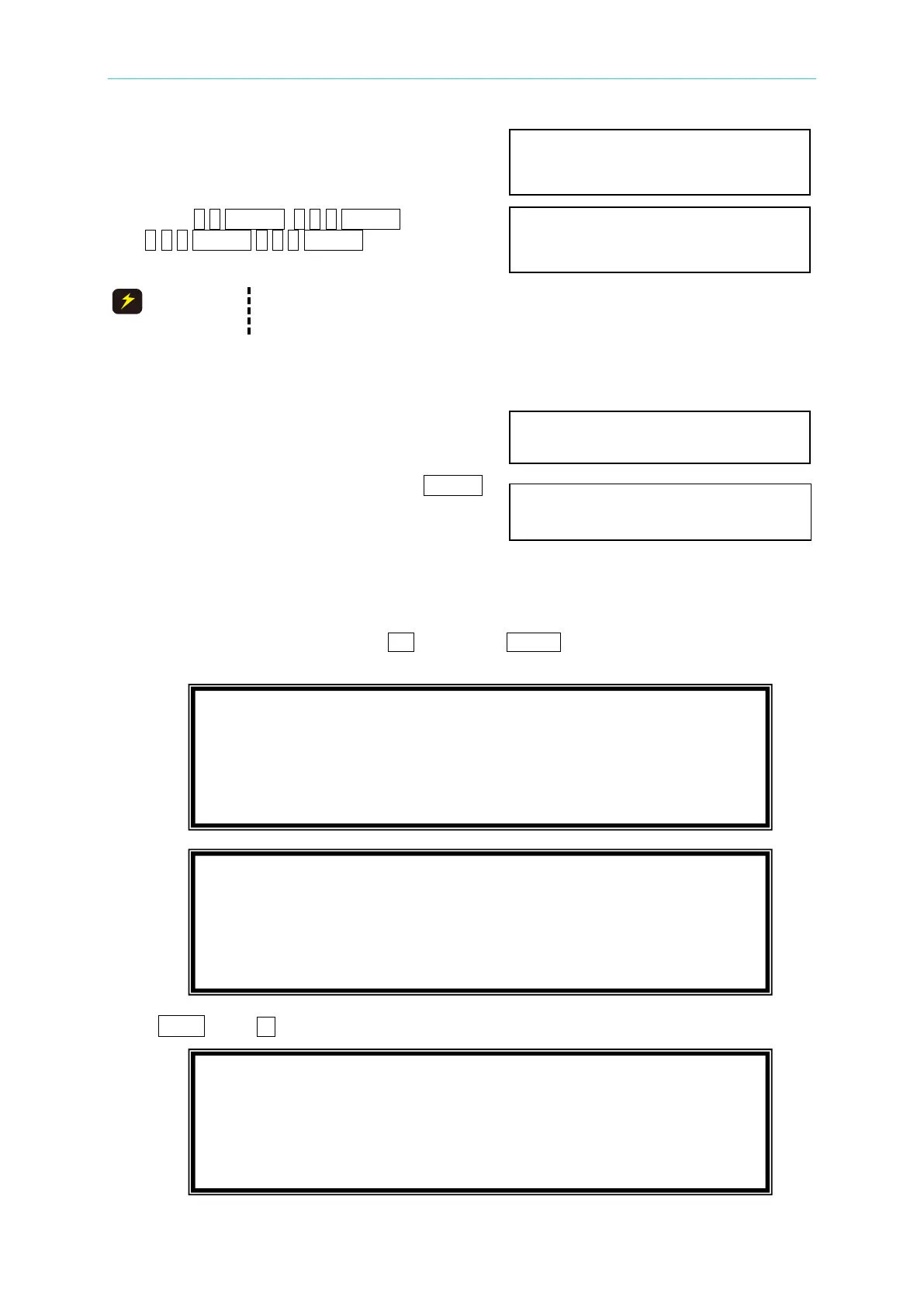
PAGE CHOICE = 3_
1. SETUP 2.CONF 3.OUTPUT 4. MANUAL CALI
COUPLE = AC+DC_ DEG : ON= 0.0 OFF=IMMED
Vs (V/ms) = 0.000 Fs (Hz/ms) = 0.000
DCs (V/ms) = 0.000
ON_S/R = OFF
HIGH VOLTAGE OPTION = NONE
[ OUTPUT ]
3-PHASE MODE=OFF



 To Next Page