Local Operation
3-13
protocol is set as follows:
To set parity=ODD, baud rate=19200.
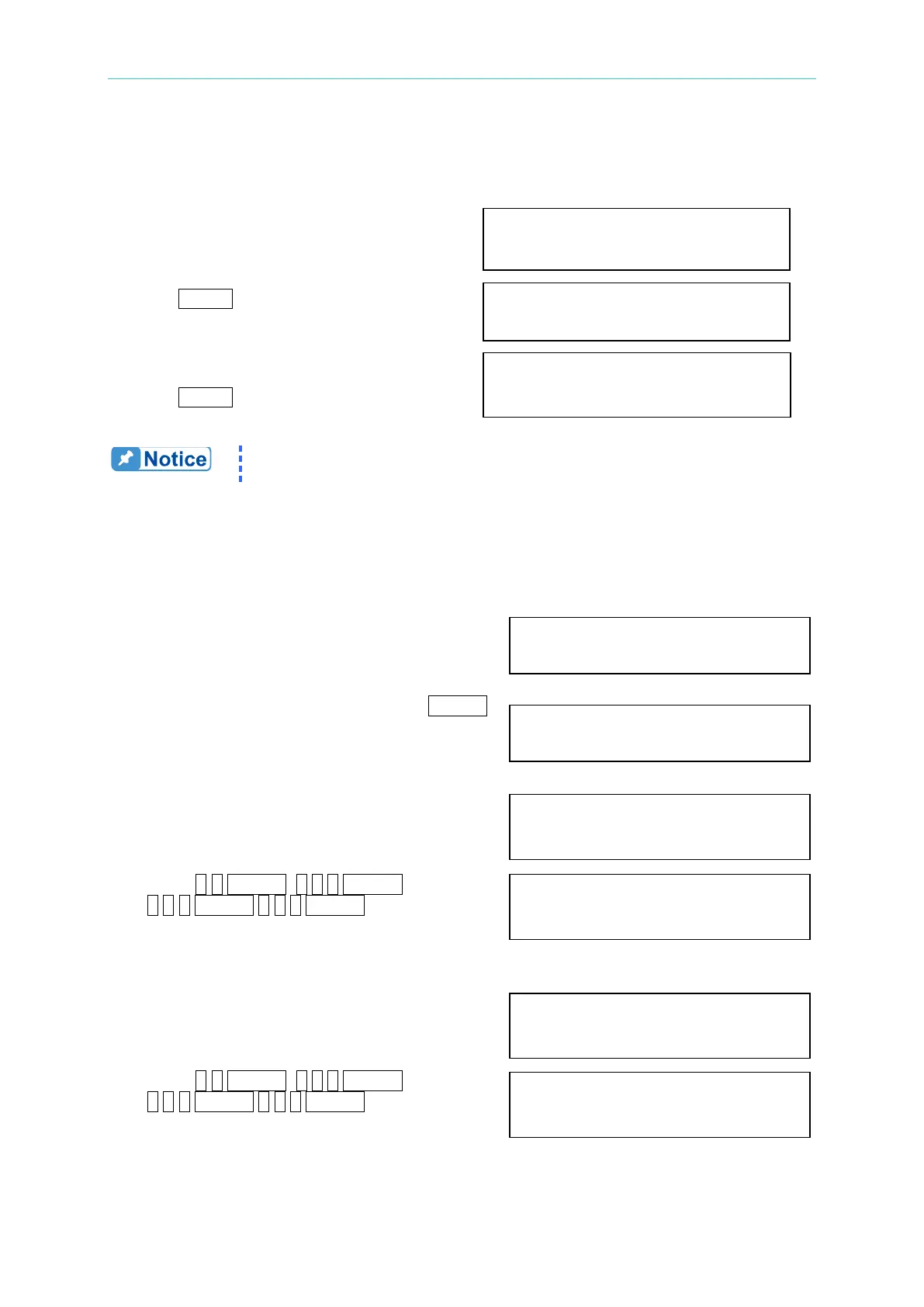
1. Move the cursor to the command
line of PARITY. PARITY= NONE_ BAUD=9600
2. Turn RPG to select ODD, then
press ENTER. PARITY=ODD BAUD=9600_
3. The cursor moves automatically to
the setting position of “BAUD”.
Turn RPG to select "19200", then PARITY=ODD BAUD=19200
press ENTER.
The options of baud rate are 9600/19200. The options of parity are
EVEN/ODD/NONE.
3.6.5 USB and Ethernet Setting
Select auto (ON) or manual (OFF) to verify the network IP.
1. Move the cursor to DHCP line.
DHCP=OFF_
2. Turn RPG to select “ON”, then press ENTER.
DHCP=ON_
Set the IP address based on the network search.
1. Move the cursor to IP Address line.
IP Address =0_ .0 .0 .0
2. Press 5,0,ENTER, 1,0,0 ENTER,
1,5,0,ENTER 2,5,5,ENTER IP Address =50 .100 .150 .255_
to set the IP address.
Set the Subnet Mask based on the network search.
1. Move the cursor to Subnet Mask line.
Subnet Mask =0_ .0 .0 .0
2. Press 5,0,ENTER, 1,0,0 ENTER,
1,5,0,ENTER 2,5,5,ENTER Subnet Mask =50 .100 .150 .255_
to set Subnet Mask address.
Set the Gateway based on the network search.



 To Next Page