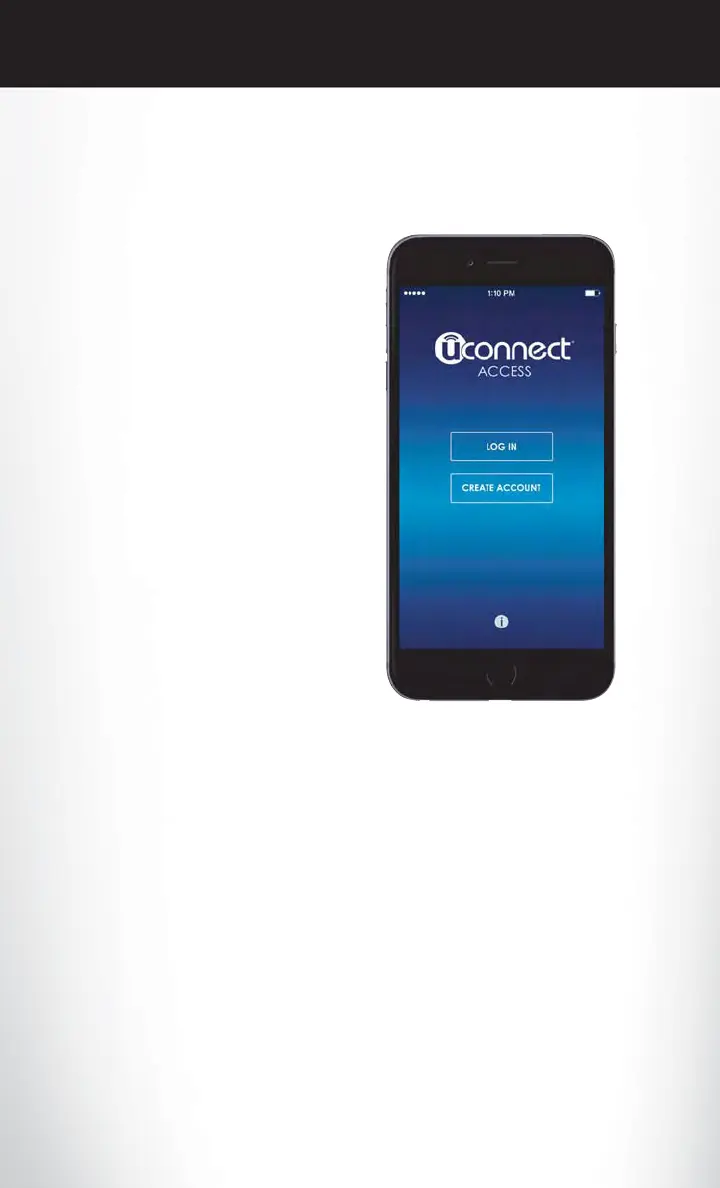
Mobile App (8.4A /8.4AN)
You’re only a few steps away from using remote commands and playing your favorite music in
your vehicle.
To link your internet radio accounts:
1. Download the Uconnect Access App on
your device.
2. Press the Via Mobile icon on the navigation
bar at the bottom of the app.
3. Press the app you’d like to connect to your
vehicle.
4. Enter your login information for the se-
lected app and press Link.
5. Next time you’re in your vehicle, enable
Bluetooth, pair your device and select the
Via Mobile app you want to play from the
Uconnect touchscreen to stream your per-
sonalized music.
NOTE:
• You can also complete this process on the
web. Simply visit moparownerconnect.com
log in and click Set Up Via Mobile Profile
(under Quick Links).
• Once you download the app to your com-
patible device, you will also be able to start
your vehicle and lock/unlock its doors from
virtually anywhere.
Mobile App
ELECTRONICS
122












 To Next Page