GETTING STARTED
NOTE: The ignition switch must be in the ON or ACC
position to operate the radio.
If the unit is off, switch it on using the ON/OFF Volume
rotary knob.
Change the Language
The radio will conform to the vehicle language set in the
ELECTRONIC VEHICLE INFORMATION CENTER
(EVIC), if equipped.
If you change the language in the radio, the vehicle will
change the language for all display information. Refer to
the vehicles owner’s manual.
To change the language with the radio:
1. Press the MENU hard-key on the right side of the
radio.
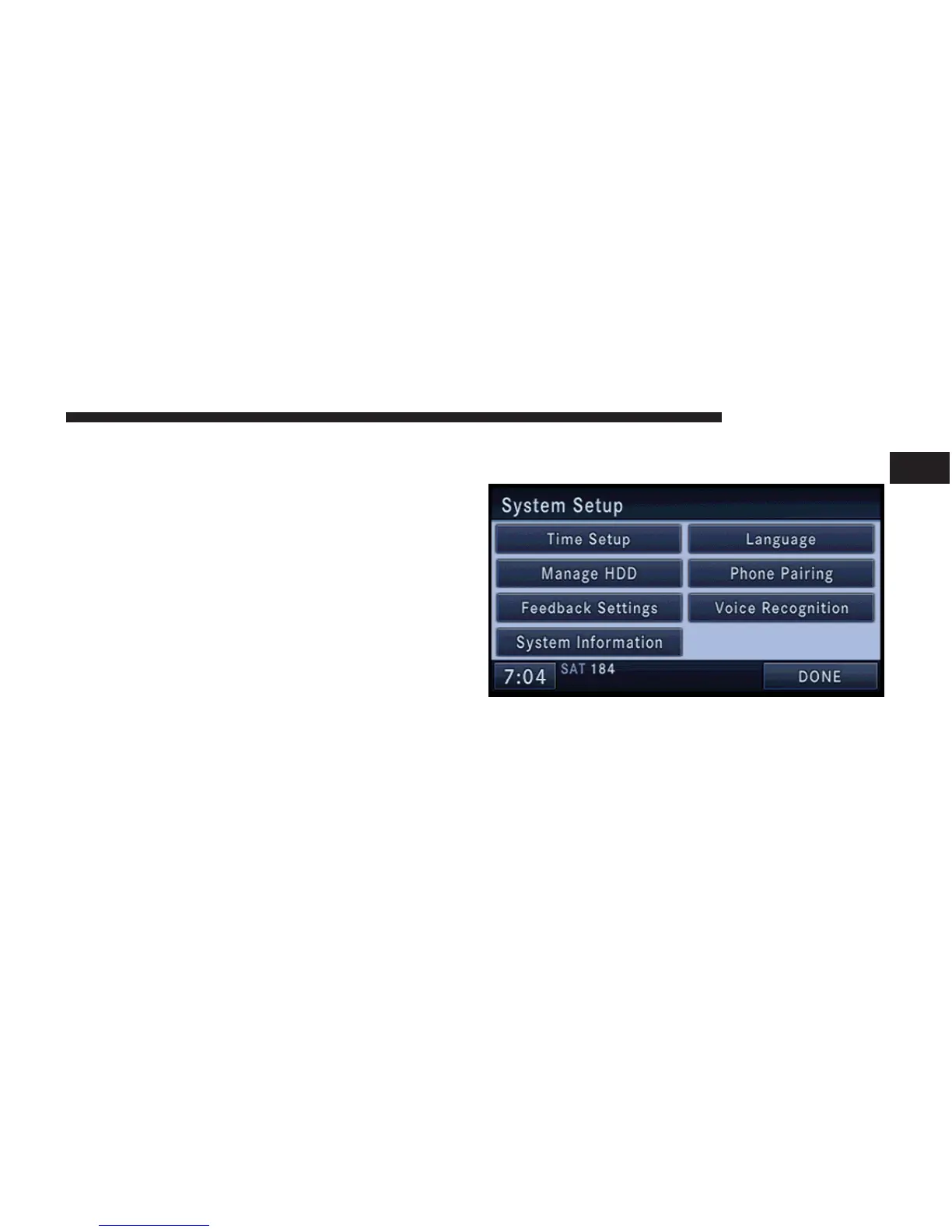
2. Then press the System Setup soft-key to get to the
System Setup menu.
3. Press the Language soft-key and select a language.
GETTING STARTED 17
1



 To Next Page