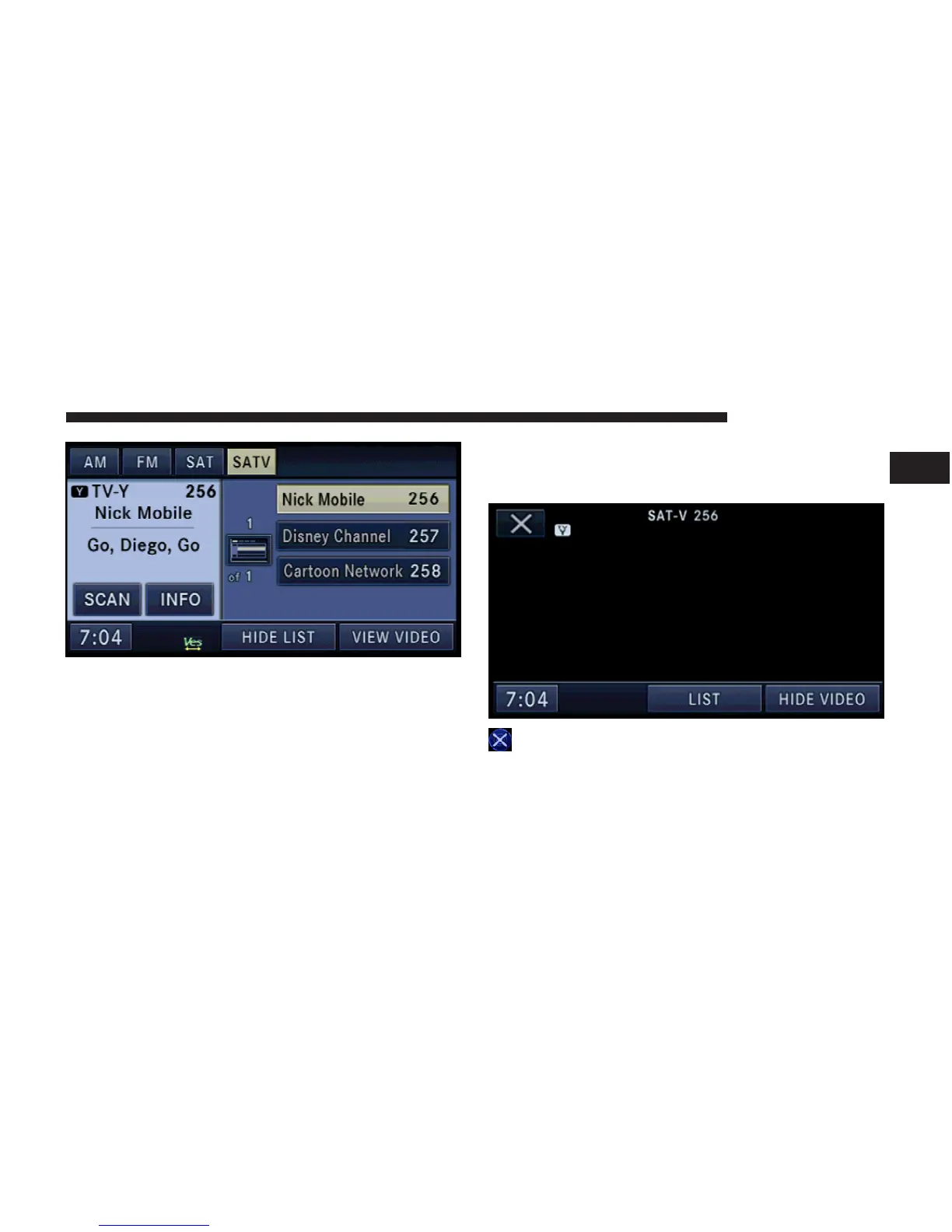
Channel List
Select LIST to display a list of available video channels.
Select HIDE LIST to hide the video channel list.
View a Video on the Radio Screen
To view a SIRIUS BACKSEAT TV™ channel on the radio
screen, the vehicle must be stopped. In order to watch the
desired video, touch the VIEW VIDEO soft-key.
SIRIUS BACKSEAT TV™ Controls
Touch anywhere on the screen to activate the video
controls.
Touch the DVD Close soft-key to close the SIRIUS
BACKSEAT TV™ Controls.
Touch the LIST soft-key to display the channel list. Touch
the HIDE VIDEO soft-key to the SAT-V mode screen.
REMOTE DEVICES 67
1



 To Next Page