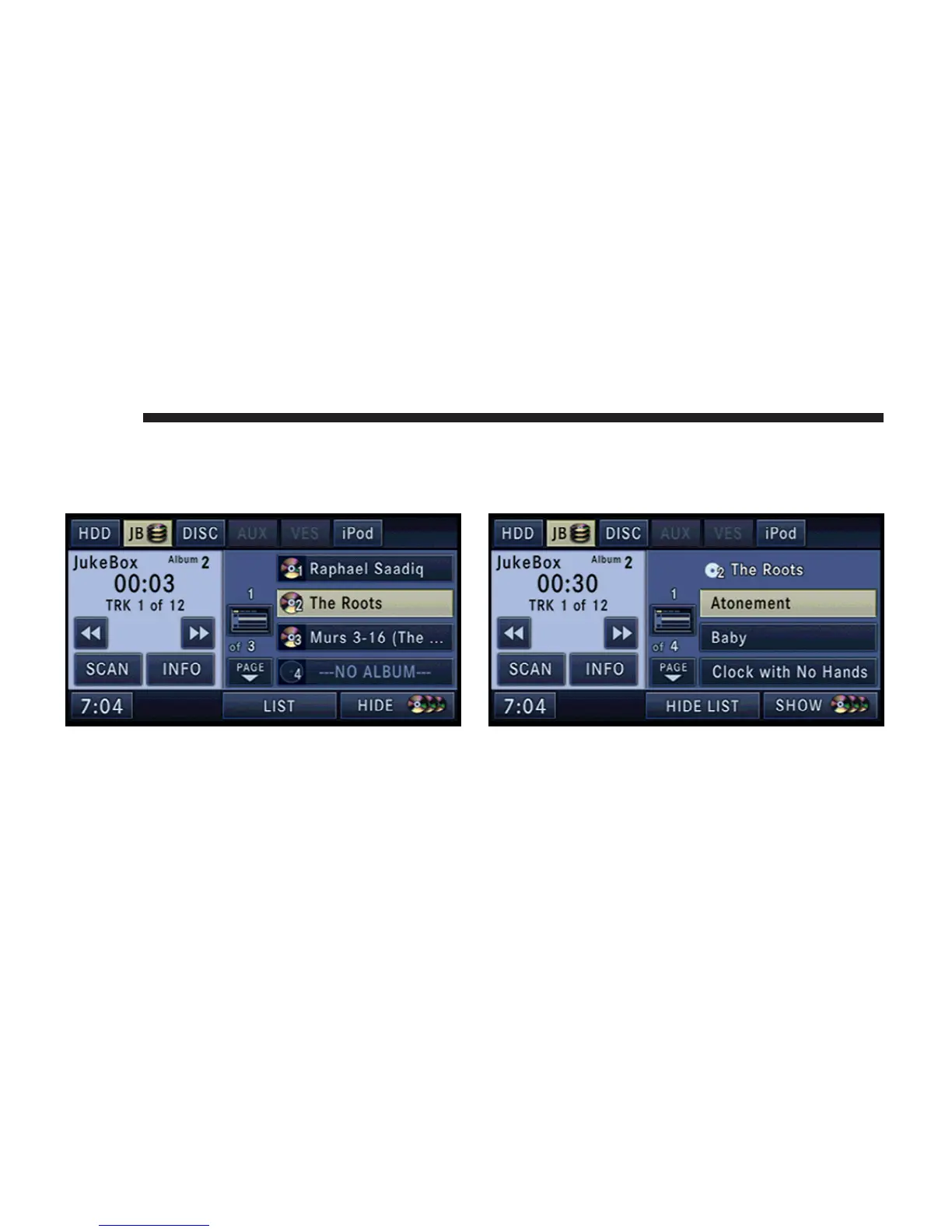
Selecting a Jukebox Album (Playlist)
Touch the SHOW DISC soft-key to display a list of
available albums.
Touch the album soft-key to select and play the desired
album.
Touch the ---NO ALBUM--- soft-key to fill an empty
album.
Touch the HIDE DISC soft-key to hide the album list.
Touch the LIST soft-key to display a list of songs in the
currently playing album.
Selecting a Track
Touch the LIST soft-key to display a list of available
tracks in the selected album.
42 MEDIA



 To Next Page