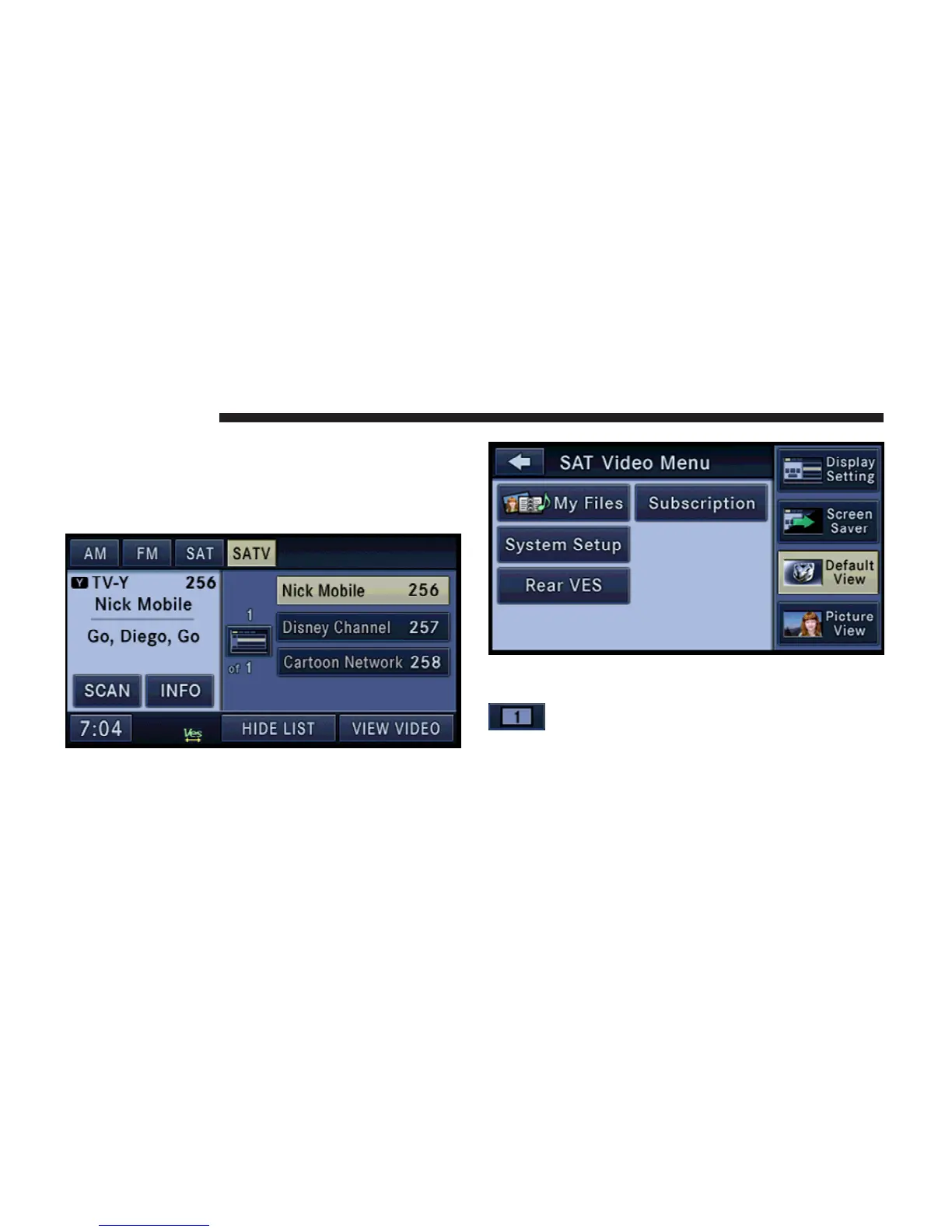
Playing SIRIUS BACKSEAT TV™ for the rear VES
1. To view SIRIUS BACKSEAT TV™ (if equipped) on the
rear VES radio screen, select the SAT-V tab in the radio
mode.
2. Select a channel and
3. Press the MENU hard-key on the right side of the
radio.
4. Touch the Rear VES soft-key to display the Rear VES
Controls.
5. Touch the 1 soft-key-tab to select audio
channel 1.
76 REMOTE DEVICES



 To Next Page