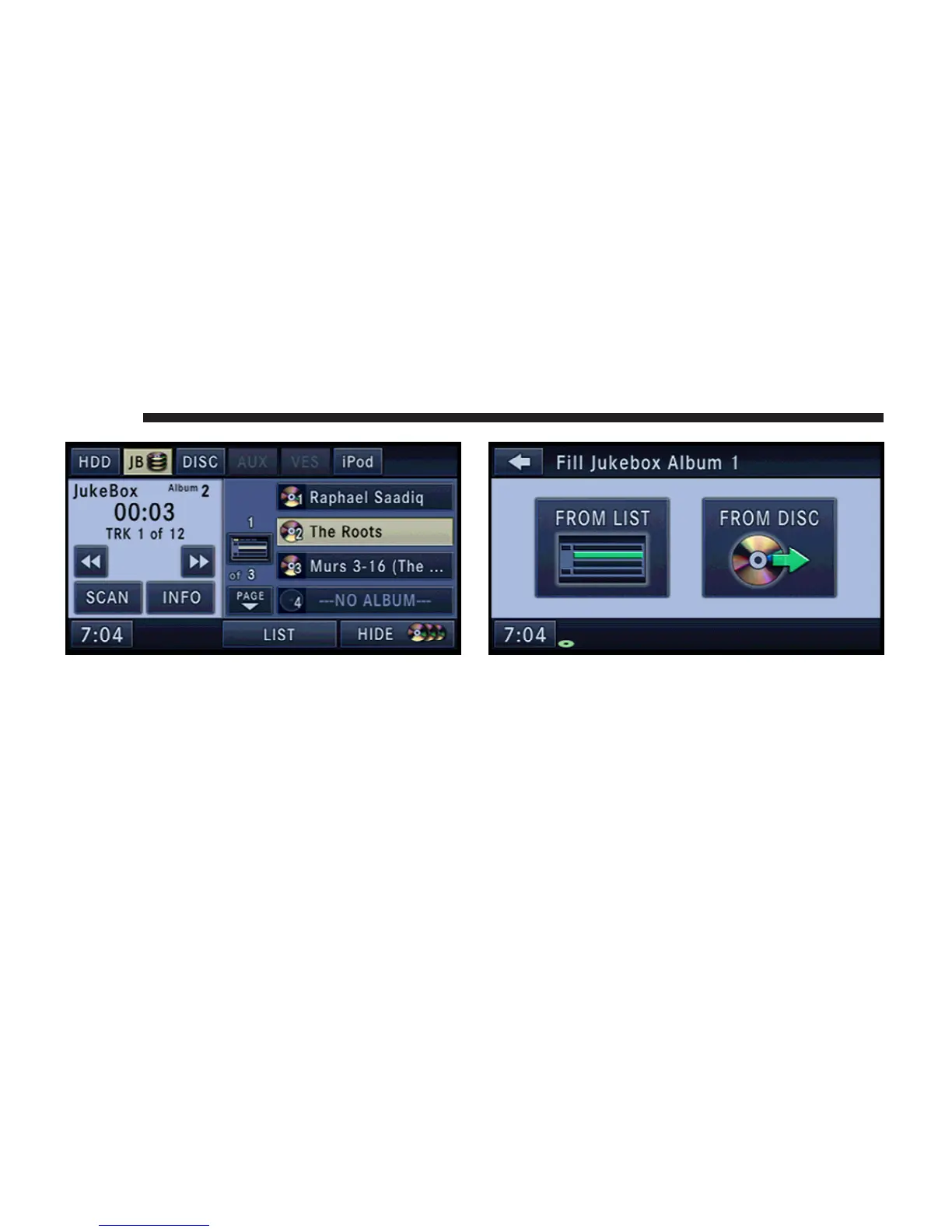
2. Select an album slot by touching the corresponding
---NO ALBUM--- soft-key.
NOTE: Refer to the Edit Jukebox Album section in this
manual in order to remove an album from the jukebox
slot.
3. Touch the FROM DISC soft-key.
4. Touch the FROM DISC soft-key to open the display.
5. Insert the audio disc you would like to copy.
6. Touch the OK soft-key to confirm the copy process.
38 MEDIA



 To Next Page