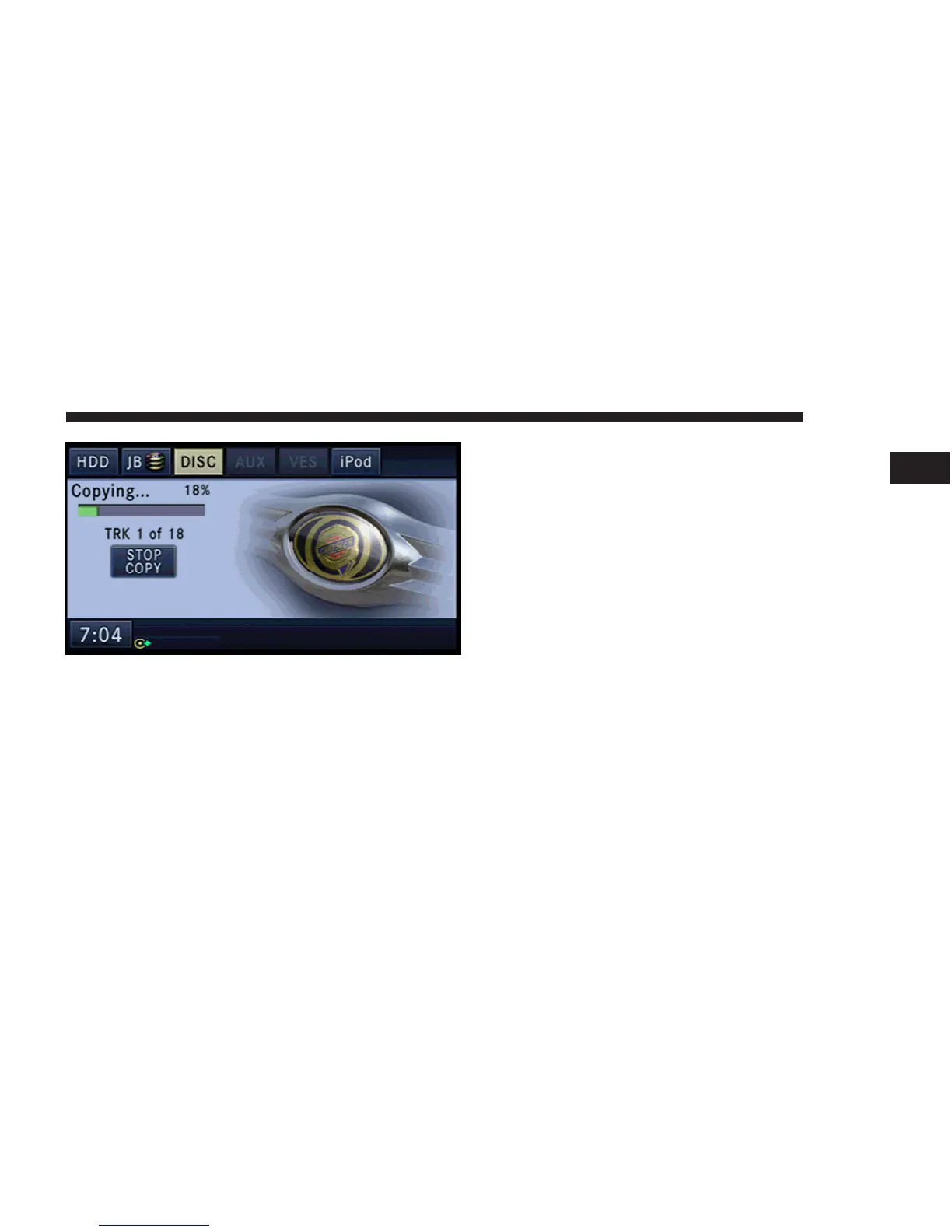
You may now switch to the DISC mode by touching the
DISC soft-key tab to see the copy progress bar. Disc audio
can not be heard in this mode.
Touch the COPY STOP soft-key to stop the copy process.
You may touch the JB soft-key tab after the first track is
completed. The jukebox is able to start playing the copied
tracks. The album soft-keys of unfinished tracks will be
disabled until the track copy is complete.
You may remove the disc after all tracks are copied.
MEDIA 39
1



 To Next Page