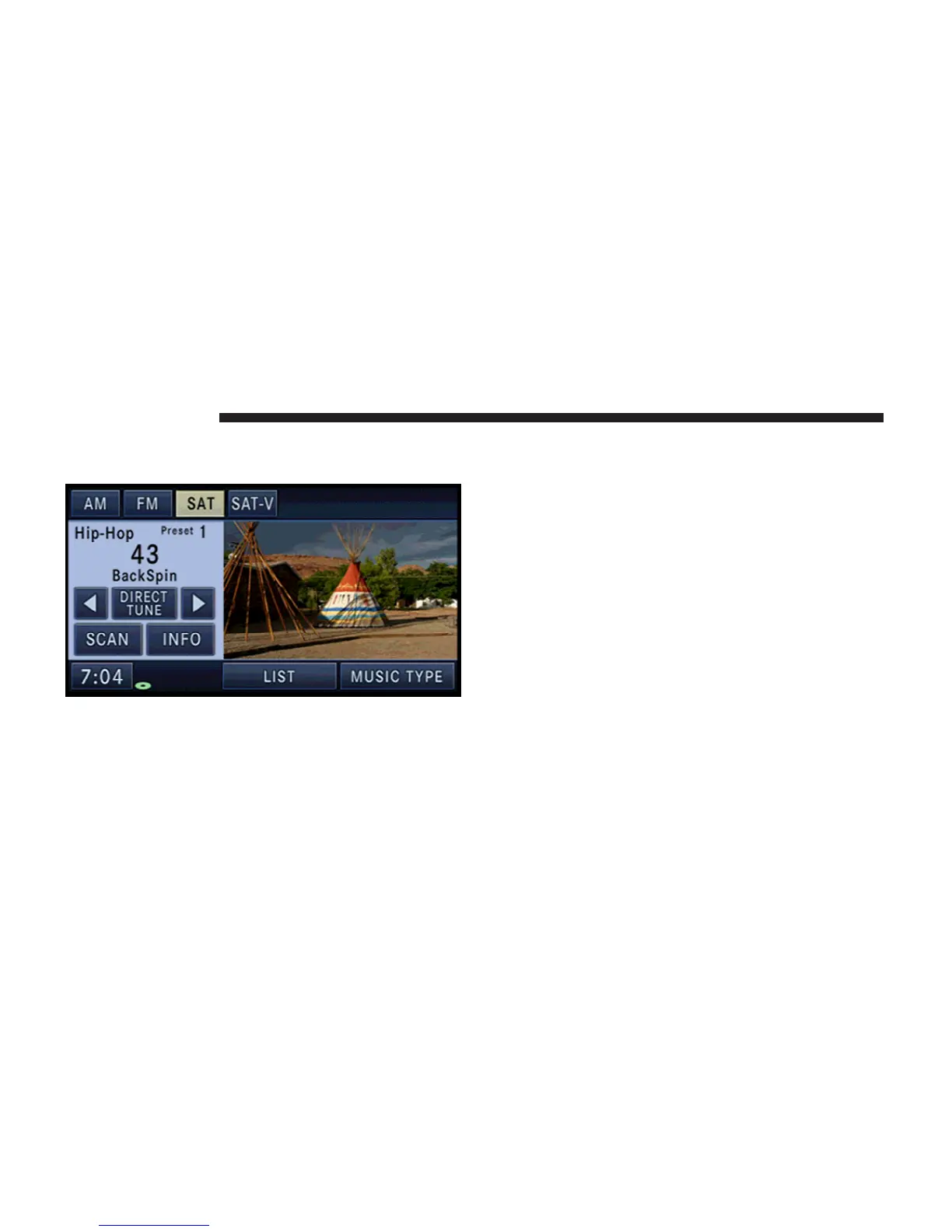
10. Press the MENU hard-key twice and then touch the
Picture View soft-key to enable the picture view.
The picture is now displayed on the right half of the
screen.
REMOTE DEVICES
SIRIUS BACKSEAT TV™ (if equipped)
Satellite Video Mode
In order to receive satellite video, the vehicle needs to be
outside with a clear view to the sky. If the screen shows
Acquiring Signal, you might have to change the vehicle
position in order to receive a signal. In most cases, the
satellite video does not receive a signal in underground
parking garages or tunnels.
66 REMOTE DEVICES



 To Next Page