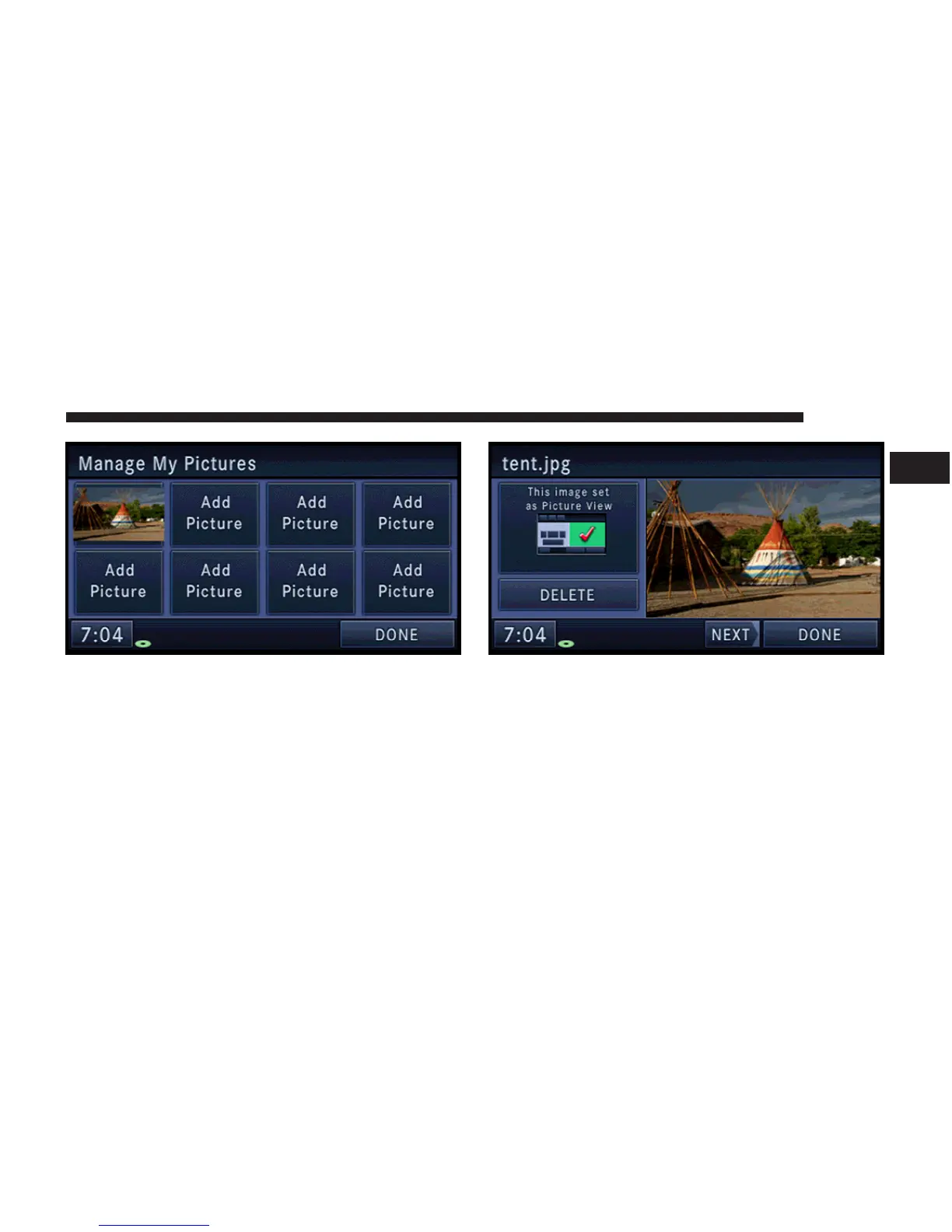
The imported picture is now available in the Manage My
Pictures screen.
8. In order to display the imported picture in the radio
screen, touch the desired picture soft-key.
9. Select this picture by pressing the Picture View soft-
key. A check-mark indicates the currently used picture.
Use the PREV or NEXT soft-key to step through the list of
available pictures.
Touch the DELETE soft-key to delete the picture from the
hard disk drive.
MEDIA 65
1



 To Next Page