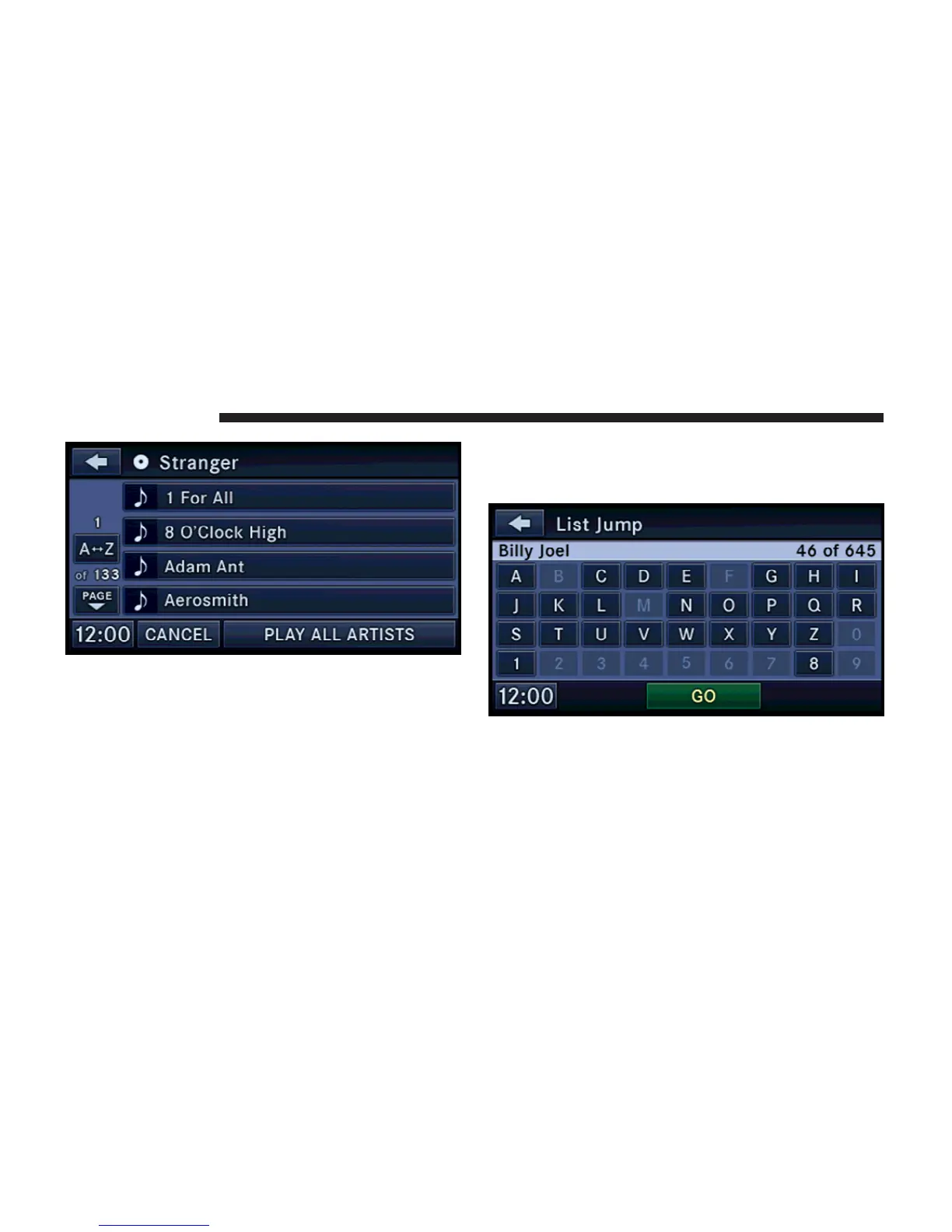
Touch a soft-key with the desired artlists name to play
songs from this artist.
Touch the PLAY ALL ARTISTS soft-key to play songs
from all available artists.
Touch the PAGE UP or PAGE DOWN soft-key to navi-
gate through the list of artists.
List Jump
If you encounter a very long list, it may be helpful to
touch the A<>Z soft-key to go to the List Jump menu.
For this example we entered the first letter of the desired
artist.
Touch the GO soft-key to jump to the desired artist.
84 REMOTE DEVICES



 To Next Page