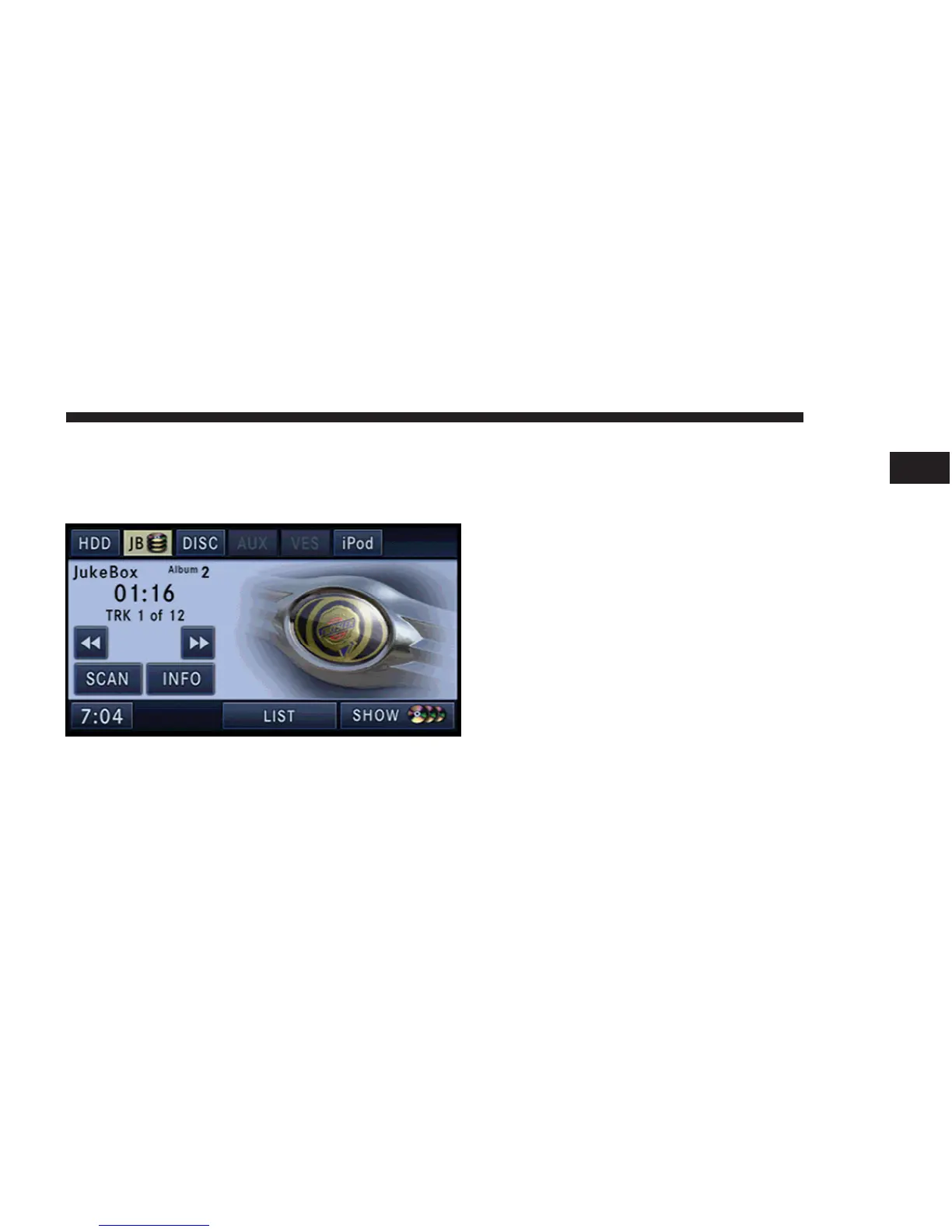
Selecting Jukebox Mode (JB)
Press the RADIO/MEDIA hard-key repeatedly until the
Jukebox tab is shown on the screen. Touch the JB soft-key
to access the Jukebox.
Touch the Jukebox Tab to activate the Jukebox mode.
Fill a Jukebox Album from Audio Disc
1. Touch the SHOW DISC soft-key to display a list of
available albums.
NOTE: You cannot fill a Jukebox Album using a disc
with MP3 and WMA files. To do this you must first copy
the files to the HDD. Refer to the HDD mode in this
manual.
NOTE: When you open the Jukebox for the very first
time, a popup menu gives you the option to fill the
Jukebox.
MEDIA 37
1



 To Next Page