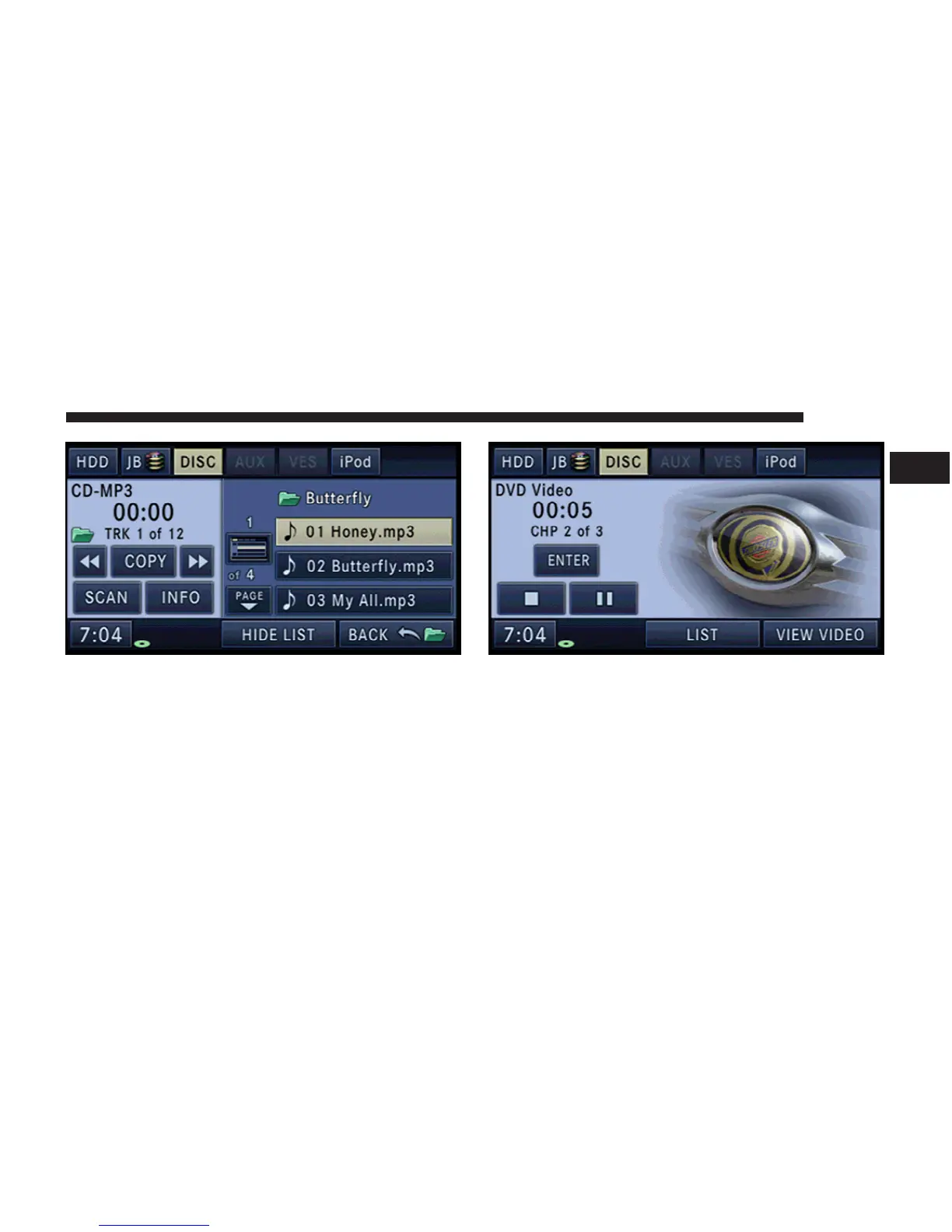
4. Touch the BACK soft-key to close a folder.
Playing a Video DVD
To view a DVD video on the radio screen, the vehicle
must be stopped.
Insert a video DVD first.
The playback starts automatically after the DVD video is
recognized by the disc drive.
Touch the LIST soft-key to display a list of available
chapters or tracks. Touch a chapter or track soft-key in
the list to start playback from the selected section.
Touch the VIEW VIDEO soft-key to view the video on the
screen.
MEDIA 33
1



 To Next Page