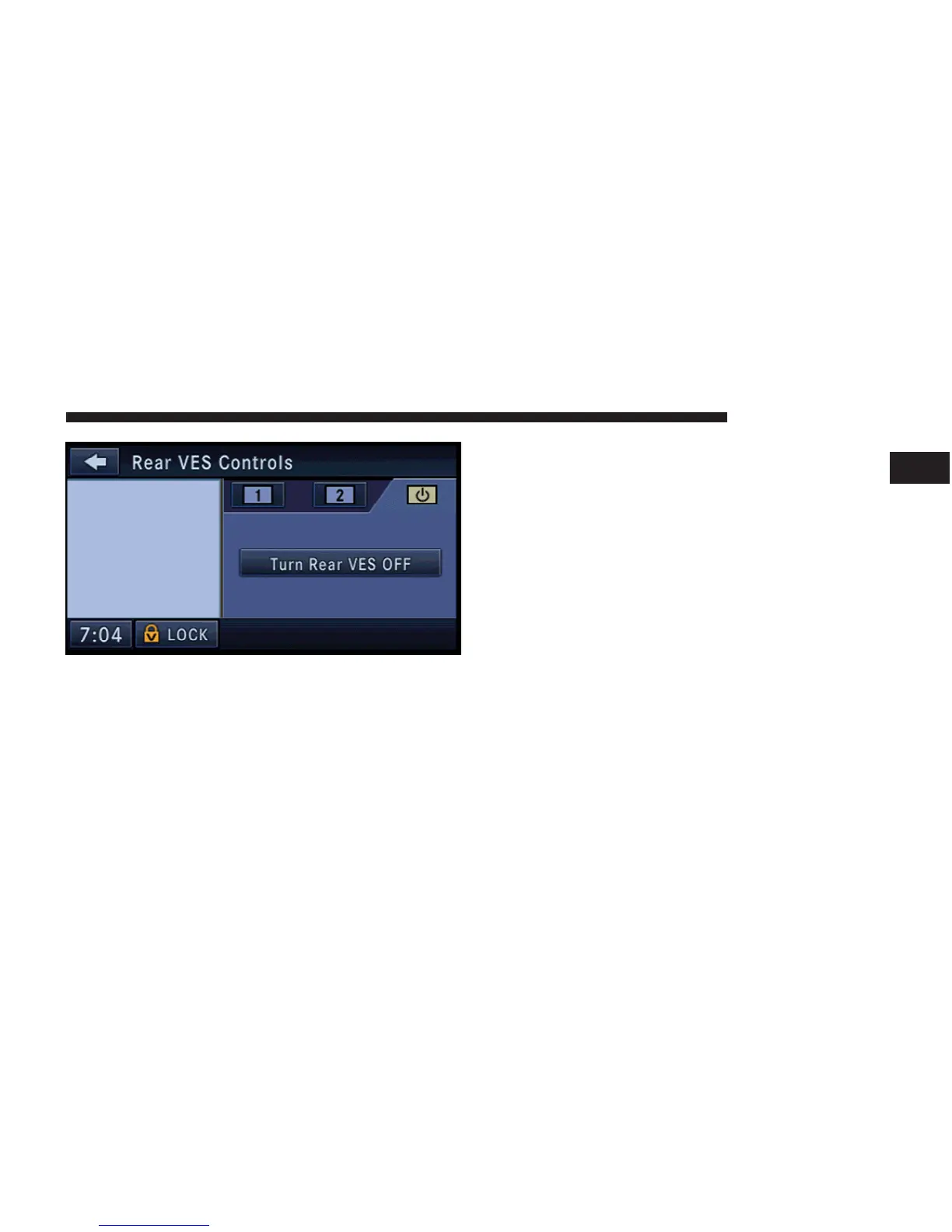
6. Touch the RADIO soft-key to select the radio mode.
7. Touch the SAT-V soft-key to select the SIRIUS BACK-
SEAT TV™ receiver.
USB Connector
It is possible to transfer audio files or pictures files to the
radio. Files can be on a disc or on a USB device (e.g., USB
stick). The USB connector is covered by a small cover,
which protects the connector from dust or damage.
NOTE: USB devices (e.g., camera memory USB adap-
tors, etc.) must comply with the MSD (Mass Storage
Device) standard. This USB terminal can provide power
to the inserted device. The devices current limitation
must be less or equal to 500mA.
The transfer speed for this USB connector is approxi-
mately 2 megabytes per second.
MP3 player devices cannot be controlled through the
USB connector. Some player devices save music files in
MP4 format, which cannot be played in this radio. Some
copy protected music (e.g., downloads from the internet)
cannot be played on this radio.
REMOTE DEVICES 77
1



 To Next Page