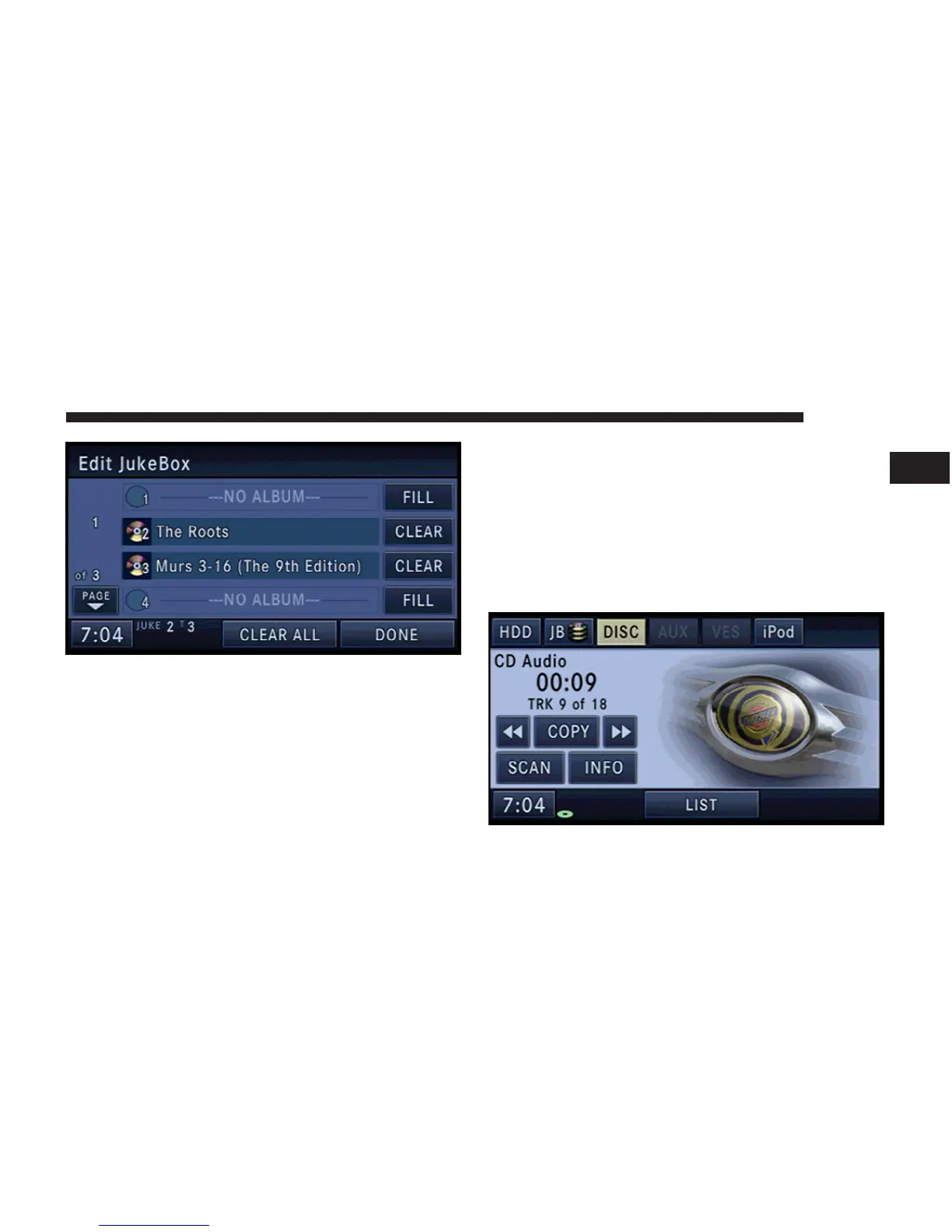
NOTE: The CLEAR soft-key in the Edit JukeBox menu
does not delete the playlist from the hard disk drive.
Hard Disk Drive Mode (HDD)
The HDD mode gives you access to the audio files on the
internal hard disk drive. It functions similar to a CD
player, with the exception that the internal HDD can hold
more tracks. It can hold approximately 1,600 four-minute
CD-quality songs.
Before using the HDD mode, you will need to copy tracks
to the internal hard drive.
The files will be stored on the internal hard disk drive
and can be used in the HDD mode, or for Jukebox
albums.
Copy Audio Disc to Hard-Drive
1. Insert a disc.
MEDIA 45
1



 To Next Page