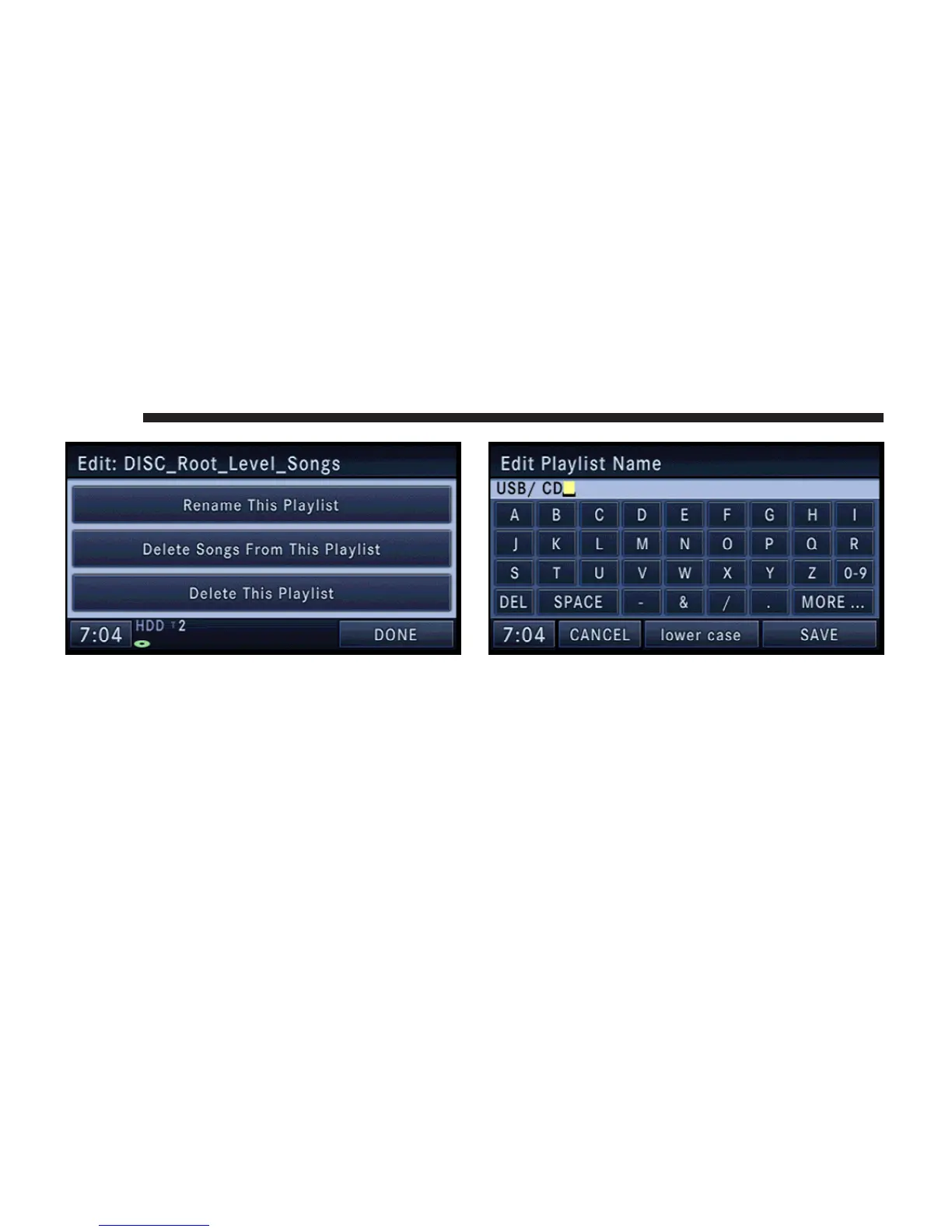
6. Touch the Rename This Playlist soft-key.
NOTE: If you touch the Delete This Playlist soft-key, the
playlist and all songs contained in it, will be permanently
deleted. Neither song nor playlist can be recovered.
7. Type in a new name for the playlist.
8. Touch the SAVE soft-key to confirm the name.
58 MEDIA



 To Next Page