WARNING!
It is not possible to copy files of a USB device while
the vehicle is in motion.
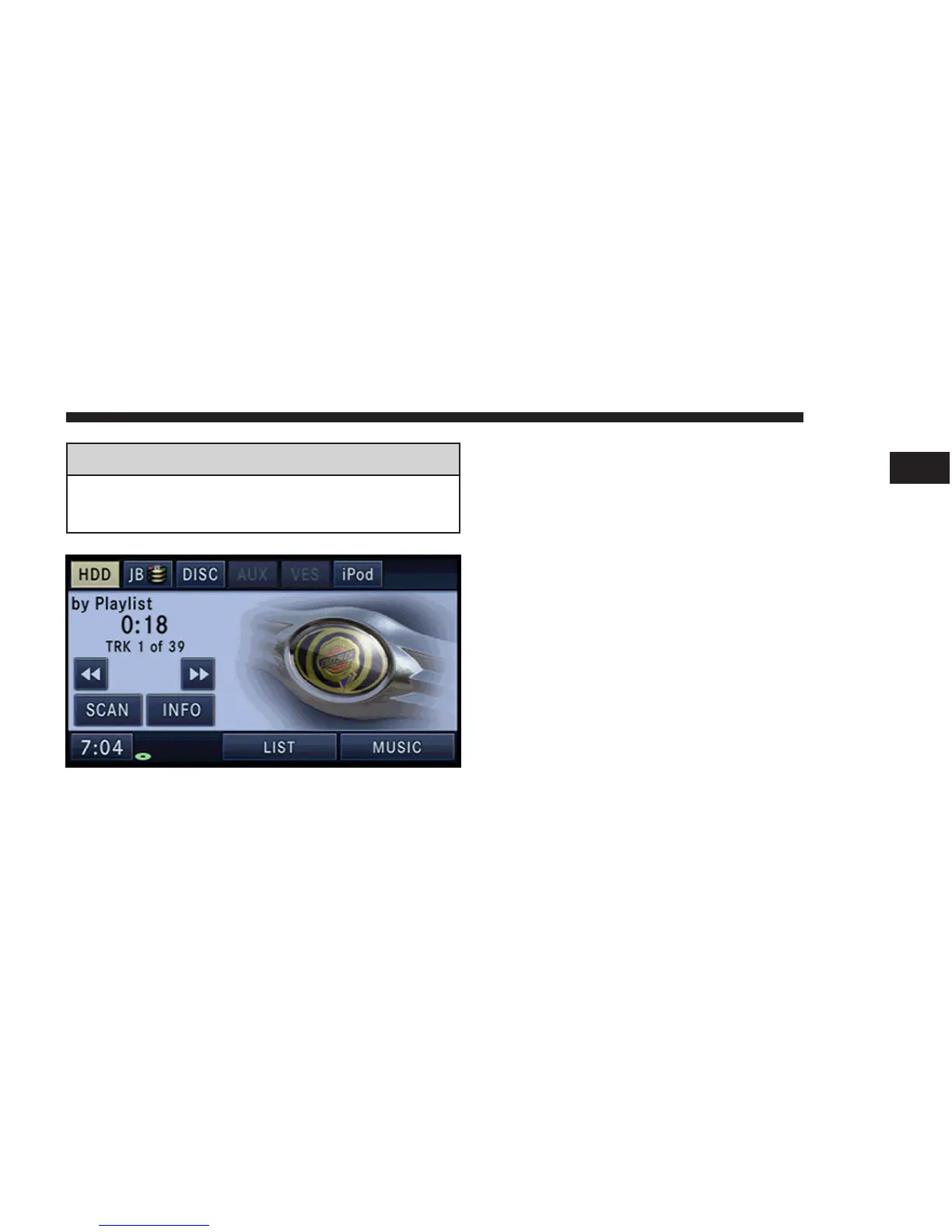
In the default mode, the vehicle brand logo is displayed
in the right half of the screen. Press the Menu hard-key on
the right side of the radio to access one of the setting
menus.
It is recommended to change the picture dimensions on a
PC or Digital Camera to 240 by 158 pixels before the
import.
NOTE: USB devices (e.g., camera memory USB adap-
tors, etc.) must comply with the MSD (Mass Storage
Device) standard. This USB terminal can provide power
to the inserted device. The devices current limitation
must be less or equal to 500mA.
MEDIA 61
1



 To Next Page