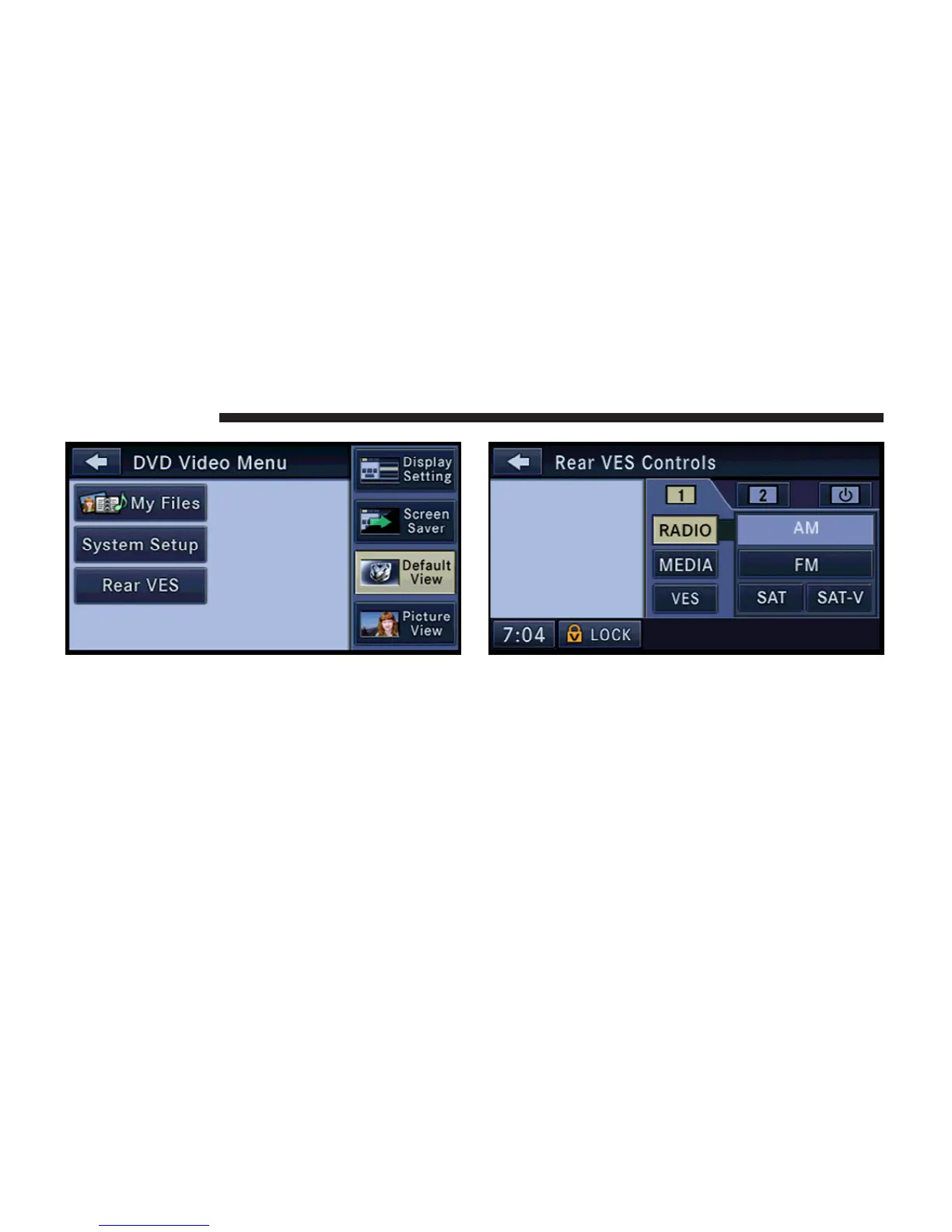
Touch the Rear VES soft-key to display the Rear VES
Controls.
The Rear VES Controls are displayed in the right half of
the screen.
NOTE: Press the HIDE LIST soft-key, and/or the
CLOSE INFO soft-key, if you cannot see the Rear VES
Controls.
The upper row of tabs controls the headset audio chan-
nels 1, or 2. The third tab controls the VES on/off button.
70 REMOTE DEVICES



 To Next Page